33
Channel - Recorded List
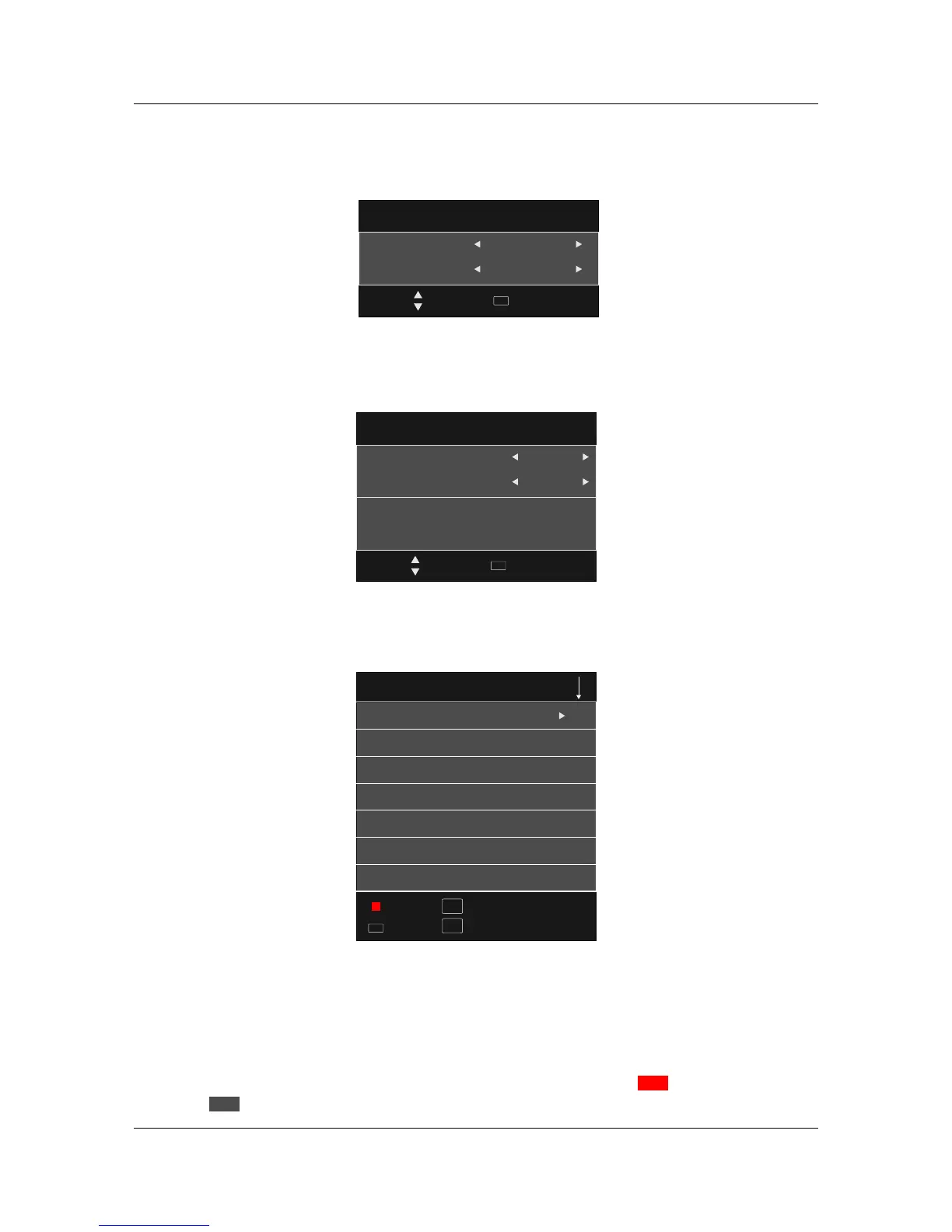
To view a list of recorded programs, press the R.LIST button.
Channel - Recorded List
Recorded List
Programme
8 Simples Rules
Before Winter Comes
Before Winter Comes
Love Comes Softly
INFO
Index
Delete
OK
Select
INFO
Index
File System Size
DVR File System Type
DVR File System Size
SD104 Mins
HD 29 Mins
Hi Speed FS
ALL
Move
Select
OK
Select Disk
Choose the drive for DVR, C: is the default drive.
Select Disk
Check DVR File System
Press 'OK' button to check if your USB device is ready for DVR functions. If the disc is formatted
and compatible it will display 'SUCCESS', if the disc is not ready it will display 'FAIL'.
Check DVR File System
Select Disk
USB
Disk
0
C:
Move
Select
OK
Show current condition,recoreded programme shows no mark, if shows means recording,and
if it shows ,it means on the playing,if Focused,it shows color image,otherwise it is gray.
Record
Play
MarkMark
Recorded List.
TitleTitle
Programme -> Channel -> Time,which make orders by programme name, channel order and record
time.
Show in title right,means the current ordering way,Index key can switch option:
OrderingOrdering



 To Next Page