27
How to Direct Record
1. In the DTV source,you can start record function by press the “REC” key while
program playing. Before that, you have to make sure the USB storage device is
inserted and the device checking and Initialization is done.
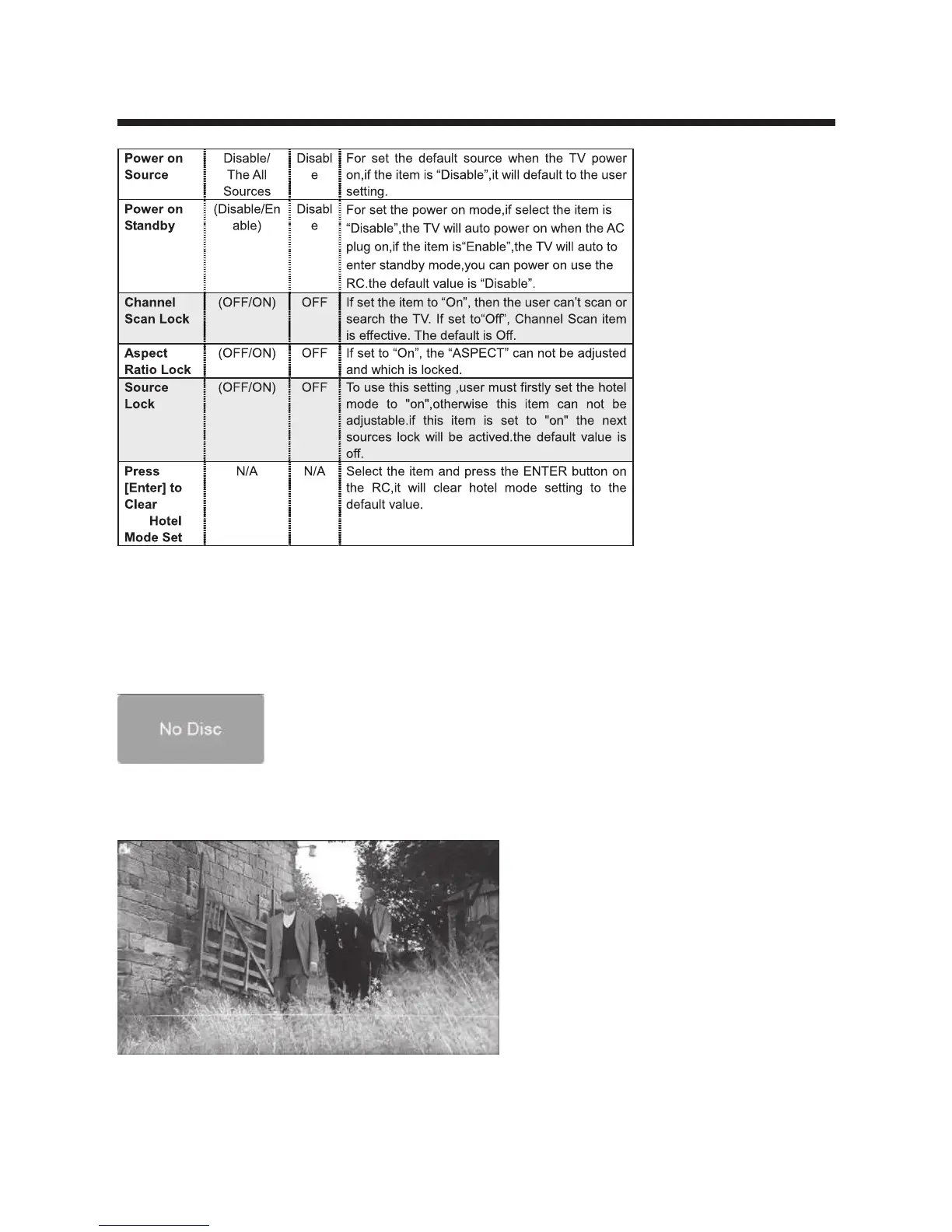
If you press “REC” key when there’s no USB storage device inserted, the prompt
window will appear as follow.
If you press “REC” key during the device checking and Initialization, the prompt
window will show black screen about 2s.when the TV is recording, it will appear
the recording menu.
+
Menory



 To Next Page