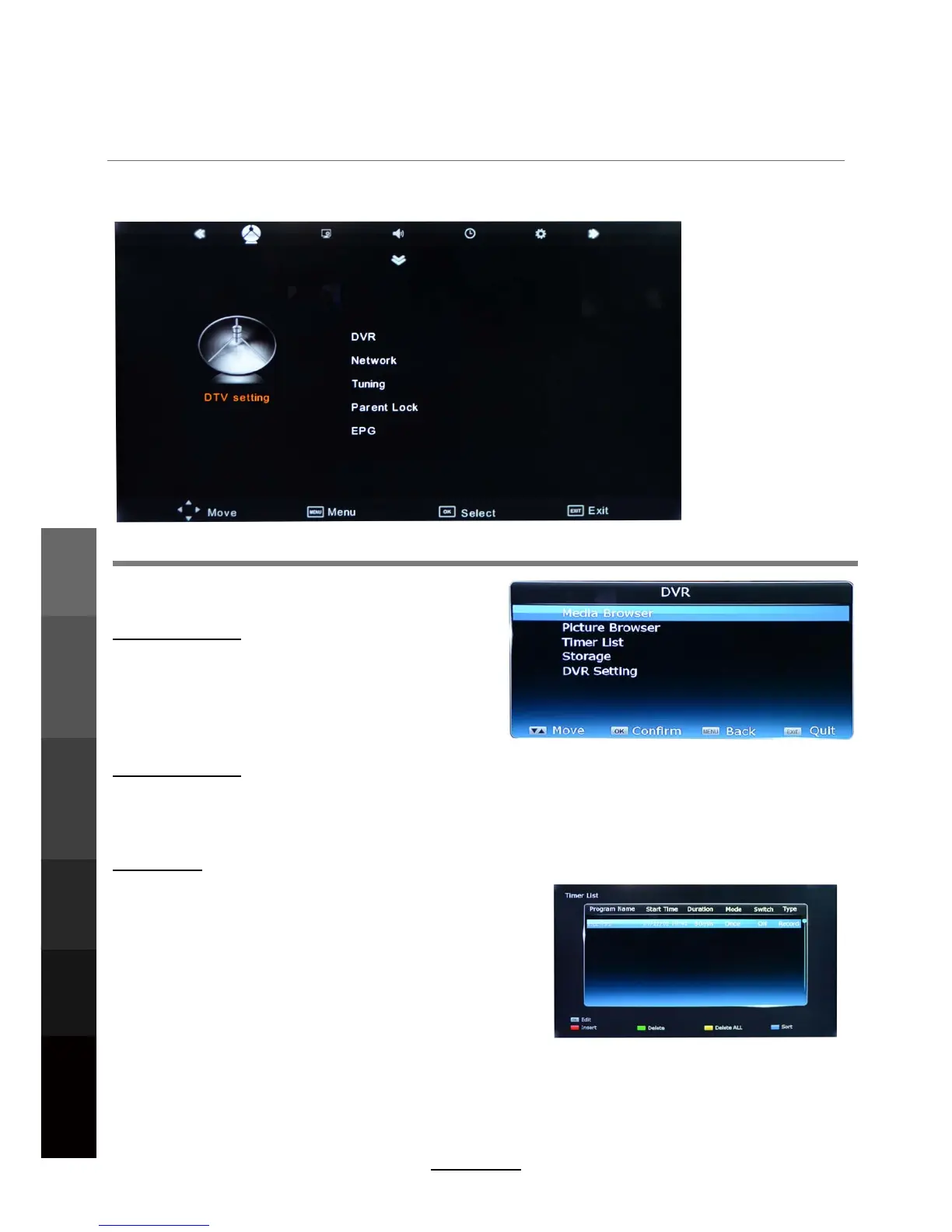
OSD Menu
1. DTV setting
Description
DVR menu
Media Browser
Press OK to enter the DVR List for playback of
media files (All, Recording, Media, Photo) that
havebeen recorded or from a connected media
server. Alternatively, use the MEDIA button on
ther remote control.
Picture Browser
Press OK to enter the DVR List for playback of
media files(Picture) that have been recorded or from
a connected media server.
Timer List
View and manage your timer reminders/recordings by
using the colour buttons as shown in the hints at the
bottom of the screen.
- [RED] : Add new timer reminder/recording
-
[GREEN] : Delete existing timers
[YELLOW] : Delete all timers -
- [BLUE] : Sort the timer list
OSD Menu
Electronic Program
Guide
Recording
Operation
Maintenance
and Service
NETWORK
Media
Operation
14



 To Next Page