33
ENGLISH
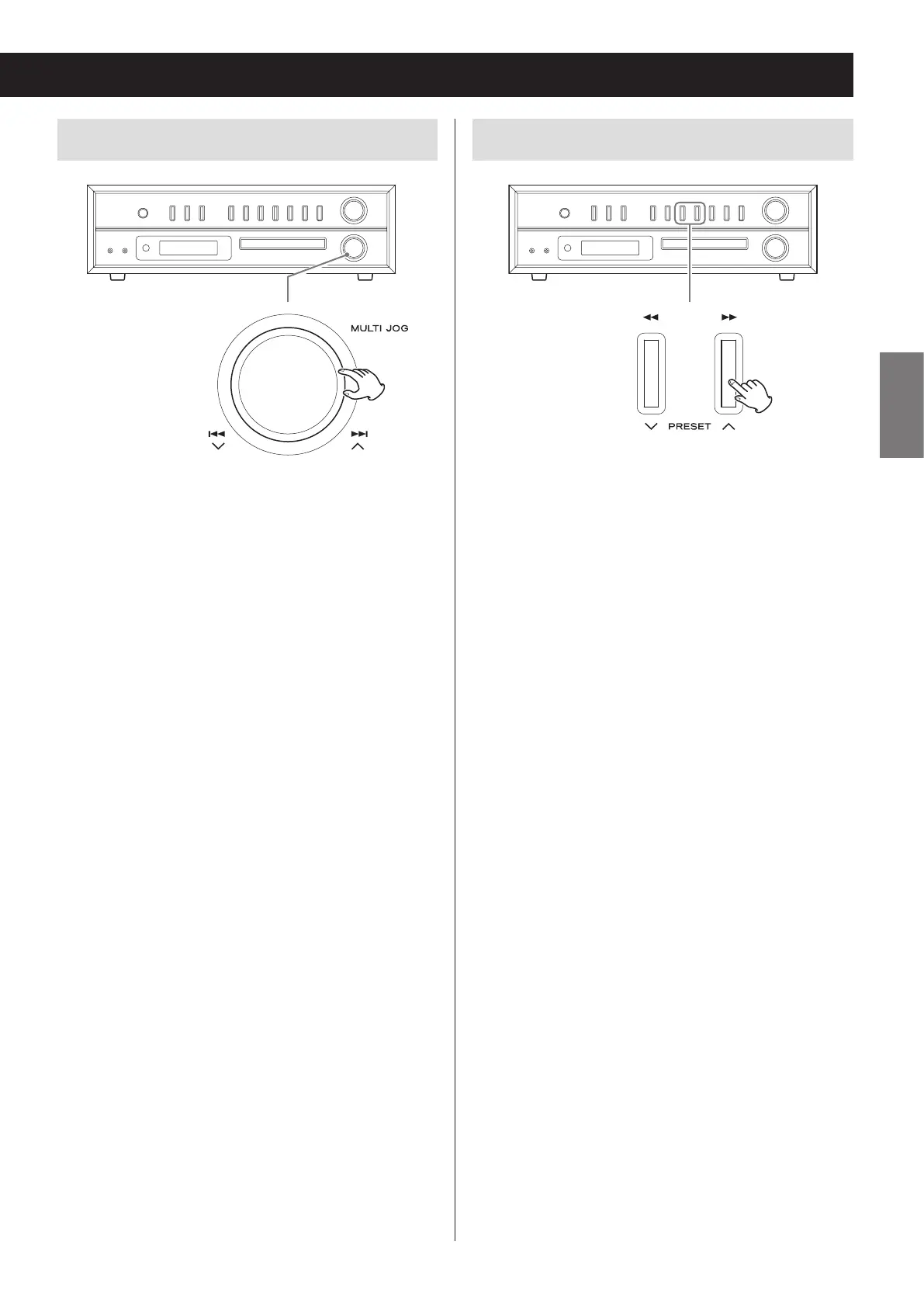
Skipping tracks/files
During playback, turn the skip (.//) knob to skip
to the previous or next track/file and start playback.
Keep turning until you reach the desired track number.
o When stopped, after selecting a track with the skip
(.//) knob, press the play/pause (y/9) but-
ton to start playback.
o During playback, turn slightly toward . to return
to the beginning of the currently playing track. To
play an earlier track, continue turning toward ..
Search for a part of a track
During playback, press and hold a search (m/,)
button to search forward/backward. When you stop
pressing, ordinary playback will resume.


 To Next Page