54
You can search for stations by program type.
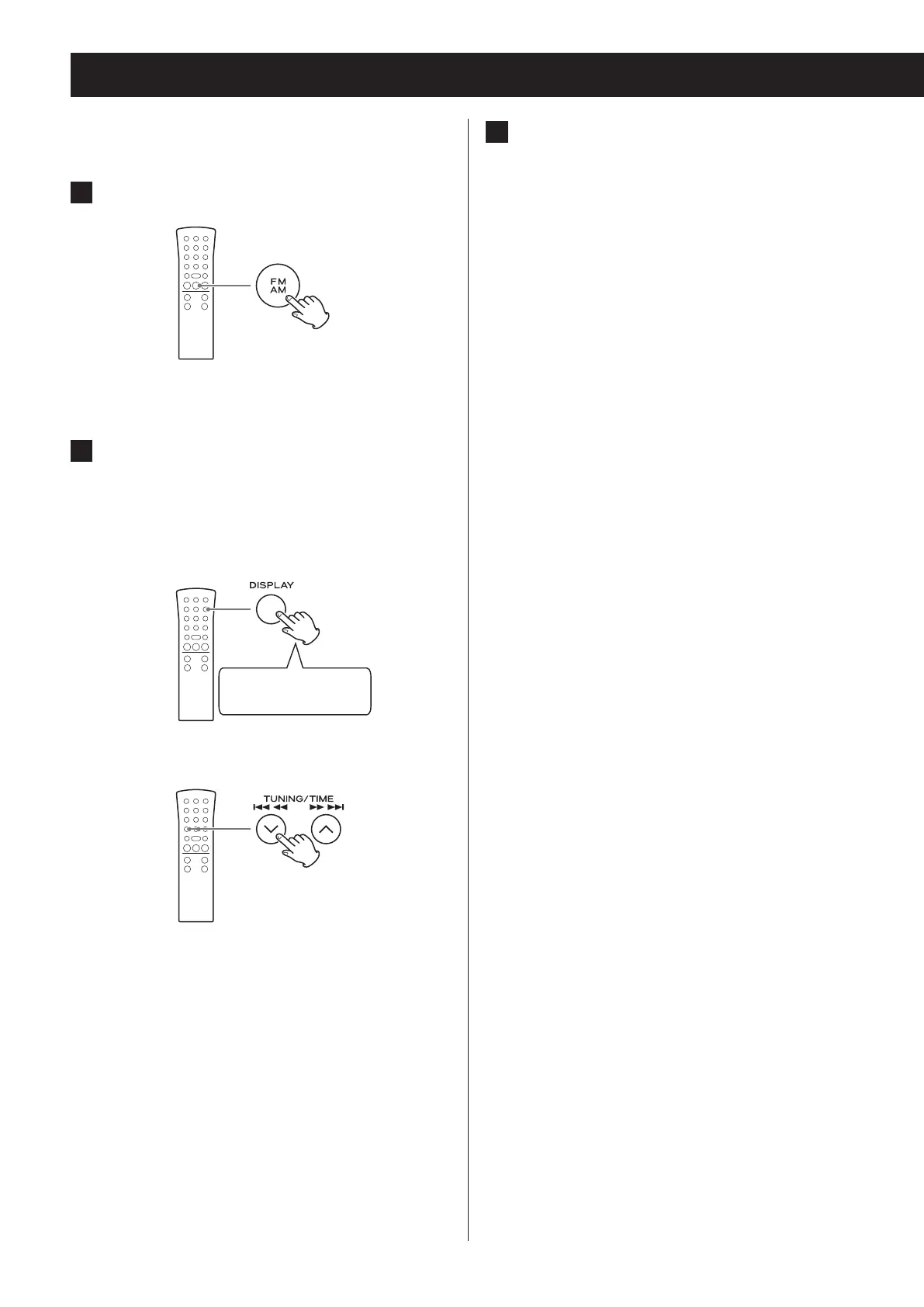
1 Press the FM/AM button to select FM.
2 Press and hold the remote control's
DISPLAY button for at least two sec-
onds. Then, press a TUNING (j/k)
button repeatedly to select the desired
program type.
Press and hold for at
least 2 seconds
c
PTY search
3 Press the DISPLAY button.
Searching will start.
o When the program type that you have selected
is found, searching will stop and the programme
type will be displayed.
o If the same program type is not found during PTY
search, it will stop at the beginning frequency.
o If you want to stop searching, press the DISPLAY
button.


 To Next Page