14
ENGLISH
Playback 1
1
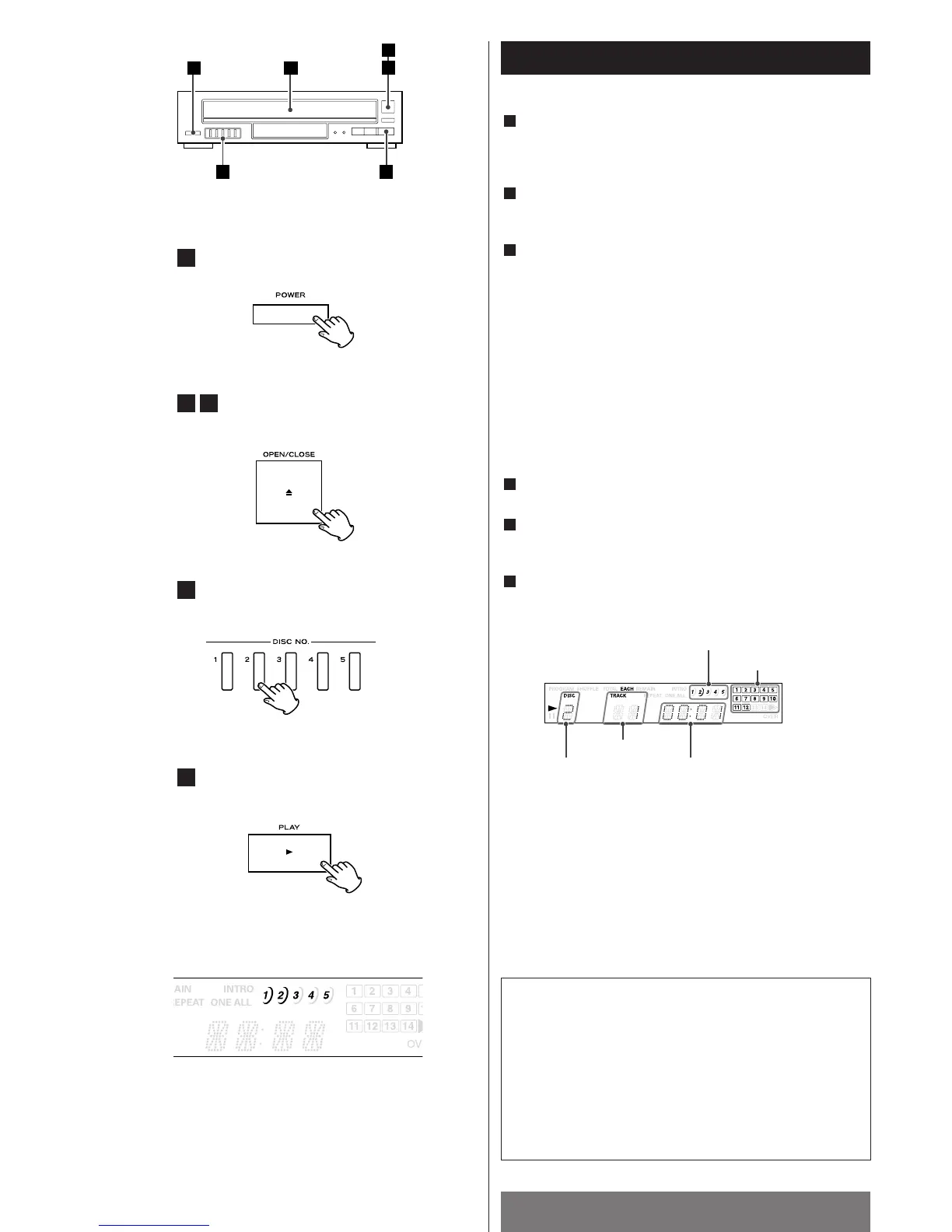
Press the POWER button to ON.
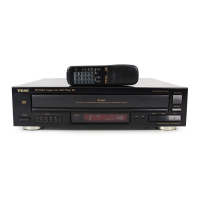
The tray turns clockwise automatically.
Press the OPEN/CLOSE button (L) to open the disc tray.
Load the disc(s) on the disc tray(s), label side(s) up.
<
Press the DISC SKIP button to load all 5 discs.
<
Each time the DISC SKIP button is pressed, the tray turns
clockwise to the next tray position.
Caution:
<
Do not touch the carousel while it is rotating.
<
Do not put anything except a compact disc into the tray.
Foreign objects can damage the mechanism.
Press the OPEN/CLOSE (L) button again.
Press the DISC NO. (1~5) button which corresponds to the tray
number of the disc to be played.
Press the PLAY (y) button.
6
5
4
3
2
1
The music calendar lights to show the available unplayed
tracks. If there are more than 14 tracks on a disc, the track
number 1–14 and OVER indicator will light.
elapsed time
track number
music calendar
disc mark
selected disc
Disc numbers and disc marks
1. When a disc number lights
The CD changer hasn't detected a disc yet.
2. When a disc number and disc mark lights
The CD changer has detected a disc in the tray.
3. When a disc number and disc mark go out
The CD changer detects no disc in the tray.


 To Next Page