11
ENGLISH
PROGRAM STOP
.m ,/DISPLAY
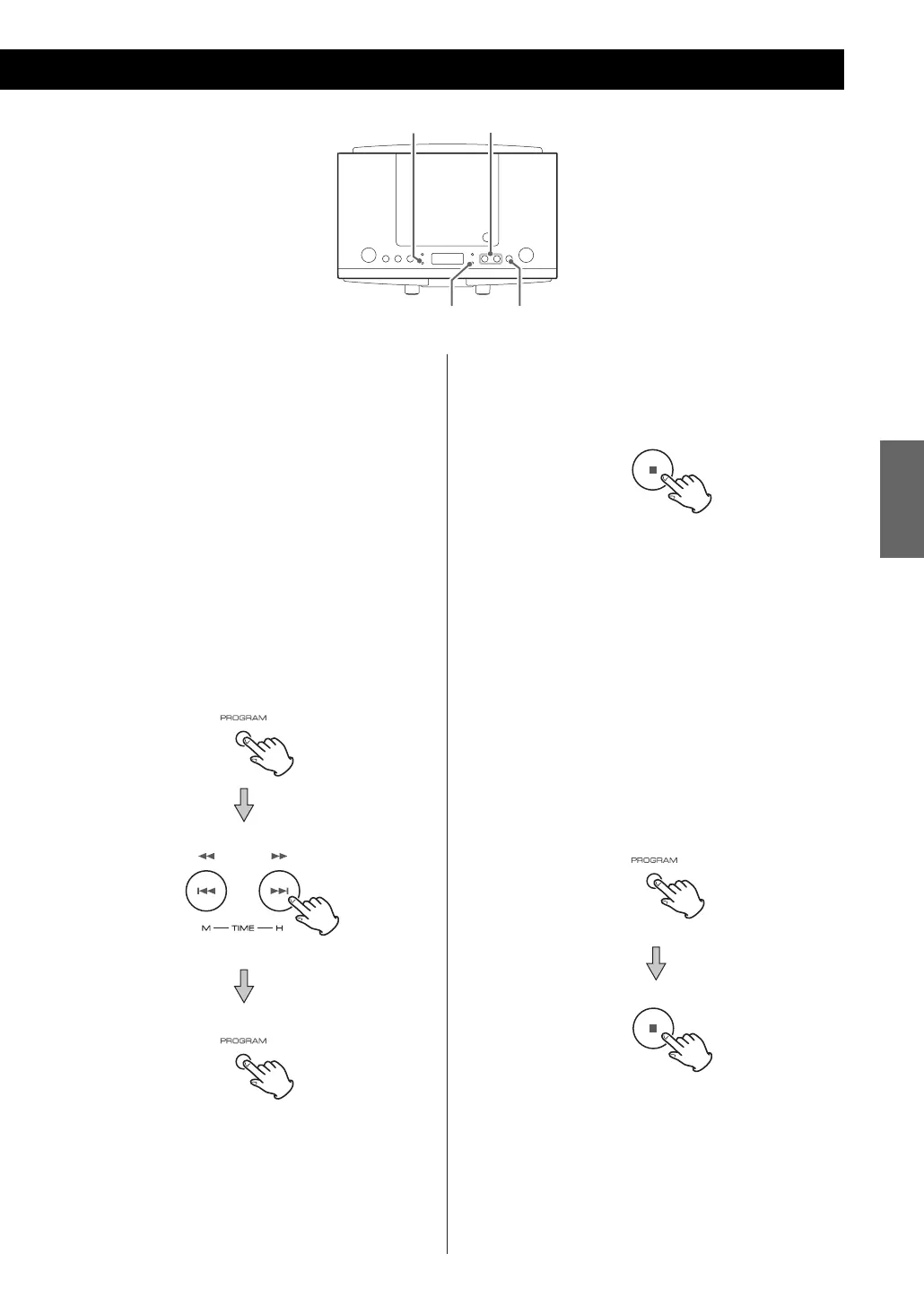
To add a track to the end of the program
In the stop mode, press the PROGRAM button
repeatedly until “00” appears on the display.
Select a track number by pressing the SKIP/SEARCH
button, and then press the PROGRAMbutton.
The track is added to the end of the program.
To clear program
In the stop mode, do either of the following to
clear the program:
< Press OPEN/CLOSE button (L) on top of the unit to
open the CD compartment.
< Press the PROGRAM button and then the STOP (H)
button.
< If the unit is disconnected from the power supply
for more than 3 minutes, the programmed
contents will be cleared.
To cancel the program playback mode
Press the STOP (H ) button. PROG indicator
disappears, but the programmed contents aren’t
lost.
To return to the program mode, press the
PROGRAM button.
To overwrite the program
In the stop mode, press the PROGRAM button
repeatedly until the program number to be
changed appears on the display.
Select a track number by pressing the SKIP/SEARCH
button, and then press the PROGRAMbutton.



 To Next Page