16
The unit automatically switches from power on to
standby at a specified time.
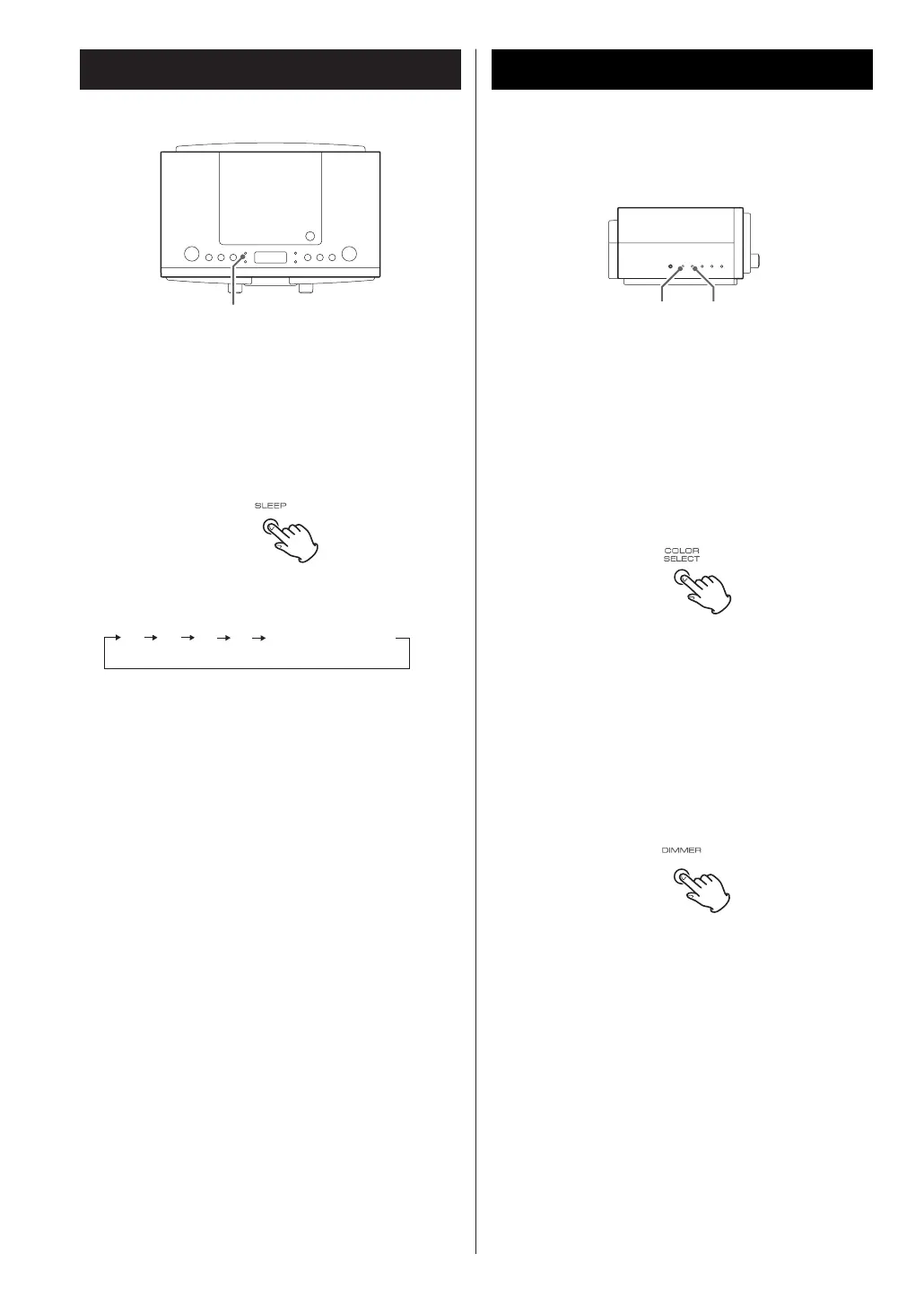
When the power is on, press the SLEEP button
repeatedly until the desired time appears on the
display.
The sleep time can be changed as follows.
Sleep Timer
SLEEP
When the sleep timer is activated, SLEEP indicator
lights.
< To cancel the sleep timer, press the SLEEP button
repeatedly until the clock display appears on the
display.
OFF(clock display)
90 60 15
30
To change the display lighting
You can select the display lighting from one of seven
colors or you can have the color change continuously.
You may also choose to have the lighting off.
Press the COLOR SELECT button repeatedly until
your desired color lighting-up the display.
Display
COLOR SELECTDIMMER
To dim the display
Press the DIMMER button to dim the clock display.
Press the button again to cancel the dimmer
function.



 To Next Page