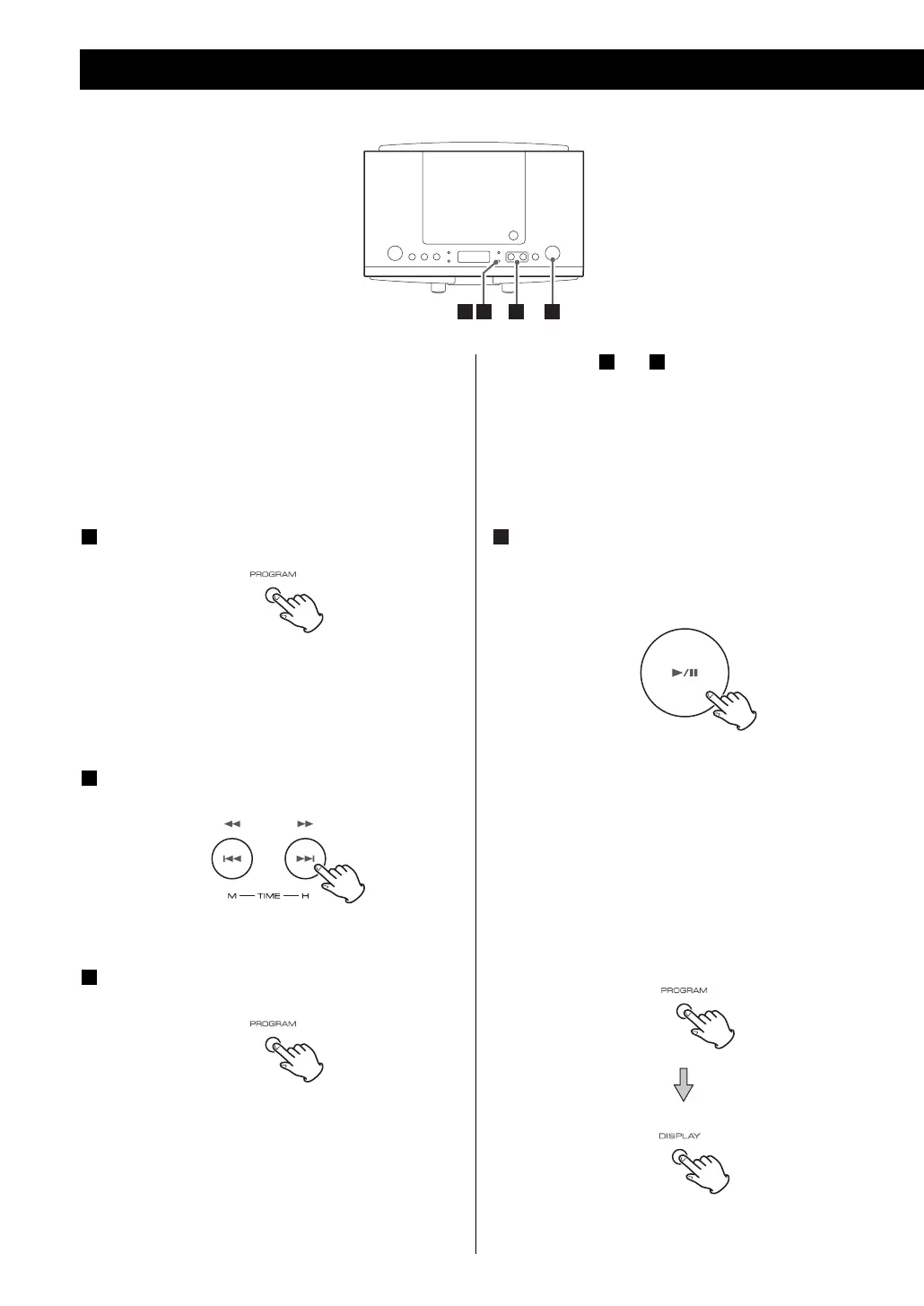
Repeat step and to program more tracks.
< You can program up to 20 tracks.
< To cancel the program mode, press the STOP
button (H).
When the selection of track numbers has been
finished, press the PLAY/PAUSE button (y/J)
to start program playback.
4
32
Up to 20 tracks can be programmed in the desired
order.
< Insert a disc and select “CD” before beginning
programming.
Press the PROGRAM button in the stop mode.
PROG indicator blinks.
“P-01” appears on the display for a moment and
“00” will blink.
Press the SKIP/SEARCH button to select a
track.
Press the PROGRAM button.
The track is programmed, and “P-02” is displayed
for a moment and “00” will blink.
3
2
1
Programmed Playback
31 2 4
10
To check the programmed order
In the stop mode, press the PROGRAM button
repeatedly until the program number appears, and
press the DISPLAY button.



 To Next Page