ENGLISH
13
Listening to the Radio
1 2
3
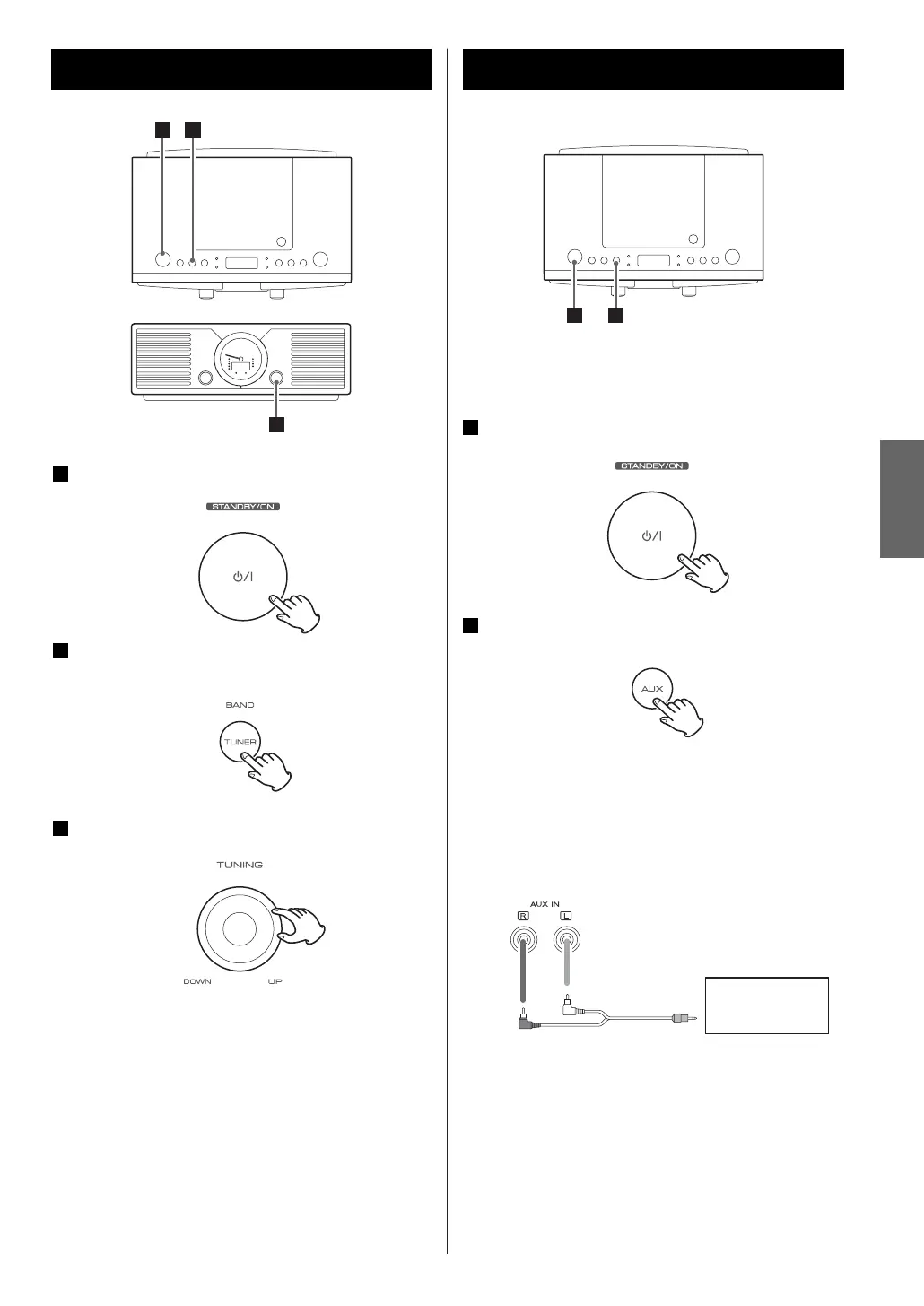
Press the STANDBY/ON switch to turn the unit
ON.
Press the TUNER (BAND) button once or twice
to select FM or AM.
Turn the TUNING knob to tune in a station.
3
2
1
If the reception is poor
AM broadcast
Turn around the unit to find the best position for
AM stations.
FM broadcast
For a good reception, turn around the antenna so
that you can get the stations clearly.
Listening to the External Sources
You can connect an external source such as a
portable player to the AUX IN jacks.
Press the STANDBY/ON switch to turn the unit
ON.
Press the AUX button to select “AUX”.
2
1
How to connect external sources
< Read instructions of each component you intend to
use with the SL-D88.
1 2
Connect the component with an RCA pin cable.
< Make sure to connect:
white plug
w
white jack (L: left channel)
red plug
w
red jack (R: right channel)
< Be sure to insert each plug securely. To prevent hum
and noise, do not bundle the connection cords with
the power cord.
AUDIO OUT
(PHONES)
Portable Player, etc.



 To Next Page