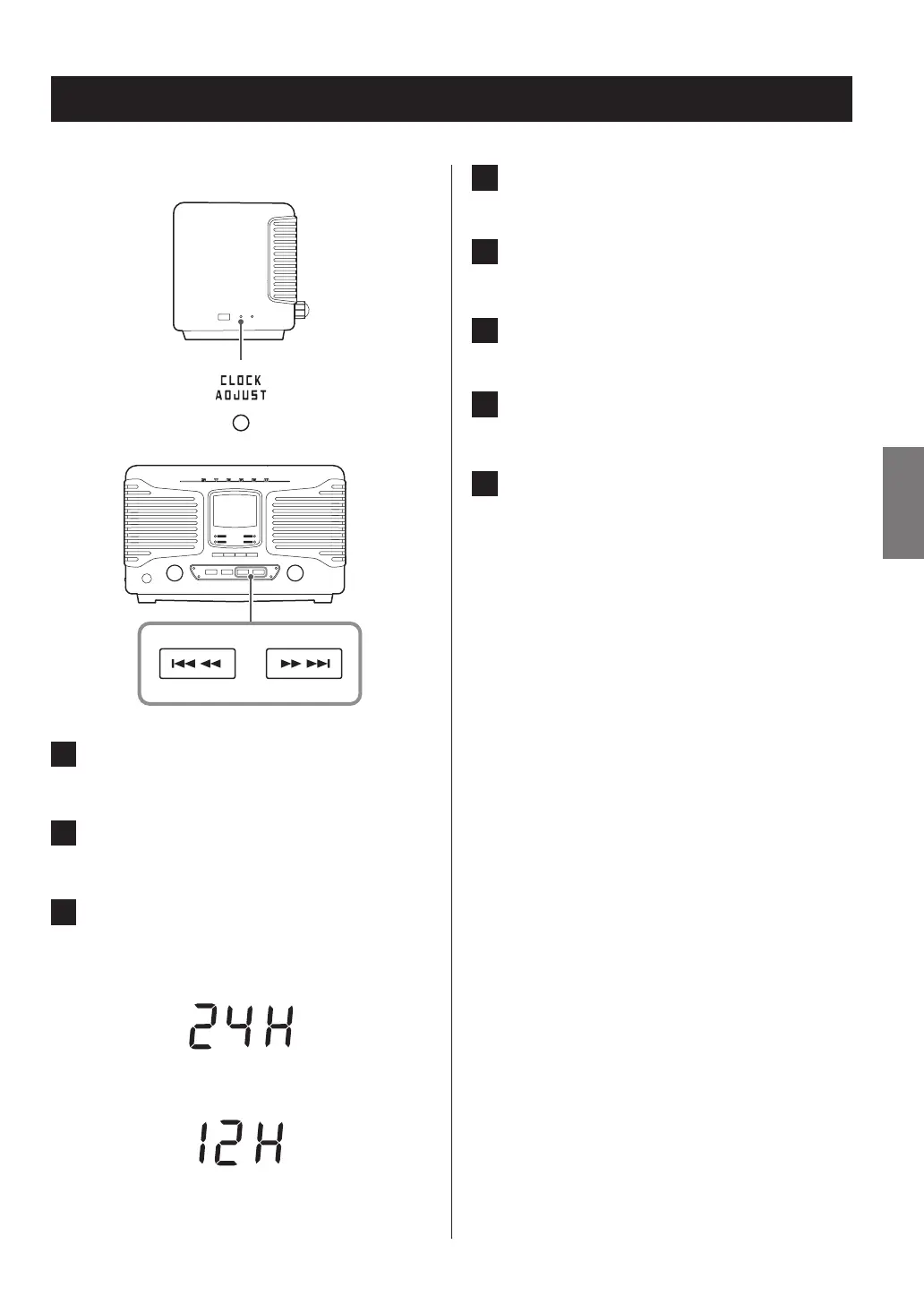
4 Press the CLOCK ADJUST button.
The “hour” value blinks.
5 Use the skip/search (.m/,/)
buttons to set the hour.
6 Press the CLOCK ADJUST button.
The minute value blinks.
7 Use the skip/search (.m/,/)
buttons to set the minute.
8 Press the CLOCK ADJUST button.
This completes the procedures for setting the time.
The clock will start from the set minute at 0 seconds.
o The unit’s current time data will be erased if the power
supply is interrupted for about 10 minutes because
a power outage occurs or the power plug is discon-
nected from an outlet.
Setting the clock
Set the current time before using the unit.
1 Press the STANDBY/ON button to put the
unit into standby.
2 Press and hold the CLOCK ADJUST button
for at least two seconds.
3 Press the skip/search (.m/,/)
buttons to switch between “24H” (24-hour)
and “12H” (12-hour) time display.
c3
15
ENGLISH



 To Next Page