Programmed playback (CD)
o If you change the folder or file number, only the
MEMORY indicator will blink.
3 Press the MEMORY button.
The selected track/file is added to the program, and
“P02” appears on the display.
o To program multiple tracks/files, repeat steps
2
to
3
.
o To stop programming, press the stop (
8
) button.
4 When you have nished adding tracks/les
to a program, press the play/pause (y/9)
button to start programmed playback.
o To stop programmed playback, press the stop (8) but-
ton. The contents of the program are retained.
o During programmed playback, use the skip/search
(.m/,/) buttons to select different tracks/
files in the program.
o During programmed playback, intro and shuffle play-
back are not possible.
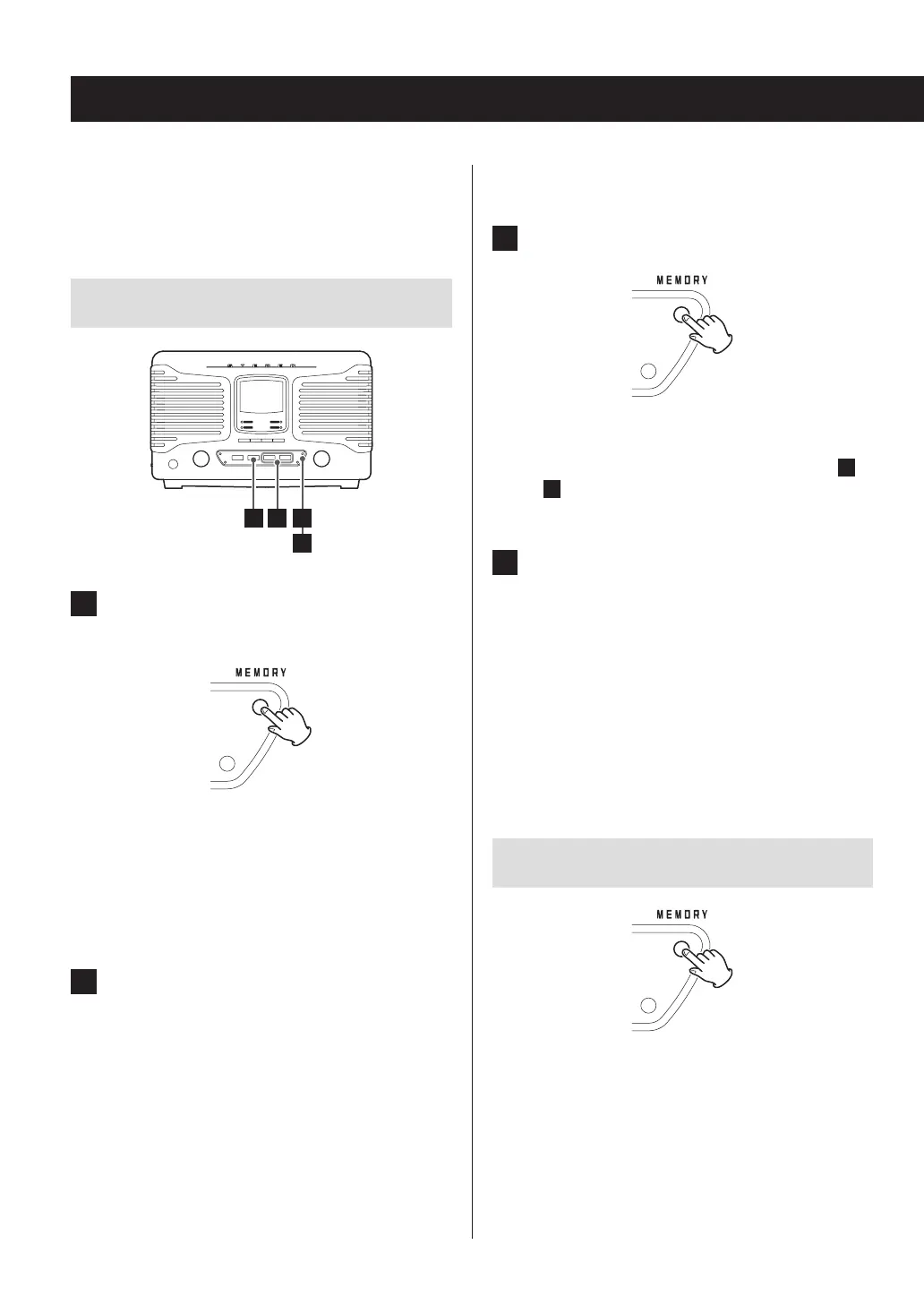
Checking the program order
When stopped, press the MEMORY button to cycle
through the program numbers and the programmed
track/file numbers in order.
Up to 32 CD tracks or MP3/WMA files can be programmed
in the desired order.
Program tracks/files when playback is stopped.
Programming tracks/files
24 1
1 When the CD function is active, press the
MEMORY button when stopped.
The track number (or folder and file numbers) and the
MEMORY indicator blink.
o To stop programming, press the stop (8) button
or wait 20 seconds or more.
o During programming if you do nothing for 20 sec-
onds or more, the program will be confirmed.
2 Select a track/le to add to the program.
With an audio CD
Use the skip/search (.m/,/) buttons to
select a track by number.
MP3/WMA file example
To select a folder by number, turn the MULTI JOG dial.
To select a file by number, use the skip/search
(.m/,/) buttons.
o This unit treats MP3/WMA files that are not in fold-
ers as being in the 01 folder.
20



 To Next Page