In DAB mode, use function control to set
system options. There are 6 options in the
function control.
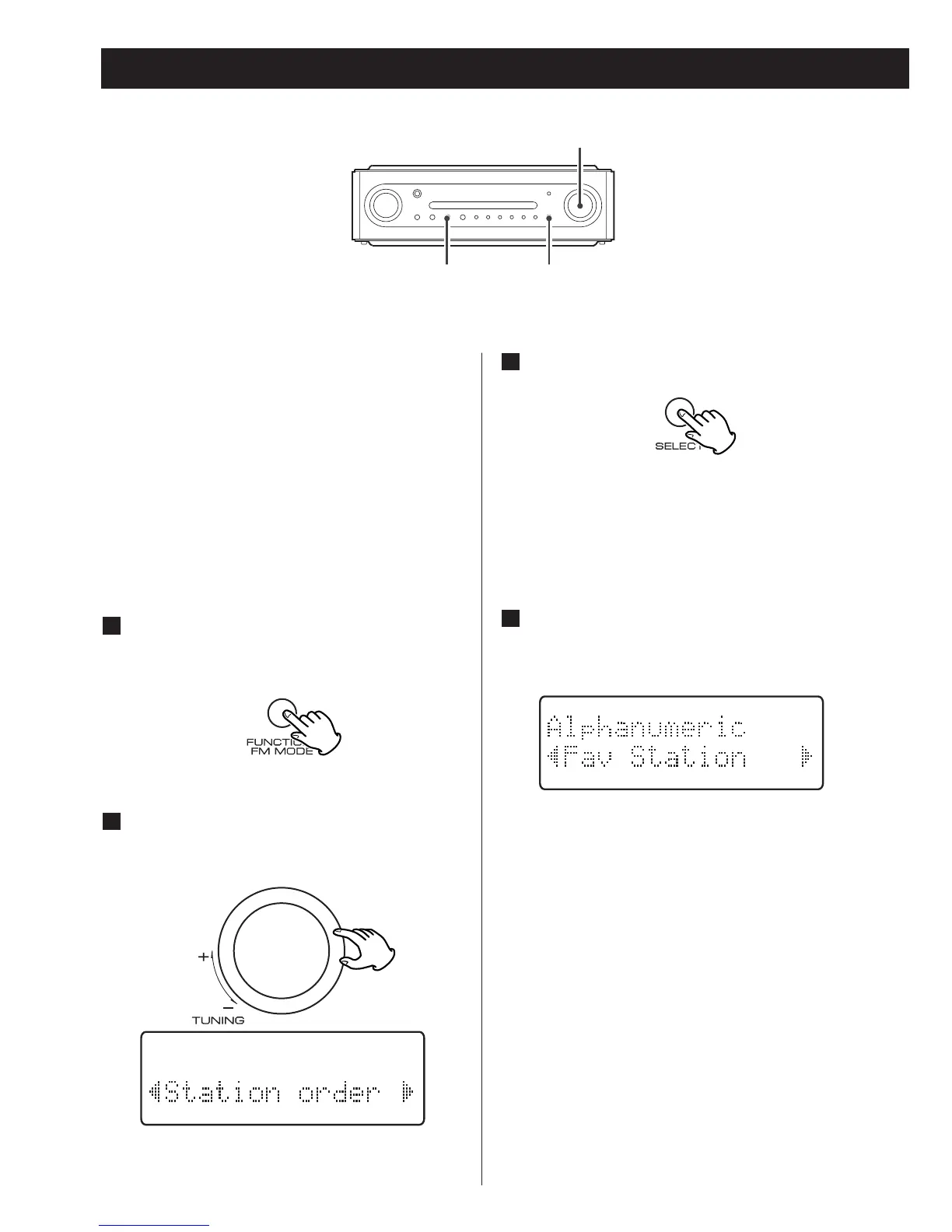
Station order
Use station order to set the order in which
stations are listed. There are four orders:
Favourite, Alphanumeric, Active and Tidy.
While listening to a DAB broadcast
press the FUNCTION/FM MODE
button.
1
Turn the TUNING knob until ‘Station
order’ is displayed in the second line
of the display.
2
Press the SELECT button.
3
Turn the TUNING knob until the
desired option is displayed in the
second line of the display.
4
The current option is displayed in the first
line of the display.
Using Function Control 1



 To Next Page