15
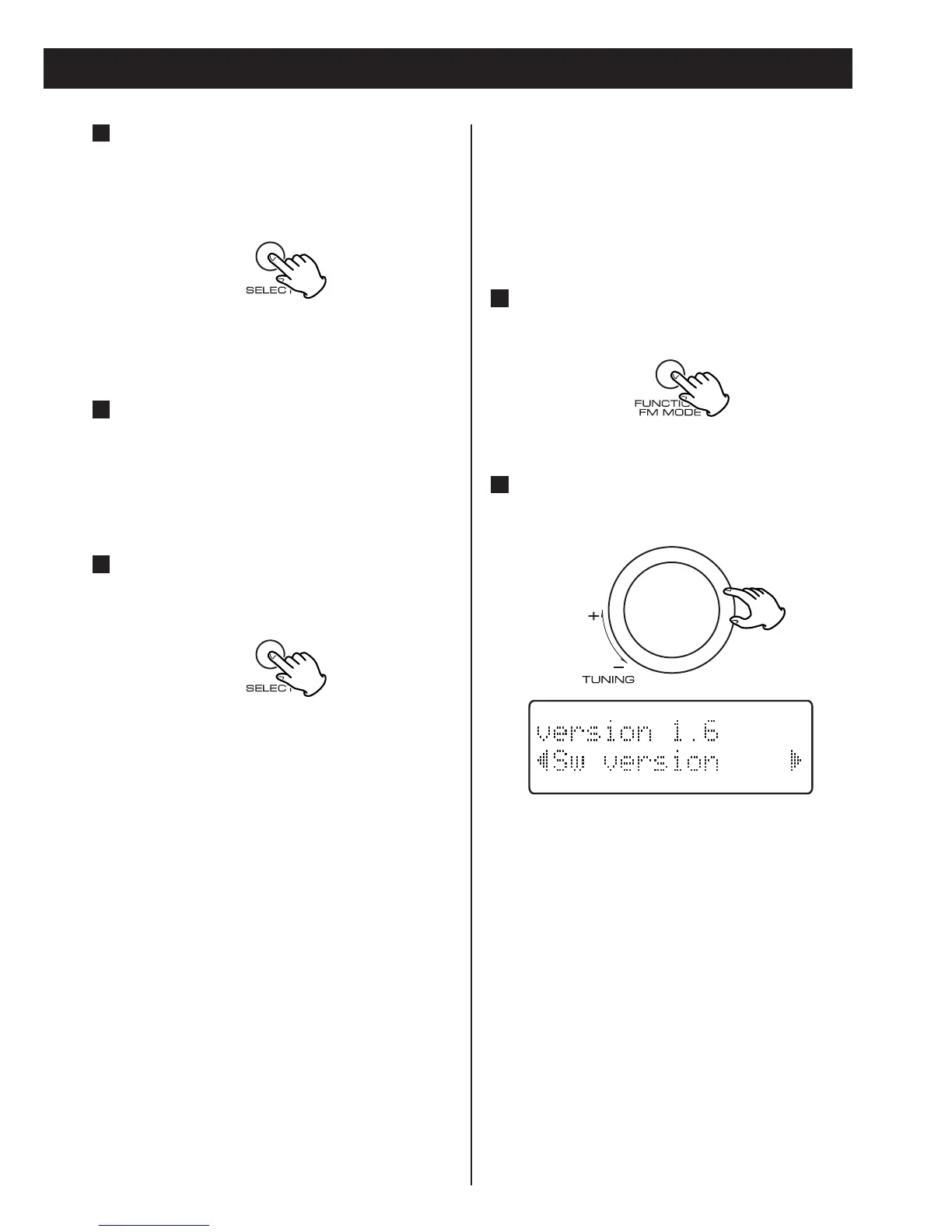
Turn the TUNING knob until the
version number and ‘Sw version’ are
displayed.
2
Sw version (Software version)
This option shows the version number of the
installed software. This is for information
only and no adjustment is available.
While listening to a DAB broadcast
press the FUNCTION/FM MODE
button.
1
Press the SELECT button when the
channel you wish to tune in is
displayed in the second line of the
display.
5
The signal strength indicator is displayed.
While viewing the indicator,
reposition the antenna until the best
reception is indicated.
Press the SELECT button to cancel
Manual tune and resume normal
reception.
7
6



 To Next Page