13
ENGLISH
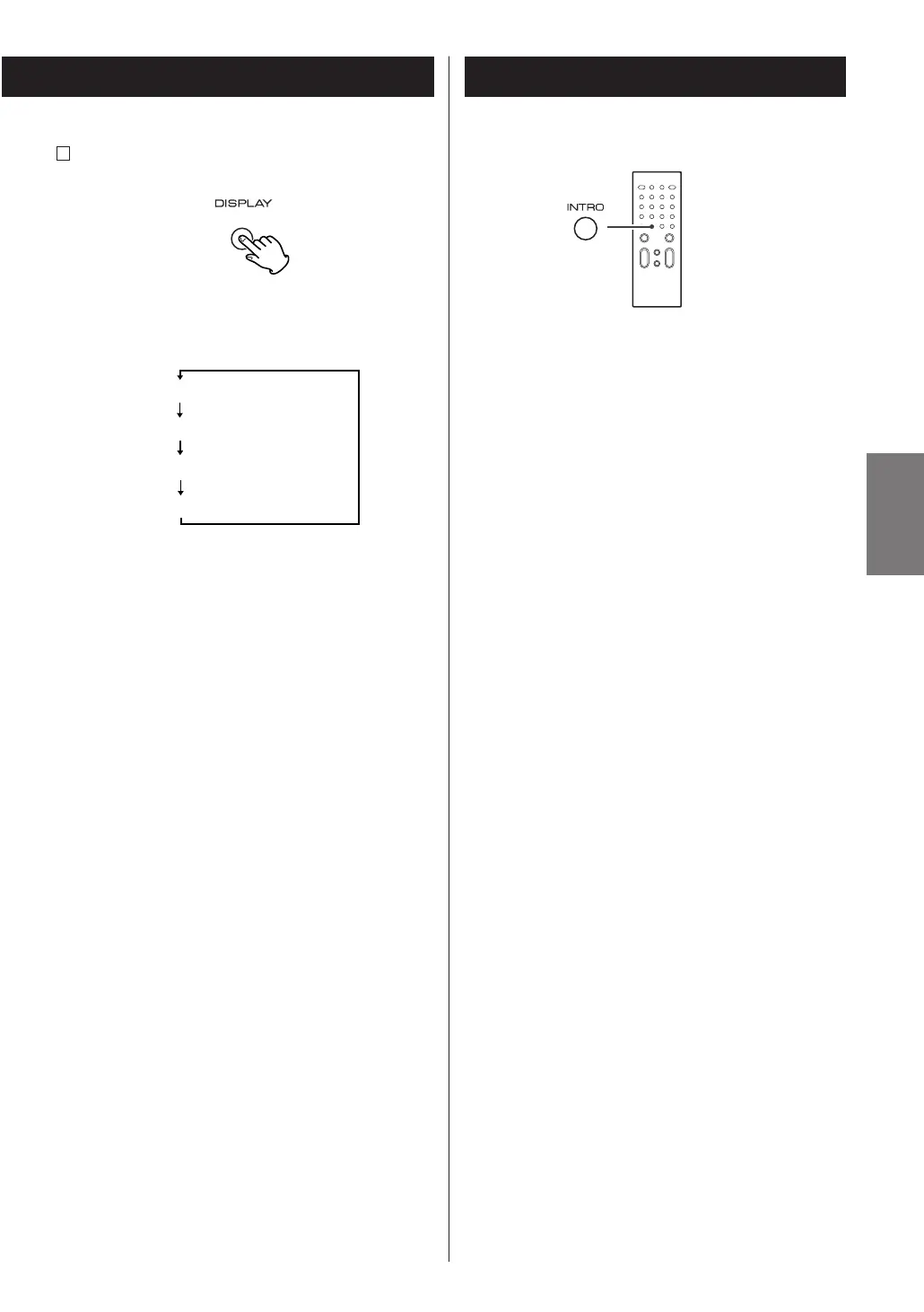
DISPLAY button
During playback, press this button repeatedly to
change the display mode as follows:
<
Clock display and timer mode display appears for 4
seconds and returns to original display.
<
In the stop mode, remaining time of the disc cannot
be selected.
F
Intro Check
The Intro Check function allows only the beginning of
each track to be played for 10 seconds.
<
This function is operational both in the stop mode
and during normal playback.
Press the INTRO button.
The INTRO indicator lights in the display, and the Intro
Check will start.
<
To return to the normal playback, press the INTRO
button again.
<
To stop the Intro Check function, press the STOP
button (H
).
<
The Intro Check function also works together with
SHUFFLE or REPEAT ONE/ALL functions.
<
The Intro Check function also works together with
the PROGRAM function.



 To Next Page