ENGLISH
17
Listening to the Radio
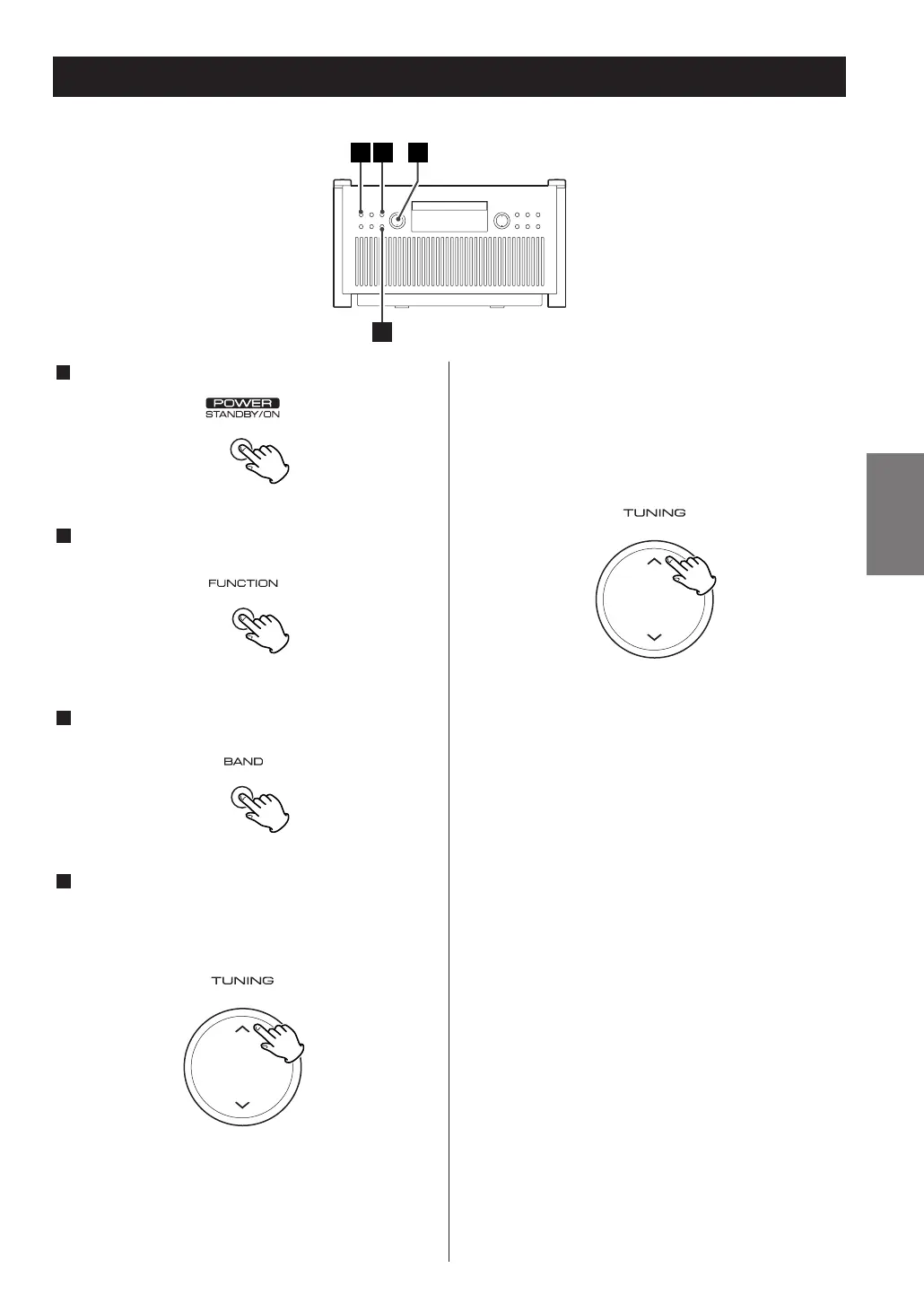
Press the POWER switch to turn the unit ON.
Press the FUNCTION button repeatedly to select
“TUNER”.
Press the BAND button to select FM or AM.
Select the station you want to listen to (auto
selection).
Press the TUNING button up or down until the
frequency display begins to change.
When a station is tuned in, the tuning process will
stop automatically.
<
Press the TUNING button again to stop the auto
selection.
4
3
2
1
Selecting stations which cannot be
tuned automatically (manual
selection).
Press the TUNING button up or down repeatedly
until the station you want to listen to is found.
If the reception is poor
AM broadcast
Turn around the unit to find the best position for AM
stations.
FM broadcast
For a good reception, turn around the antenna so
that you can get the stations clearly.



 To Next Page