Setup
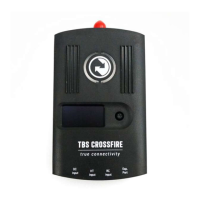
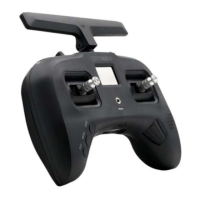
The radio comes ready to go. Simply bind (push MENU, enter Crossfire TX menu, and select the BIND
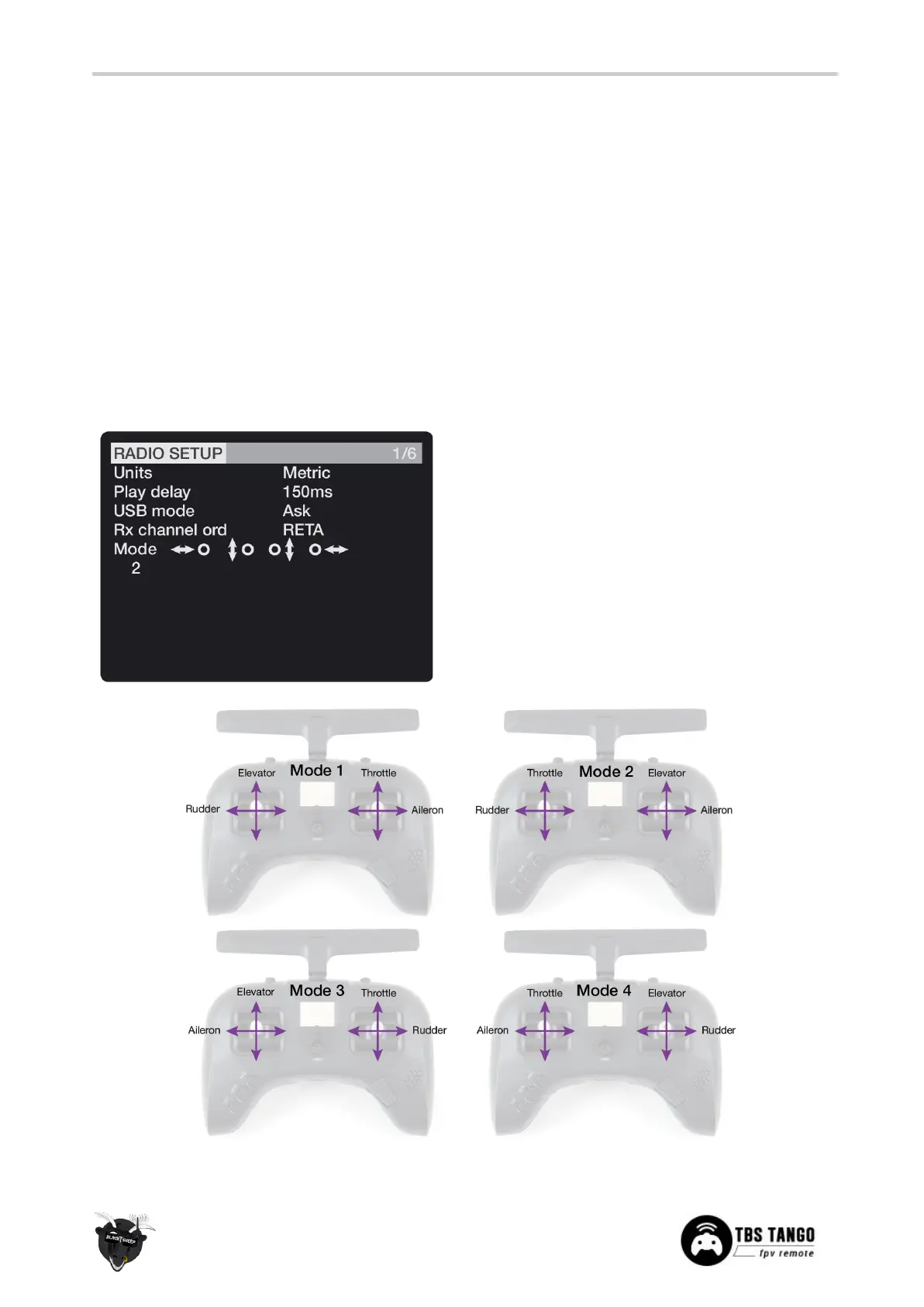
command) to your favorite model and you’re ready to fly. However, if you are not a Mode 2 (throttle left)
pilot, you will need to make some changes.
Changing stick mode
When talking about stick modes we are referring to how the remote is configured to control the airplane
i.e. which sticks operate which controls on the aircraft. You can swap the stick gimbals by opening up the
remote, covered later on in the manual.
By default the remote is set up with Mode 2, which is the most common type used.
1. Long-press the Menu-button to enter the
Radio Setup
2. Scroll down to the end using the
Rocker-switch
3. Change the Mode to the desired type
4. Follow the instructions later in the manual to
change the throttle stick to the other side, if
required


 To Next Page