Model ID
When you bind a receiver you can set up if it should only bind to a specific receiver. This feature is useful
if you use Model without flight controller or different fc types or model settings. The ID must be set up
before the binding! Otherwise you need to rebind your receiver.
1. Navigate to the model settings
2. Scroll down to Receiver ID
3. ID = 0: this model can bind to any receiver
ID = 1..99: this model will only bind to the
specific receiver
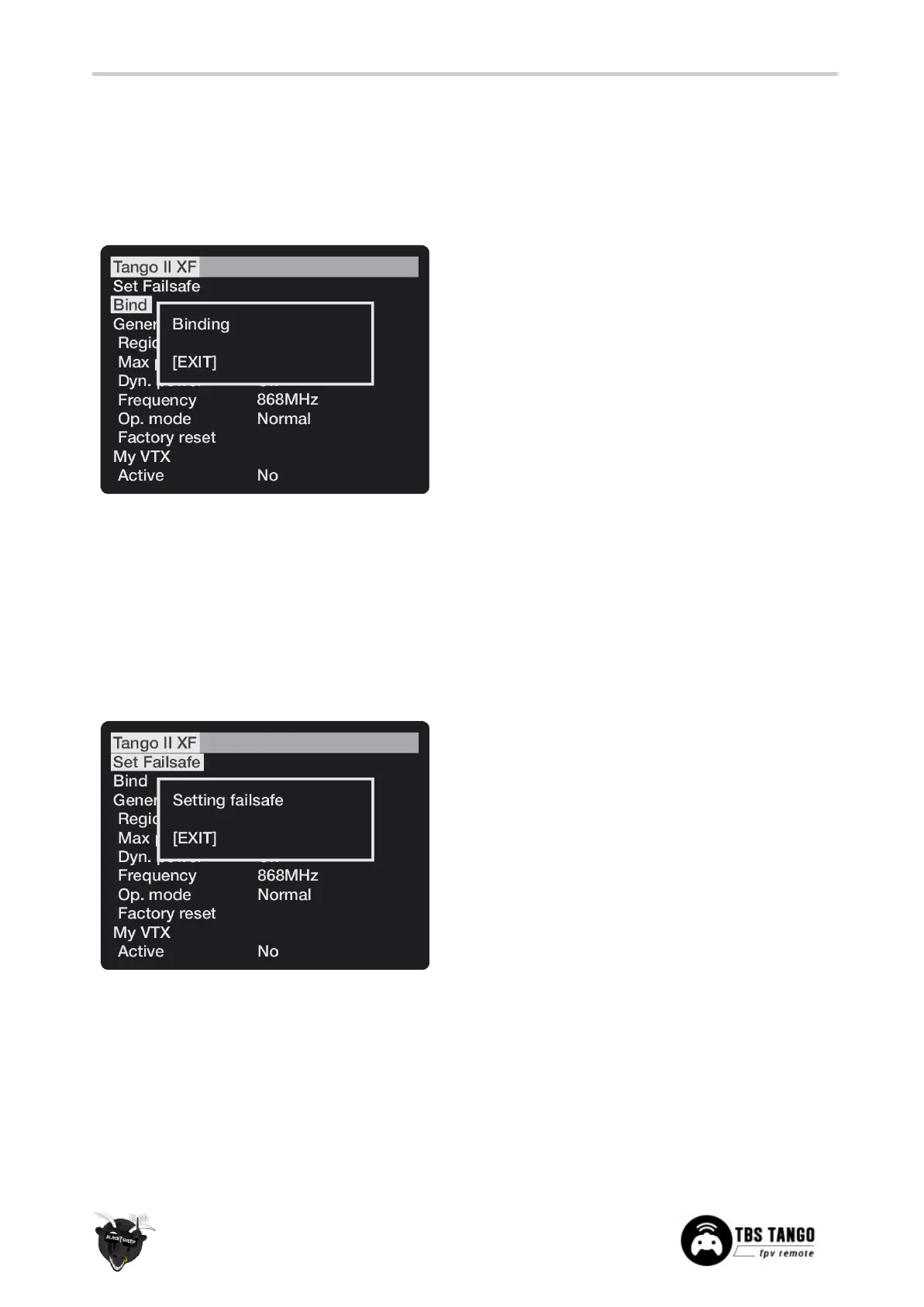
Set failsafe
Configuring the CROSSFIRE failsafe state settings is done via the CROSSFIRE menu. Your model needs to be
bound and running for the failsafe setting to work. This setting is only needed on model without FC. On all
other models, navigate in the receiver settings to failsafe type and set it to CUT.
1. Press the Menu-button and select CROSSFIRE
Menu, select TANGO II XF
2. Arrange the switches and sticks into the
desired failsafe state
3. Select the Set failsafe-menu item and wait for
the failsafe to be stored on the receiver



 To Next Page