10/29/2019 Tech Works CI-Series Systems Planning & Installation Manual Page 20 of 42
CI-HSI-41
The HSI-41 is a stand-alone Headset Intercom, that accommodates four Plantronics Wireless Headsets
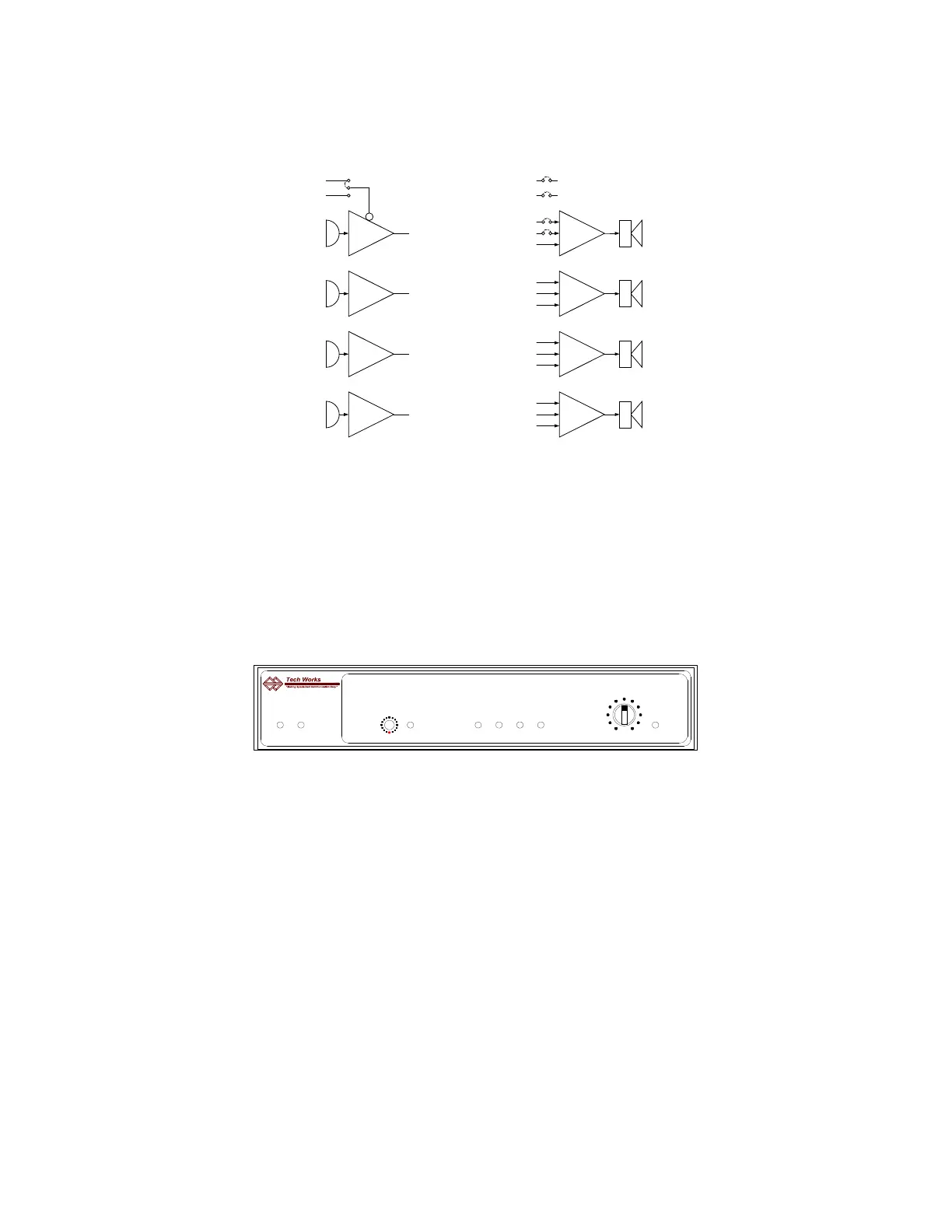
Basic Headset Intercom Block Diagram
Each Headset's microphone is summed to all the other Headsets Earphones except itself. This sum is
known as “All others, except me”.
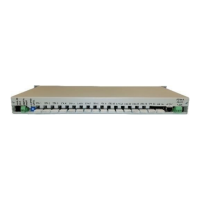
The CI-BUSS interface performs the same function for additional units. The Sum of all the Headset
microphones is processed with ALC to be of constant level and passed to other Units in both directions.
The ALC has an indicator for the Threshold of Limiting. This indicator also serves as a setup indicator for
adjusting the Headset microphone levels.
Front Controls and Indicators:
Power indicator: Green when Operating Normally
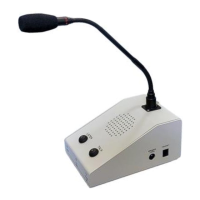
Operator Mike Active Indicator: Green when the Operator Microphone is Active
Microphone Sensitivity: 16 Position Rotary Switch, factory set to “9”
Setup Level Indicator (THRESHOLD): Off when the BUSSes are not receiving the Headset Microphone
outputs; Green, low input level; Green flashing to Red, Normal Operation when ALC is active and the
Headset Users are talking
Headset On indicators (4): Green when the Headset is connected, and turned on
Monitor Level Knob Pot: Controls output level to PA-BUSS connector
PA Monitor Indicator: Green when the BUSS has the Audio Output Enabled
NOTE: The Microphone Gain control is for setup; once done, it should not be touched by the User


 To Next Page