16
scroll to the SP/DIST icon
• Display Features:
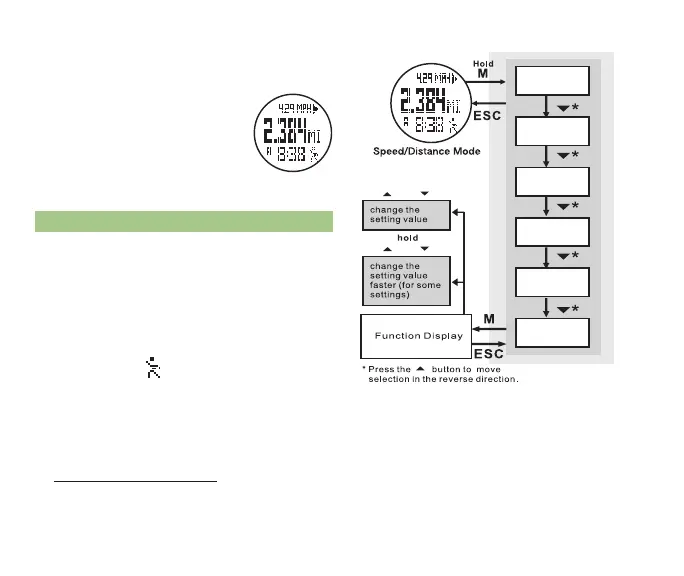
Top Row: Exercise stats (exercise time, speed,
pace, steps, and calories)
* Press ST/STP to scroll
through the 5 different
exercise stats
Middle Row: Exercise distance
Bottom Row: Current time
6.2 SPEED & DISTAnCE uSE See fig. 14
Access the Speed & Distance Display (See section
6.1 for how to access the Speed & Distance display)
• Speed & Distance mode automatically begins
recording information after a pre-programmed
8 second delay
• Press LAP/RST at any time to stop recording
• The runner icon
will flash when Speed &
Distance mode is ready
• Begin walking or running and Speed & Distance
mode will start measuring your exercise stats
•Press ST/STP to scroll through the various
exercise stats in the top row of the display
• Hold LAP/RST for 3 seconds to clear all recorded
stats for that session
• Speed & Distance continues to measure
exercise stats;
* Unless you manually turn off Speed &
Distance mode by pressing LAP/RST
* Until midnight, when the day’s ¬
fig. 13
Save
Recall
Stride
Sleep
Sense
Weight
or
or
fig. 14



 To Next Page