20
section 6.1 for how to access the Speed & Distance
display)
• Hold M for 3 seconds to enter Speed & Distance
set menu
• Press LAP/RST(DOwn) to scroll to Weight
• Press M to select the Weight
* Press ST/STP(+) or LAP/RST( - )
to adjust the weight to match your
personal weight, or weight with full pack
* Press ESC to confirm your selection and
exit Weight
• Press ESC to exit Speed & Distance settings menu
7.0 ALTIMETER MODE
The altimeter in your Traileader watch uses
an advanced pressure sensor to determine
your altitude. There is a distinct relationship
between atmospheric pressure and altitude.
The benchmark is sea level (0 elevation) in
which the corresponding pressure is 29.92
inHg; all things equal. At higher altitudes,
there is less pressure and vice versa. The
Traileader’s pressure sensor measures
atmospheric pressure and then references the
proper corresponding altitude.
Note: Changes in weather patterns create
high and low pressure situations, which
can skew altitude readings. This situation
WILL OCCUR. It is a normal attribute
of most altimeter watches. When this
situation occurs, it is necessary to set a
reference altitude. See section 7.2 or 10.0
TROUBLESHOOTING for instructions on
how to set a reference altitude and use
the altimeter lock.
7.1 ALTIMETER MODE DISPLAy
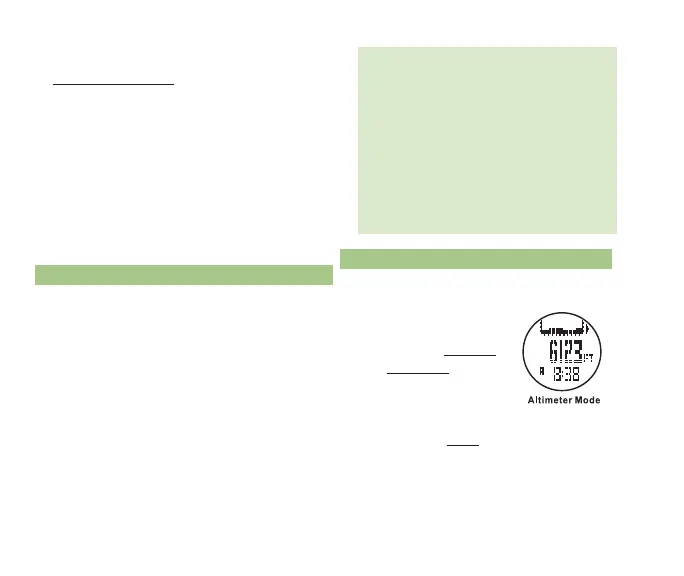
• To access Altimeter mode display while
currently in a:
* TRAIL MEnu
function - continue
pressing M until the
display in fig. 15 is
visible
* TIME MEnu function -
press ESC twice to access
the Trail Menu and press ST/STP(uP)
and LAP/RST(DOwn) to scroll to the
ALTI icon ¬
fig. 15



 To Next Page