Page15 / 27
TC4310 User’s guide
CHAPTER
2:
WEB
CONFIGURATION
To make sure that you can access the Internet successfully, please check the following first.
1. Make sure the connection (through Ethernet) between the Cable Modem and your computer is OK.
2. Make sure the TCP/IP protocol is set properly.
3. Subscribe to a Cable Company.
Accessing the Web Configuration
The Cable Modem offers local management capability through a built-in HTTP server and a number of
diagnostic and configuration web pages. You can configure the settings on the web page and apply them
to the device.
Once your host PC is properly configured; please proceed as follows:
1. Start your web browser and type the private IP address of the Cable Modem on the URL
field: 192.168.100.1
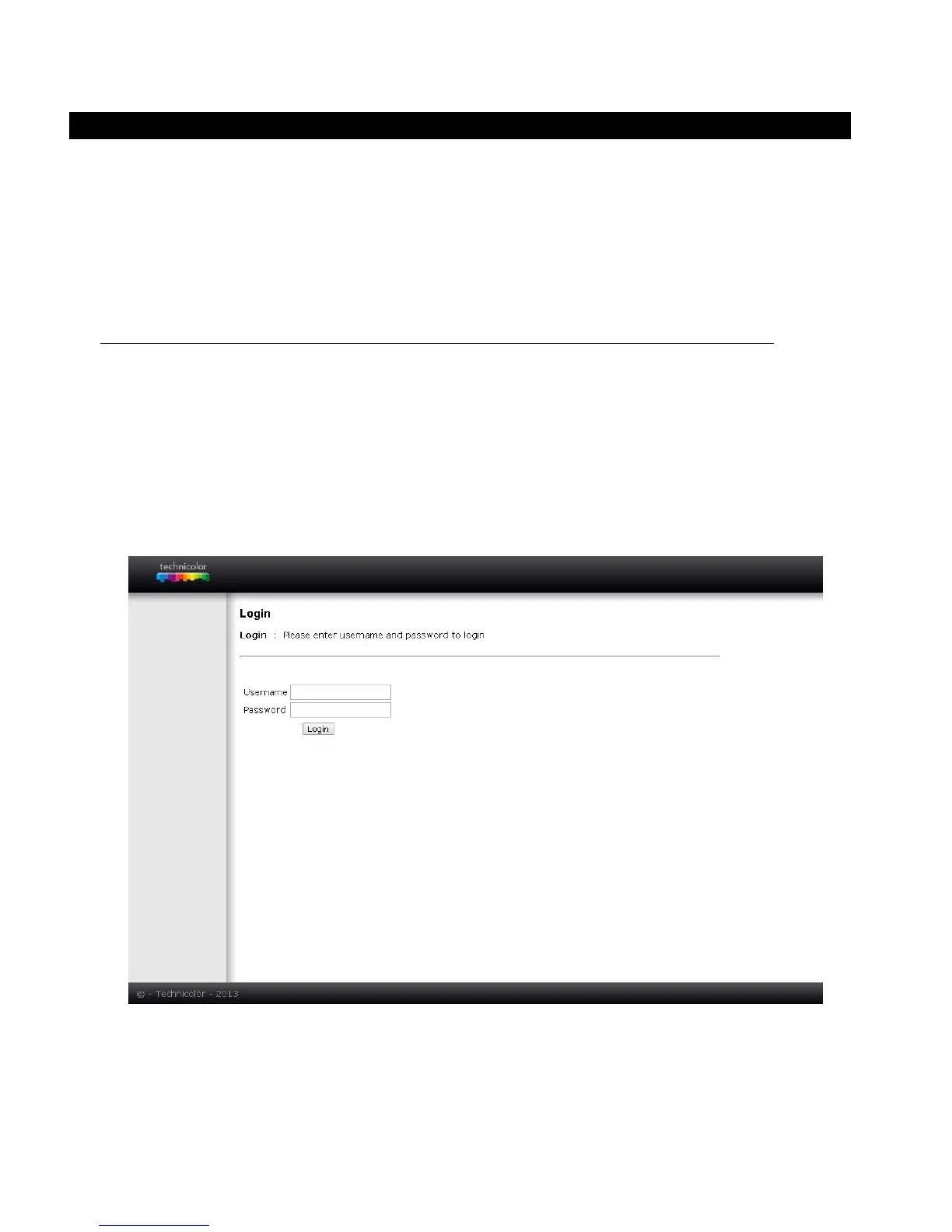
2. After connecting to the device, you will be prompted to enter username and password. By
default, the username is “ ” (empty) and the password is “admin”.
Fig2-1 Login
dialogue
If you login successfully, the main page will appear.



 To Next Page