EasyManua.ls Logo

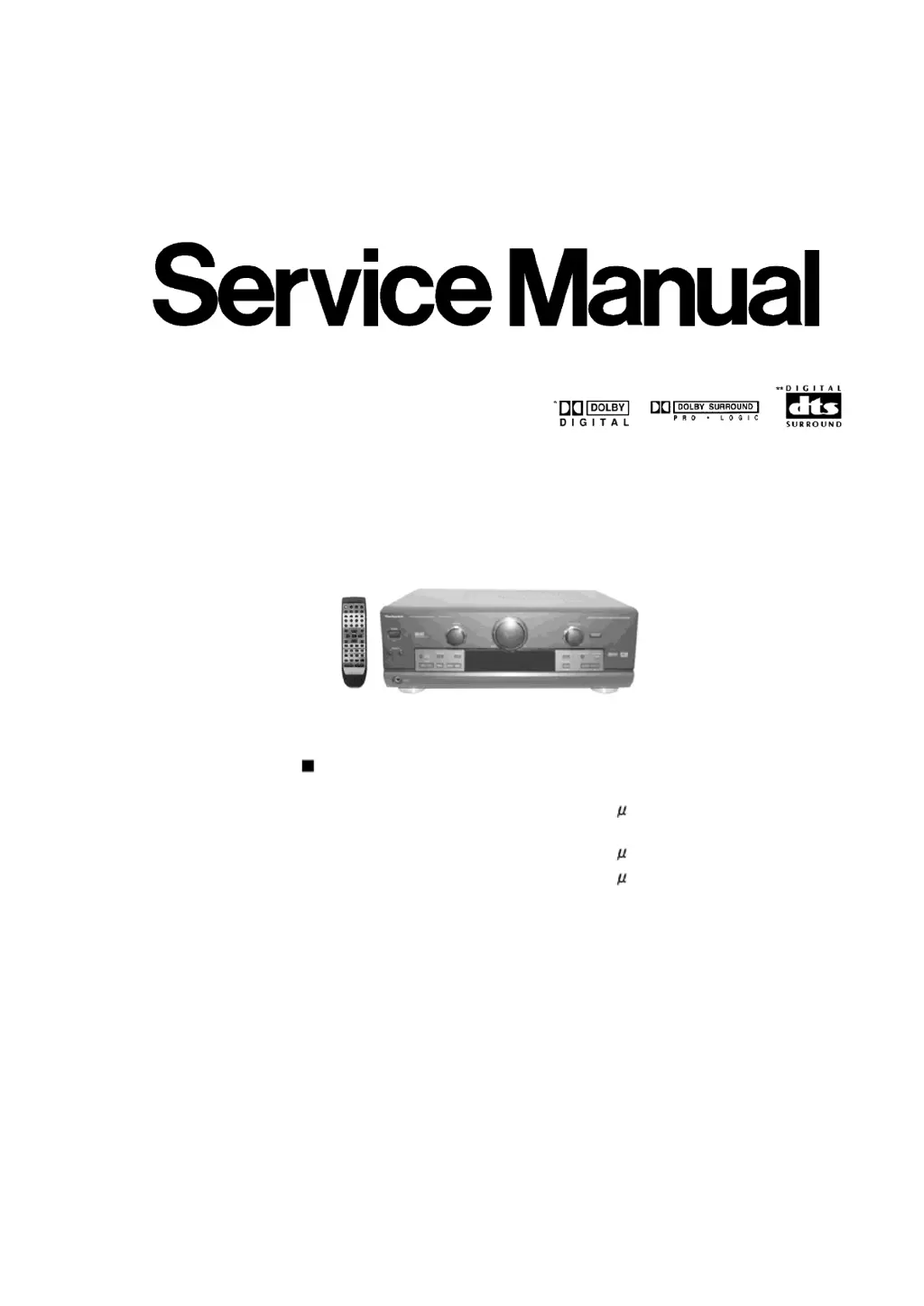
Technics SA-DX950 - Service Manual

Technics SA-DX950
79 pages
Print Icon
To Next Page IconTo Next Page
Loading...
Order No. MD0102029C1
A2
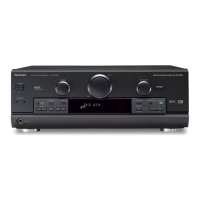
AV Control Stereo Receiver
SA-DX950
Color
(K) ... Black Type
P ... U.S.A.
PC ... Canada
SPECIFICATIONS
FM Tuner Section
Frequency range 87.9-107.9 MHz
Sensitivity
11.2 dBf (2 V, IHF’58)
50 dB quieting sensitivity
MONO
18.3 dBf (4.5 V, IHF’58)
STEREO
38.3 dBf (45 V, IHF’58)
Total harmonic distortion
MONO 0.2%
STEREO 0.3%
S/N
MONO 73 dB
STEREO 67 dB
Frequency response 20 Hz-15 kHz, +1 dB, -2 dB
Alternate channel selectivity 65 dB
Capture ratio 1.5 dB
Image rejection at 98 MHz 40 dB
Spurious response rejection at 98 MHz 75 dB
AM suppression 50 dB
Stereo separation
1 kHz 40 dB
1

Other manuals for Technics SA-DX950

Questions and Answers

  • M
    Melvin JohnsonAug 5, 2025
    What to do if sound stops and 'OVERLOAD' appears on Technics Receiver?
    • P
      plunaAug 5, 2025
      If the sound stops and “OVERLOAD” appears on the display of your Technics Receiver, switch off the unit, determine and correct the cause, then switch the unit on. This issue may also arise from a shorting of the positive and negative speaker wires, using speakers with an impedance lower than rated for this unit (use speakers with the right impedance rating), straining of the speakers through excessive volume or power, or using the unit in a hot environment.
  • D
    David BakerAug 13, 2025
    Why the radio cannot be tuned in on my Technics Receiver?
    • R
      Ryan FoleyAug 13, 2025
      If the radio cannot be tuned in, or there is a lot of noise and interference on your Technics Receiver, try the following: * Adjust the position of the FM or AM antenna. * Reduce the treble. * Select “DSP DEFEAT.” * Turn off nearby televisions, video decks, DVD players, and satellite receivers. You may need an outdoor antenna or an antenna with more elements. Also, separate the antenna from other cables, leads, and appliances.
  • V
    Victor JensenAug 20, 2025
    What to do if sound is not heard from surround speakers on Technics Receiver?
    • J
      John ObrienAug 20, 2025
      If sound is not heard from the center, surround, or subwoofer speakers on your Technics Receiver, ensure the size settings for your speakers are correct. Also, check the DSP sound mode, cancel “DSP DEFEAT”, turn SPEAKERS B off, and turn DVD 6CH INPUT off.
  • H
    hedwardsOct 28, 2025
    How to fix no sound on my Technics Receiver?
    • R
      riverajamesOct 28, 2025
      If your Technics Receiver has no sound, there are several things to check: * Ensure the power cord is connected. * Turn the volume up. * Turn muting off. * Check connections to speakers and other equipment. * Turn on the speakers. * Turn off the tape monitor. * Select the correct source. * Change the DIGITAL input setting to suit the type of connection you have made. * Check that the digital signals can be decoded by this unit. * Turn PCM FIX or DTS FIX off. * Cancel “DSP DEFEAT”. Also, a shorting of the positive and negative speaker wires may cause this. Switch off the unit, determine and correct the cause, then switch the unit on. Using speakers with an impedance lower than rated for this unit may also be the cause. Use speakers with the right impedance rating. Ot...

Summary

SPECIFICATIONS

FM Tuner Section

Technical specifications for FM reception.

AM Tuner Section

Technical specifications for AM reception.

Video Section

Technical specifications for video input.

Amplifier Section

Technical specifications for audio amplification.

Safety Precaution

Insulation Resistance Test

Procedures for testing insulation resistance for safety.

Protection Circuitry

Accessories

Front Panel Controls

Front Panel

Describes the controls and indicators on the unit's front.

Display Section

Describes the various indicators and their meanings.

Operation Checks

Checking Procedure for each major P.C.B.

Describes how to check individual PCBs.

Main Component Replacement Procedures

Replacement of the Power IC and Regulator Transistor

Details replacing power IC and regulator transistor.

Installation of the bottom cover after replacement

Details installing the bottom cover post-component replacement.

Pin Functions

Component Illustrations

PCB Layout Diagrams

DIGITAL P.C.B. (REP3107 B-T) (SIDE A)

Layout of the digital PCB (Side A).

DIGITAL P.C.B. (REP3107 B-T) (SIDE B)

Layout of the digital PCB (Side B).

Main PCB Layout

Technics SA-DX950 Specifications

General IconGeneral
Impedance8 ohms
Tuning RangeFM, MW
Surround OutputDolby Pro Logic
Power Output100 watts per channel into 8Ω (stereo)
Total Harmonic Distortion0.09%
InputsCD, Tape, Video/Aux, Phono, Tuner
Input Sensitivity200mV (line)
Digital InputsOptical, Coaxial
Video Connectionscomposite
Speaker Load Impedance8 ohms

Related product manuals