10
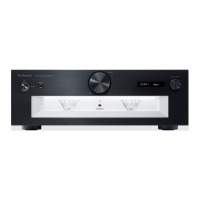
Control reference guide
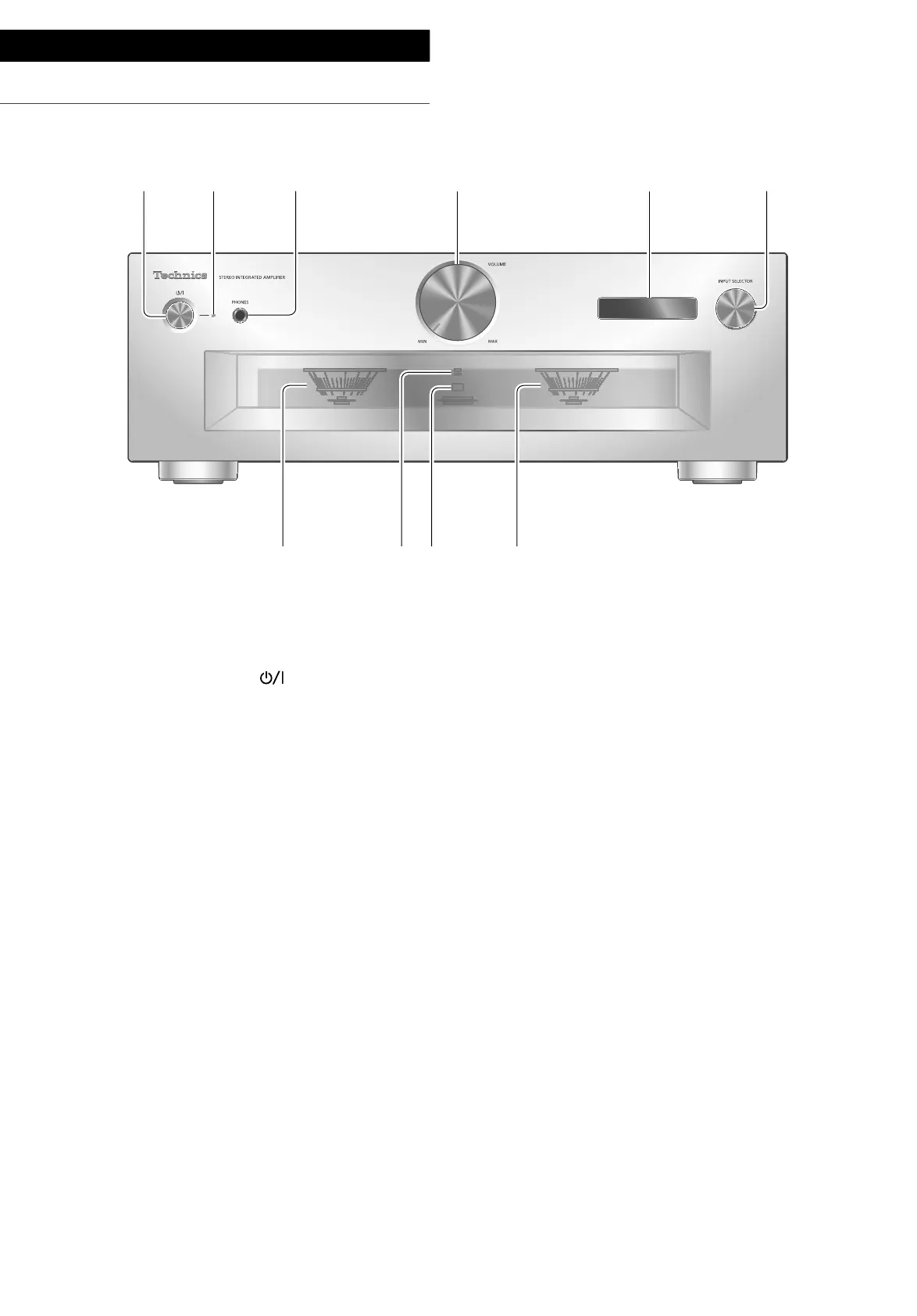
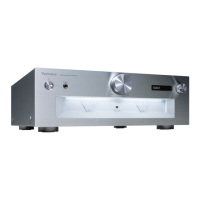
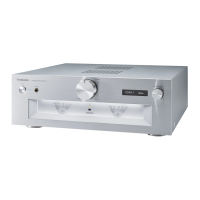
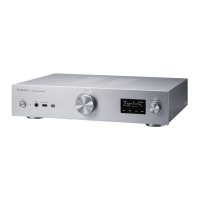
This unit
(10)
01 Standby/on button ( )
• Press to switch the unit from on to standby
mode or vice versa. In standby mode, the
unit is still consuming a small amount of
power.
02 Power indicator
• Blue: The unit is on.
• Off: The unit is in standby mode.
03 Headphones jack
• When a plug is connected, the speakers and
PRE OUT terminals do not output sound.
( 22)
• Sound is not output from headphones jack
while “MAIN IN” is selected as input source
of this unit. ( 20)
• Excessive sound pressure from earphones
and headphones can cause hearing loss.
• Listening at full volume for long periods may
damage the user’s ears.
04 Volume knob
• -- (min), 1 to 100 (max)
• To display the volume, set “VOLUME
Display” to “On”. ( 25)
05 Display
• Information such as input source, etc. is
displayed. ( 32)
06 Input selector knob
• Turn this knob clockwise or anticlockwise to
switch the input source.
07 Peak power meter
• Display the output level. 100 % is the rated
output ( 34).
• Peak power meter does not work while the
light is turned off.
08 LAPC indicator ( 26)
09 Remote control signal sensor
• Reception distance: Within approx. 7 m
directly in front
• Reception angle: Approx. 30° left and right


 To Next Page