EasyManua.ls Logo

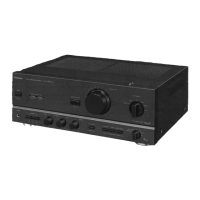
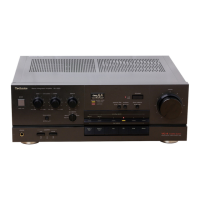
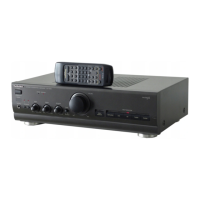
Technics SU-V620 - Replacement Parts List; Integrated Circuits; Transistors; Diodes

Technics SU-V620
16 pages
Print Icon
To Next Page IconTo Next Page
To Previous Page IconTo Previous Page
Loading...
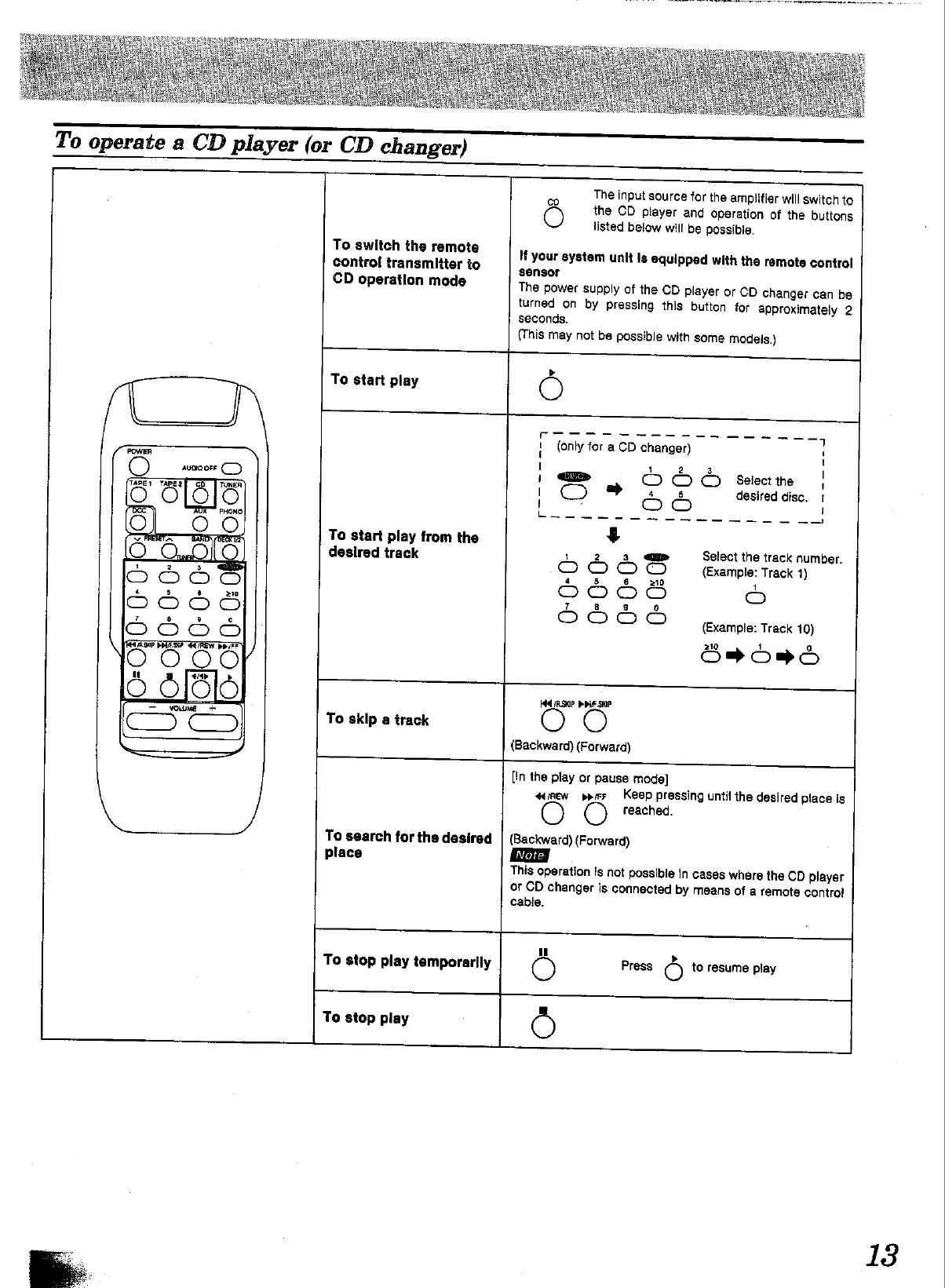
To
operate
a
CD
player
(or
CD
changer)
Oo
To
switch
the
remote
control
transmitter
to
CD
operation
mode
To
start
play
POWER
To
start
play
from
the
desired
track
To
search
for
the
desired
place
(This
may
not
be
possible
with
some
models.)
HCAS
PpieSKIP
OO
To
skip
a
track
To
stop
play
temporarily
To
stop
play
The
input
source
for
the
amplitier
will
switch
to
eo
the
CD
player
and
operation
of
the
buttons
listed
below
will
be
possible.
If
your
system
unit
is
equipped
with
the
remote
control
sensor
The
power
supply
of
the
CD
player
or
CD
changer
can
be
turned
on
by
pressing
this
button
for
approximately
2
seconds.
!
1
[
'
if
|
>
OOS
setectine
|
i]
t
'
j
[OF
OS
eee
|
4
S668
Grape
tect
C666
d
o
}
Oo
5
(Example:
Track
10)
SarOmd
(Backward)
(Forward)
[in
the
play
or
pause
mode]
«crew
pyr
Keep
pressing
until
the
desired
place
is
reached.
(Backward)
(Forward)
This
operation
Is
not
possible
in
cases
where
the
CD
player
or
CD
changer
is
connected
by
means
of
a
temote
contro!
cable.
Press
‘e)
to
resume
play
13

Other manuals for Technics SU-V620

Related product manuals