TV/AV
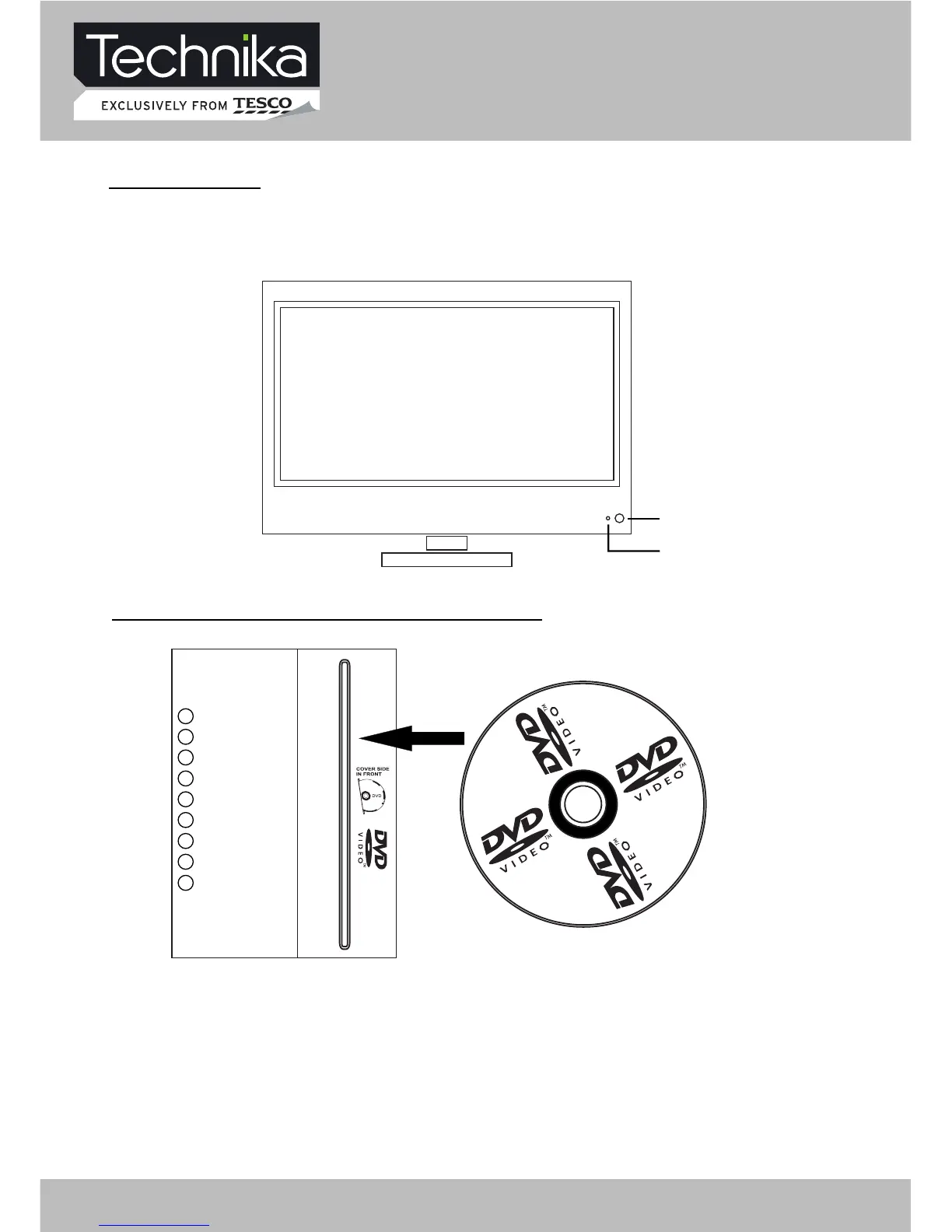
CH+
CH-
VOL+
VOL-
MENU
POWER
PLAY/ II
EJECT
COVER SIDE IN FRONT
2. Indicator (the indicator is red when in standby mode, and green when in working normally).
1. IR sensor window
Parts Identification
TV/AV – select input source
CH+ - increase channel number
CH- - decrease channel number
VOL+ - increase sound volume
VOL- - decrease sound volume
MENU – enter or exit menu
POWER – switch between standby and power-on mode
PLAY
/
II – start of play or pause of play
EJECT – take the disk out
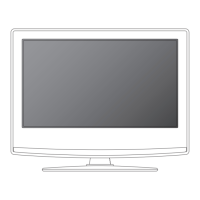
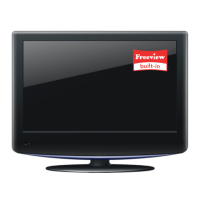
FRONT PANEL
LOCAL KEYBOARD PANEL
1
2
32" HD Ready LCD/DVD TV User Guide8


 To Next Page