17
4.2. CHAPTER OPTIONS
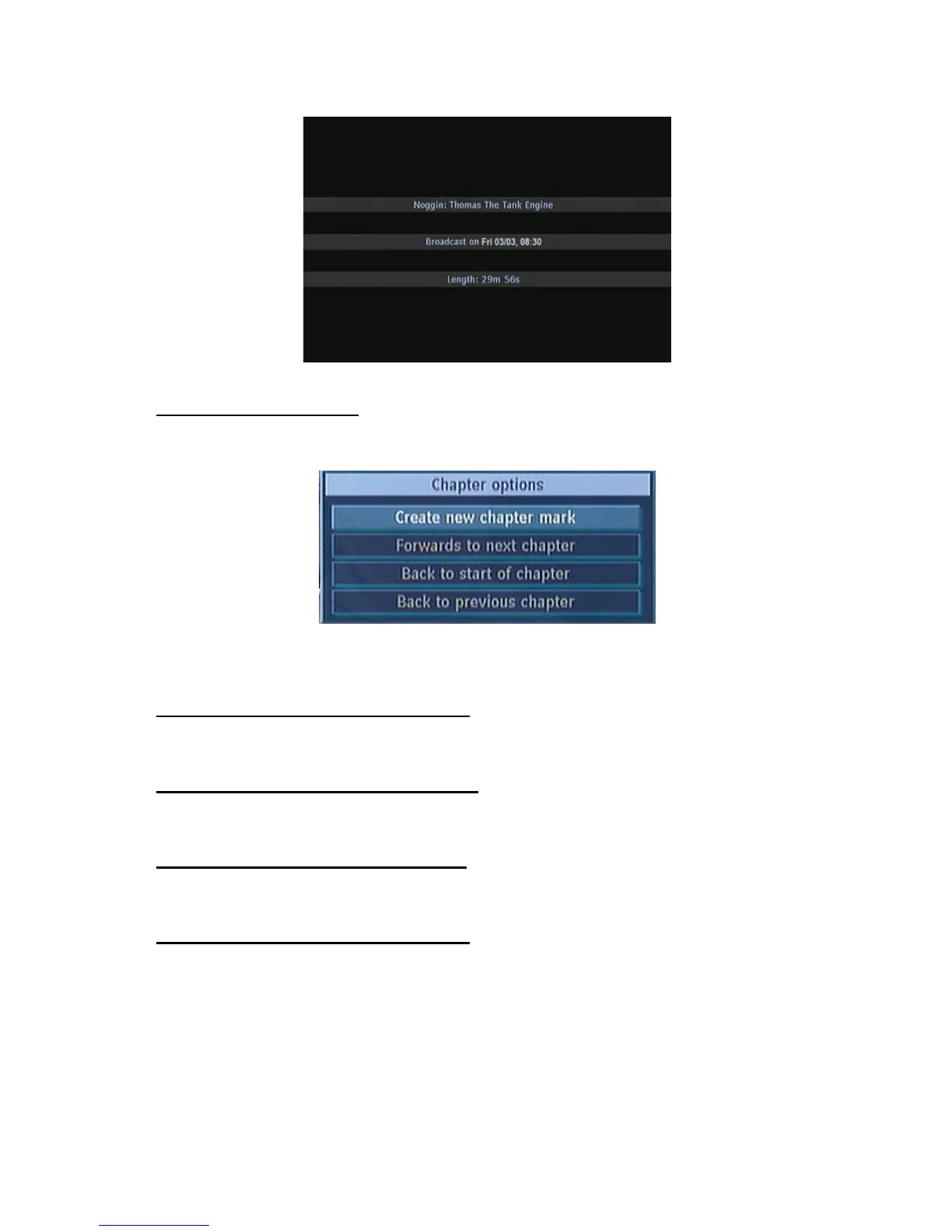
During playback of a recording, if you press the MENU button, you will get to the “Chapter Options”
menu. The chapter options menu includes following options:
This menu includes the options below:
4.2.1. CREATE NEW CHAPTER MARK
Using the “5/6” buttons select this option and press the OK button, to create a chapter mark. You
could set a chapter mark anywhere you want.
4.2.2. FORWARDS TO NEXT CHAPTER
Using the “5/6” buttons select this option and press the OK button, to go to the next chapter. If there
is more than one chapter.
4.2.3. BACK TO START OF CHAPTER
Using the “5/6” buttons select this option and press the OK button, to go to the beginning of the
current chapter. This is the last played chapter.
4.2.4. BACK TO PREVIOUS CHAPTER
Using the “5/6” buttons select this option and press the OK button, to go to back to the previous
chapter. If there is more than one chapter.



 To Next Page