26
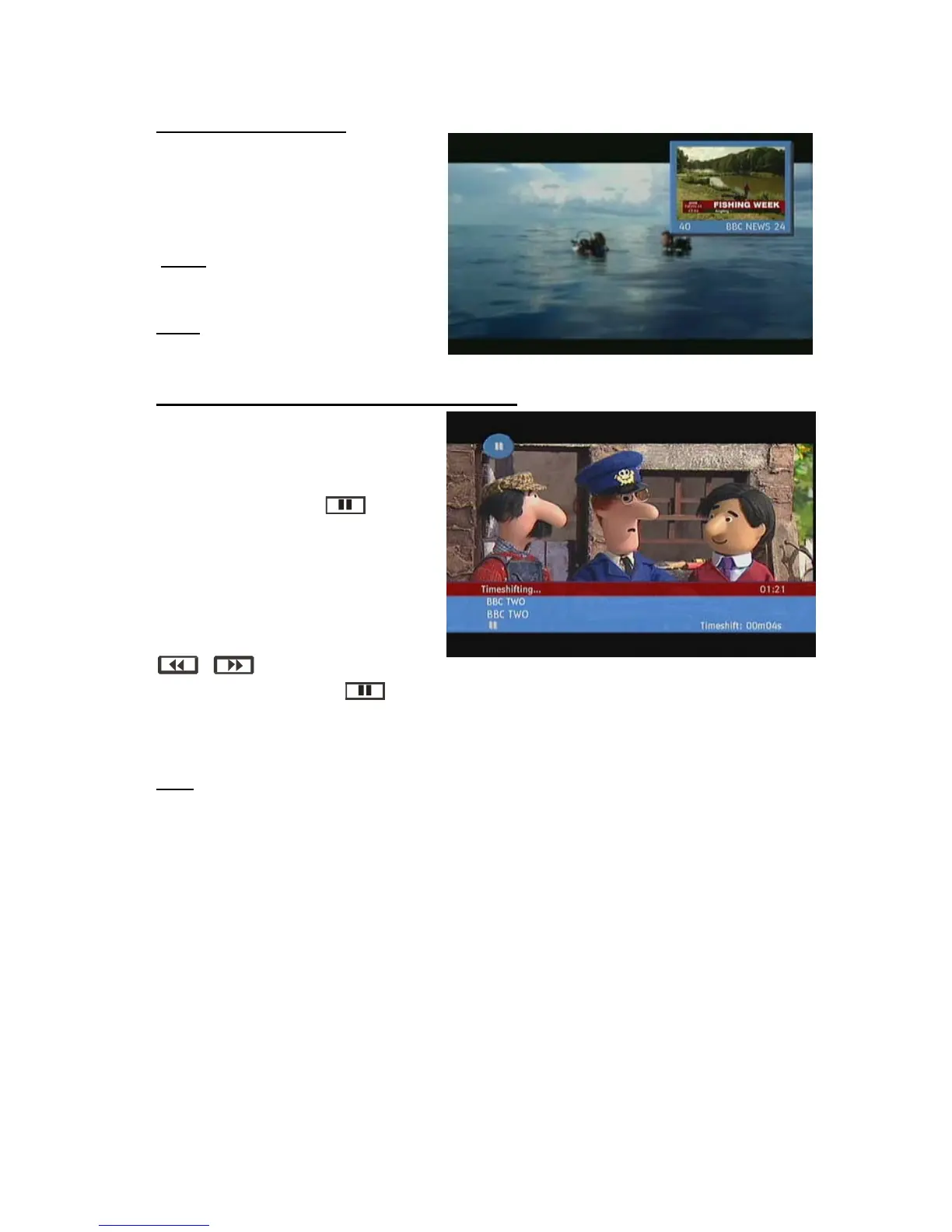
PIP (PICTURE-IN-PICTURE)
Enables / disables PIP window.
Ø PIP +: next channel in PIP
window.
Ø PIP - : previous channel in PIP
window.
NOTE: PIP is only available when LOOP
THROUGH is connected. (Please see
page connection diagrams)
SWAP
Main window and PIP window change
their places.
TIME SHIFTING (PAUSE LIVE RECORDING)
Pause Live Recording is a feature that
enables you to pause a live broadcast if,
say the phone rings you can go back to
the same spot that you were at when you
left. The live broadcasting can be stopped
any time. Press PAUSE button to
suspend the broadcasting. In the INFO
banner the timeshift will comence. The
duration of Timeshift can be adjusted from
Recordings in the Configuration menu
(See 5.1.RECORDINGS). In order to stop
the timeshift press PLAY, PAUSE or OK
button. The paused recording can be
watched in different speeds by means of
keys. To terminate the
Pause Live Recording press button.
NOTE:
You can also use the PAUSE button on the front of the unit if you wish.
TEXT
Many digital terrestrial television channels not only broadcast pictures and sound for programmes but
also pages of information on the programmes, the weather, news and many other topics. This digital
teletext can be displayed by the receiver.Some channels are entirely given over to digital teletext and
carry no normal TV programme at all.
These dedicated digital teletext channels will not give a quarter-screen image in the EPG or the
Channel List screen. When such a channel is selected, after a brief pause, they will usually display
the opening page of information automatically. Other channels have digital teletext pages broadcast
alongside the television programme and often include a reduced-size broadcast picture within digital
teletext pages.
These usually require the TEXT button to be pressed to activate the digital teletext pages.In both
cases, moving through the different pages of information is accomplished in a variety of ways,
dependent on the individual broadcasters, but including use of the “5/6/3/4” and [OK] keys to
select items from on-screen menus, and the coloured keys to jump directly to particular pages.
You can exit teletext mode by pressing the TEXT button on the remote or by changing channel. Also if
you call for the INFO bar or bring up a menu you will temporarily enter TV mode returning to TEXT
mode when you cancel the menu or INFO bar.



 To Next Page