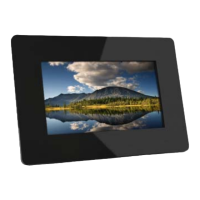
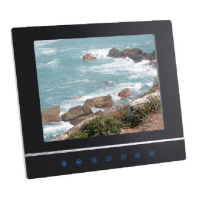
INTRODUCTION
PLAYER FEATURES
• Operationviafrontpanelcontrolsorremotehandset.
• Automaticslideshowwithmultipletransitioneectsand
variable interval timings.
• CompatiblewithSD/MMC/MS/andCFmemorycards.
• USBHostforconnectingtoaUSBashdrive.
• USB2.0highspeedtransmissionforconnectingtoyour
computer to download les.
• Youcancopylesfromanyconnectedmediadevicetoany
other connected media device.
• Directdeletionoflesfromanyconnectedmediadevice.
PICTURE FORMATS
The DPF will play pictures conforming to the .jpg (jpeg) standard.
Otherpicture formats must be converted to jpgs via photo editing
software.
The player will take time to load and display pictures. Lots of high
resolution pictures will slow loading times considerably.
FILES AND FOLDERS
YoumaygroupyourpicturesintoAlbums(folders)withseveral
picturesinsideeachalbum.“Youcanchoosetoplayallthepictureson
the media or you can select individual folders, and play the contents.
UNPACKING
The carton should contain:
•ThePhotoFrame
•ExternalPowerAdapter
•RemoteControlHandset
•OperatingManual
Ifanyitemsaremissingordamaged,contactyournearestTESCOstore
for a replacement. Have your receipt ready when you call. Retain the
packaging. If you dispose of it, do so having regard to any recycling
regulations in your area.
Before using the Photo Frame carefully remove any protective
lm covering the screen. Take care not to press on the screen.
Page 4


 To Next Page