44
6. Operation
6.4 Electronic Program Guide
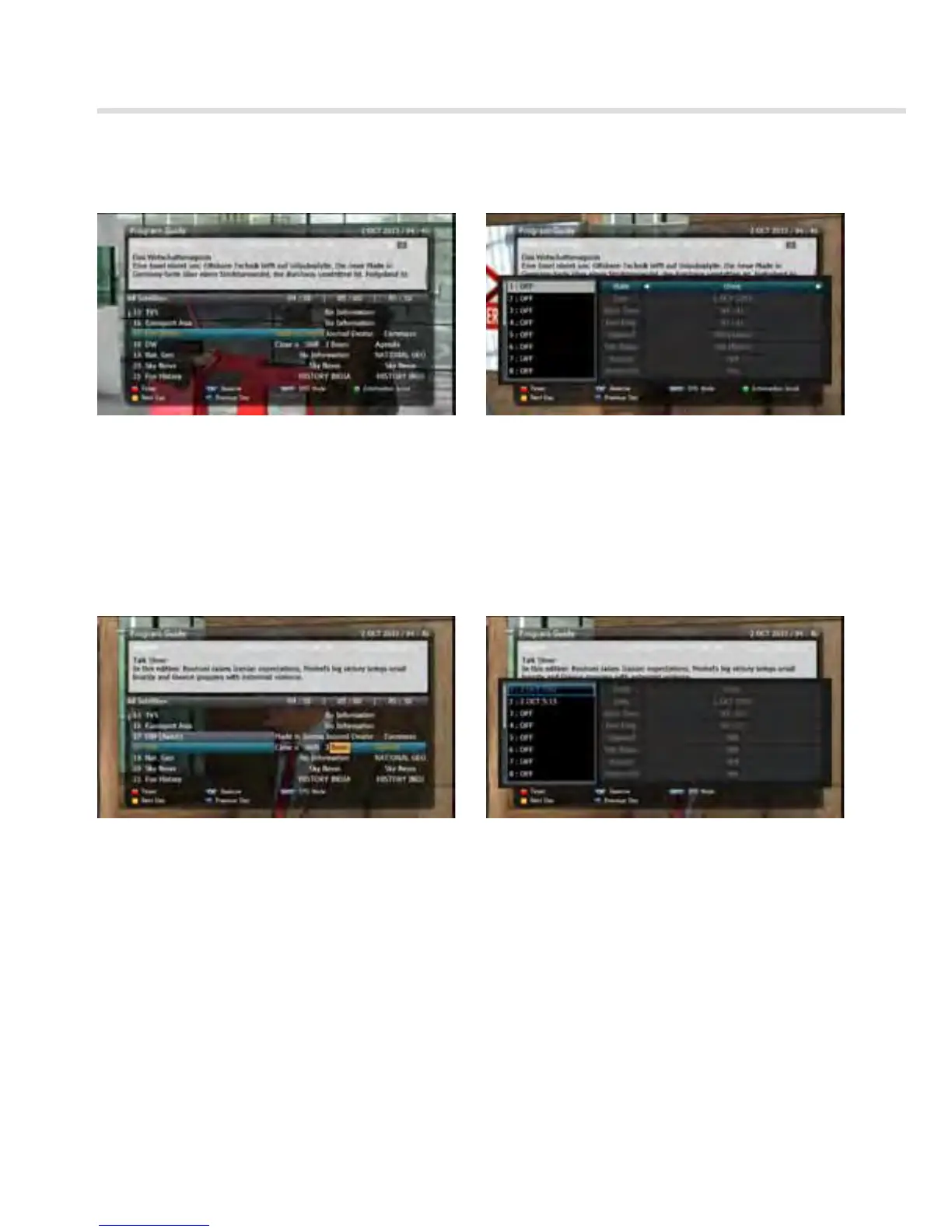
Figure 6.4.1 Figure 6.4.2
Figure 6.4.4Figure 6.4.3
▪ If you want to record a program in the right side of the screen, you can select a program by
using OK. The selected program will be reserved and the evnet color text will change to red.
<Figure 6.4.3>.
▪ You can also see change the timer menu.<Figure 6.4.4>



 To Next Page