USER MANUAL
: Play: Click to play file
: Pause: Click to pause.
: Stop: Click to stop playback.
: Next: Click to play next file.
: Previous: Click to play previous file
:
Slow Playing: click to play at 1/2, 1/4, 1/8, 1/16 speed.
:
Fast Playing: click to play at 2×, 4×, 8×, 16× speed.
: Open file
: Full screen display
: Never on top
: Always on top
: On top during playing
:
Screenshot: Save path: installation directory\Video Client\Capture
: Adjust volume
: Add folder or file.
: Delete file in the list.
: Delete all files in the list.
: Expand/pack up the list.
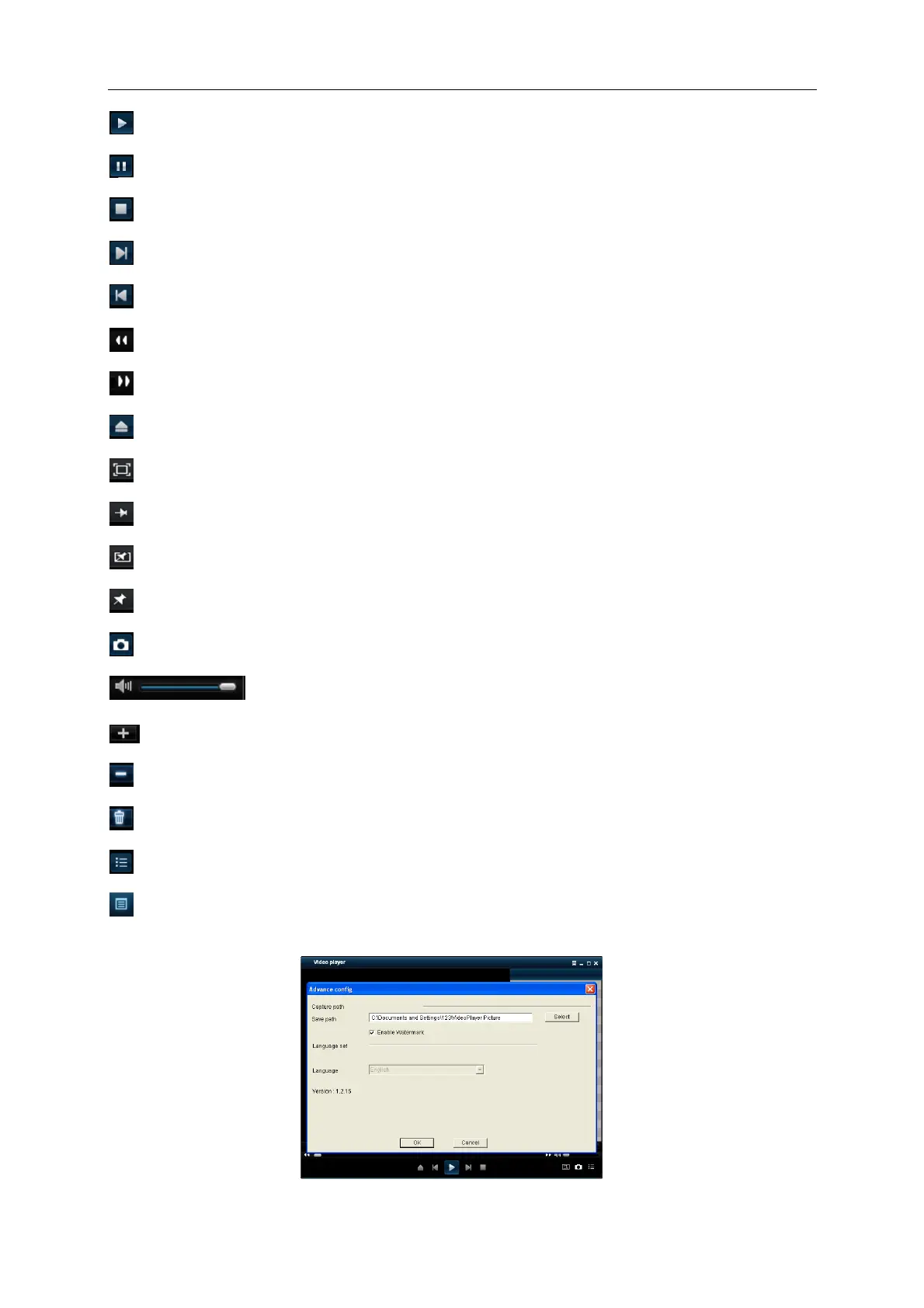
: Advanced configuration: Set the save path for the captured pictures and set the display
language of player, as shown in picture 5-34.
Picture 5-34



 To Next Page