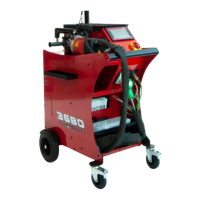
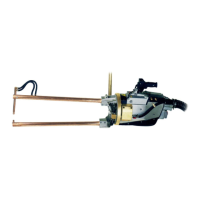
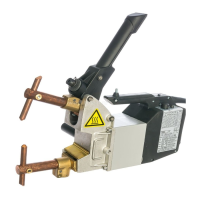
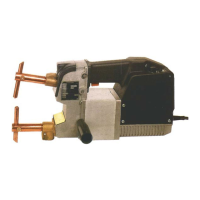
Need help?
Do you have a question about the TECNA 4640N and is the answer not in the manual?
Crucial safety and operational guidelines for welder setup and use.
Explanation of safety symbols and their meanings on the welder and manual.
List of standard accessories included with the welder for initial setup.
Machine identification details such as year of manufacture and serial number.
Electrical specifications including power ratings, voltage, and current details.
Mechanical specifications like arm depth, electrode force, and dimensions.
Specifications for connecting and operating the welder's cooling system.
Other features of the welder, including noise levels and painting colour.
Detailed overview of the welder's primary functional components and design.
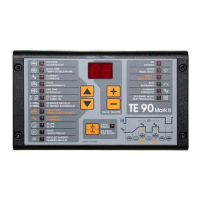
In-depth description of the TE101 microprocessor welding control unit.
Guidelines for selecting a suitable location for installing the welding machine.
Instructions for safely moving and unpacking the welding equipment.
Procedures for connecting the water cooling system for optimal performance.
Steps for correctly connecting the welder to the electrical power supply.
Adjusting the welder's arms, electrodes, and stroke for optimal welding.
How to set the correct electrode force based on material and quality.
Setting welding parameters like time, current, and pulses for different jobs.
Method to calculate the maximum working rate to prevent overheating.
Routine maintenance tasks to ensure efficient and safe operation.
Procedures to follow in case of emergency or unexpected operational issues.
Steps to diagnose and resolve reduced welding performance issues.
Systematic approach to identifying and fixing faults in the welding machine.
Solutions for common welding defects caused by incorrect adjustments.
Reference tables for optimal welding parameters based on material and thickness.
A template for recording production data and welding parameters.
 General
| Brand | TECNA |
|---|---|
| Model | 4640N |
| Category | Welding System |
| Language | English |


 To Next Page