EV 10-50
15
01/04/23
19.6°C
20.2°C
9:35
1
04
9.6°
20.2°C
Wireless hybrid arm sy em
Wireless hybrid arm sy em
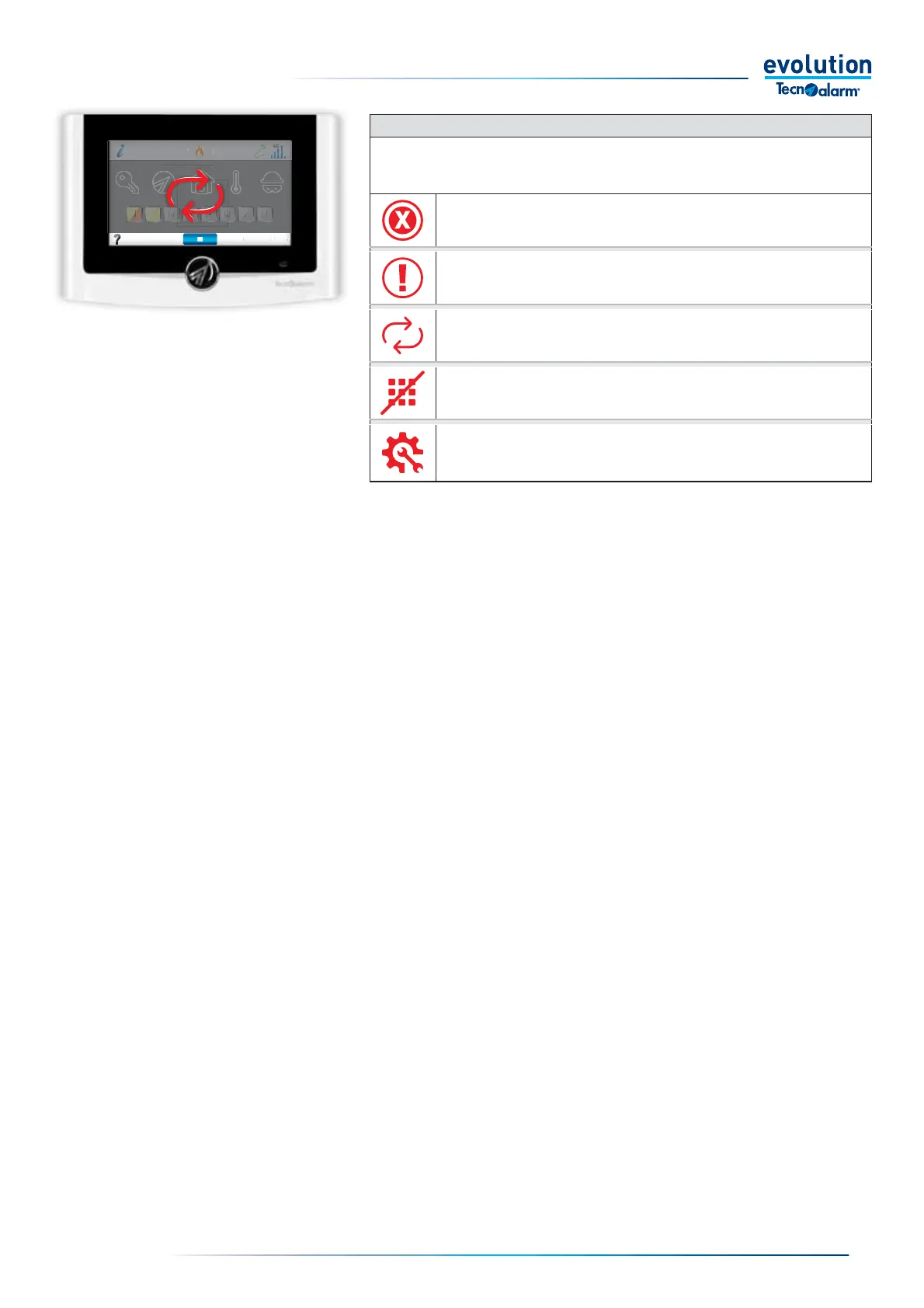
GENERAL CONSOLE STATUS ICONS
The table lists the functional states in which the normal operation of the console is interrupted.
In some states it is still possible to open the dropdown menu and access the allowed functions
No serial communication
Contact your installer.
Active console fault.
Contact your installer.
In this condition, no function can be accessed.
Synchronisation is in progress.
Wait for synchronisation to end
Wrong code or key.
Wait for the console to unlock before logging in again
Control panel in maintenance.
The System is under maintenance, it is possible to operate only on the console from
which it was accessed via installer code.



 To Next Page