ChallengerPlus Installation and Quick Programming Manual 35
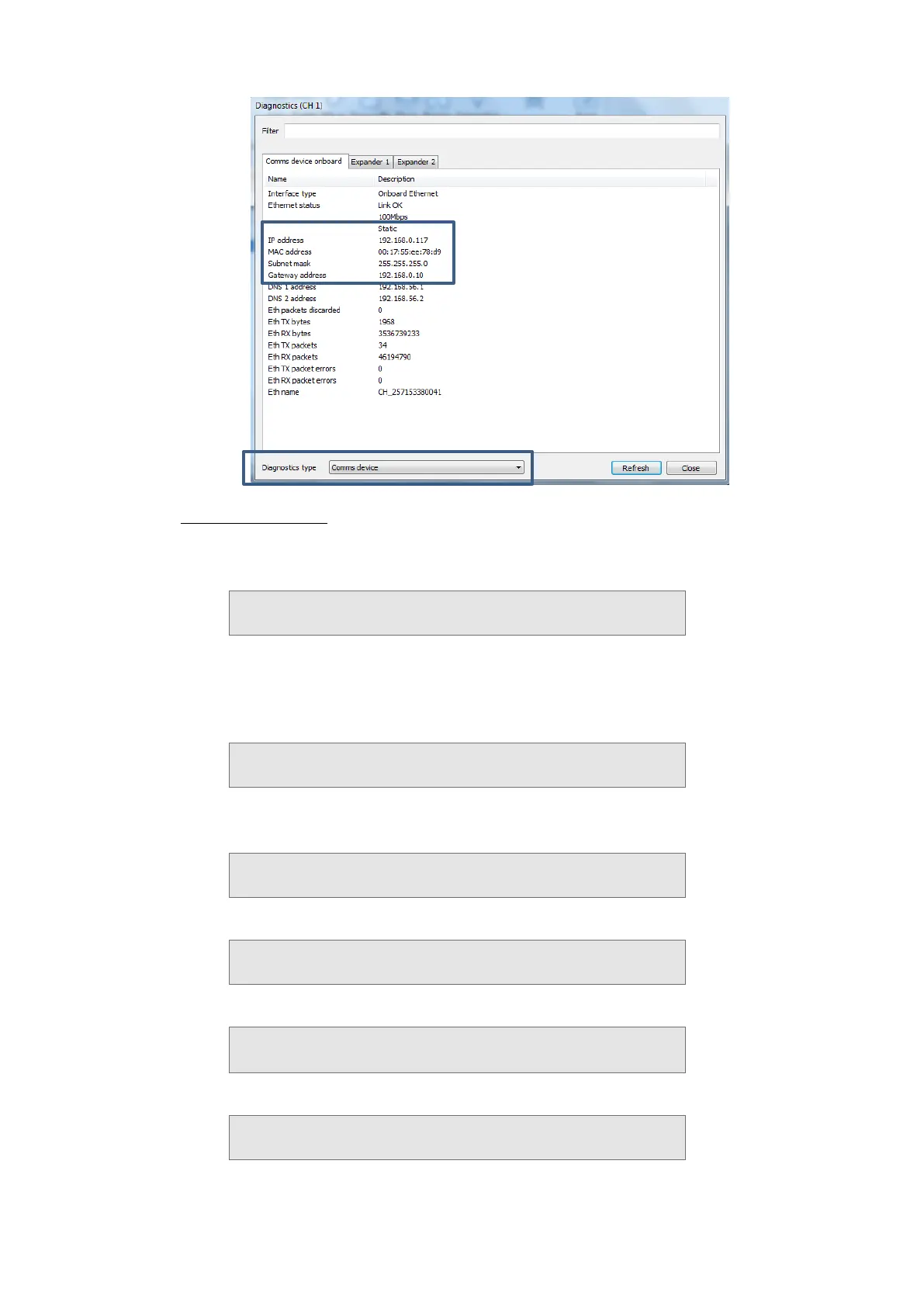
Method2: Keypad
o Using Install Menu option 9 Communications, press [3] and then press
[ENTER] to view the Status menu.
1−Path Status 2−HW Status 3−MM Software
0−Exit, Menu:
o Press [2] [ENTER] for “Hardware Status”.
o Press [1] [ENTER] for the onboard Ethernet interface.
o Ensure that the Ethernet interface shows “Link OK”.
Eth: Link Ok (100 Mbps)
Press Enter
o Press [ENTER] to display the Ethernet interface’s IP address
programmed.
Eth: IP Addr 192.168.000.117 (dhcp)
Press Enter
o Press [ENTER] to display the Subnet Mask address:
Subnet Mask: 255.255.255.000 (dhcp)
IP(1): Press Enter
o Press [ENTER] to display the Gateway address:
Gateway Add: 198.168.0.00 (dhcp)
IP(1): Press Enter
o Press [ENTER] to display the DNS address 1:
DNS 1 Add: 198.168.056.001 (dhcp)
IP(1):



 To Next Page