13
When the radio is turned on by the alarm function with radio,
you can short press [POWER] button to continue listening
radio afterwards.
Short press [POWER] again to turn off the radio.
TURN OFF THE ALARM
With radio OFF: Short press the [DISPLAY] button to view
on Temperature, Alarm time.
With radio ON: Short press the [DISPLAY] button to view on
Alarm time, Temperature, Local time, signal strength/ SNR.
DISPLAY MODE
Long press the [ ] button with " " symbol appears in
the display to lock up all keys / buttons. Long press it again
with the symbol disappears to unlock the keys/buttons.
KEY LOCK FUNCTION
While listening to FM station via stereo earphones, short
press the [FM.ST] button with " " appears over the left
side of the frequency in the display to activate the STEREO
mode once it receives the FM stereo station.
FM ST. (FM STEREO) BUTTON
8
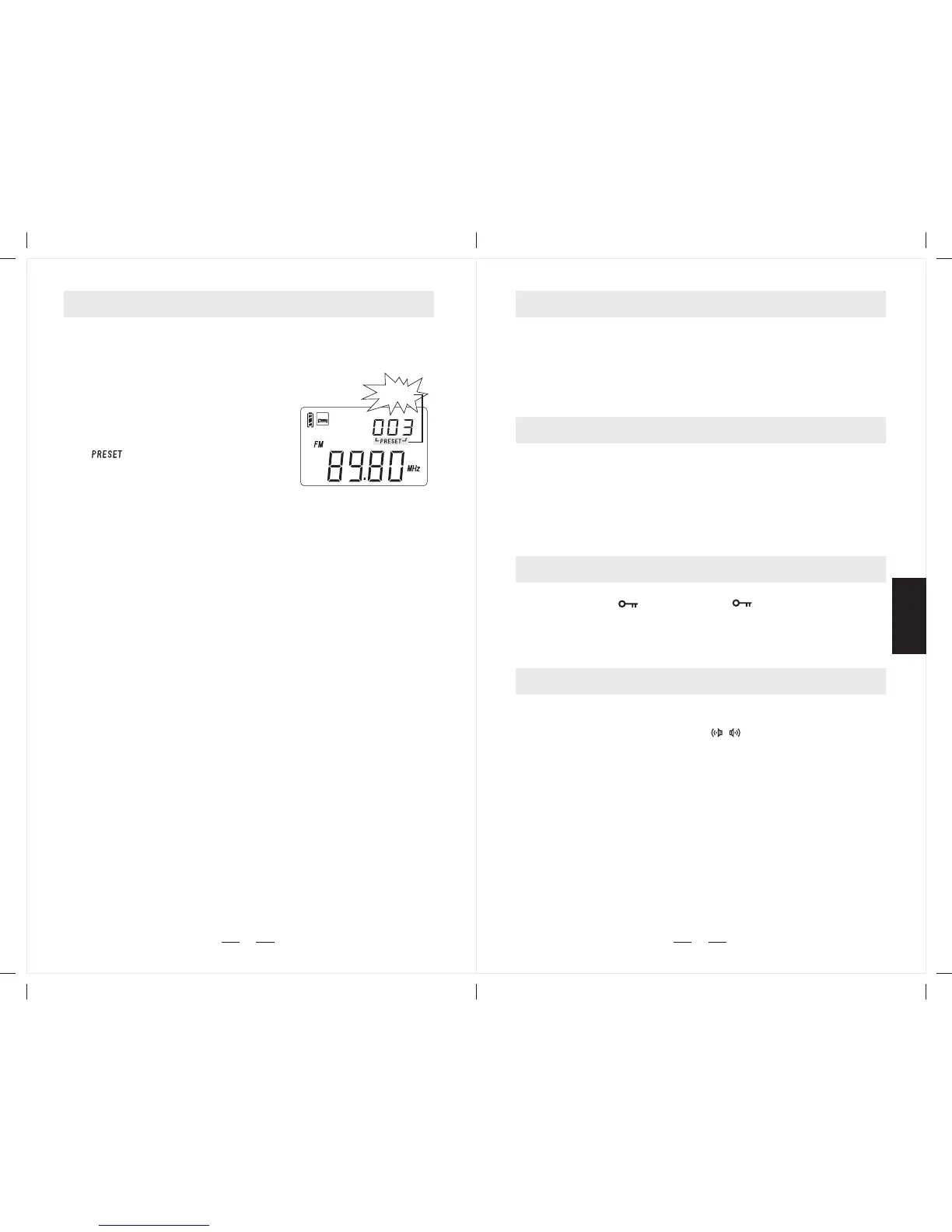
Method 4: AUTO BROWSE MEMORY
1. Turn on the radio, short press
the [VM] button with memory
page shows in the upper right
corner and disappears in 5
seconds.
2. Long press [VM] button with
" " flashing to scan
from one memory to another,
staying on each station
memory for about 5 seconds.
3. To stop auto search memory,
simply press the [VM] button.
Note: Please first read [Working with Memory] in next
page before using this function.
flashing
Auto-scan memory with
pre-listening
SLEEP
PL-360



 To Next Page