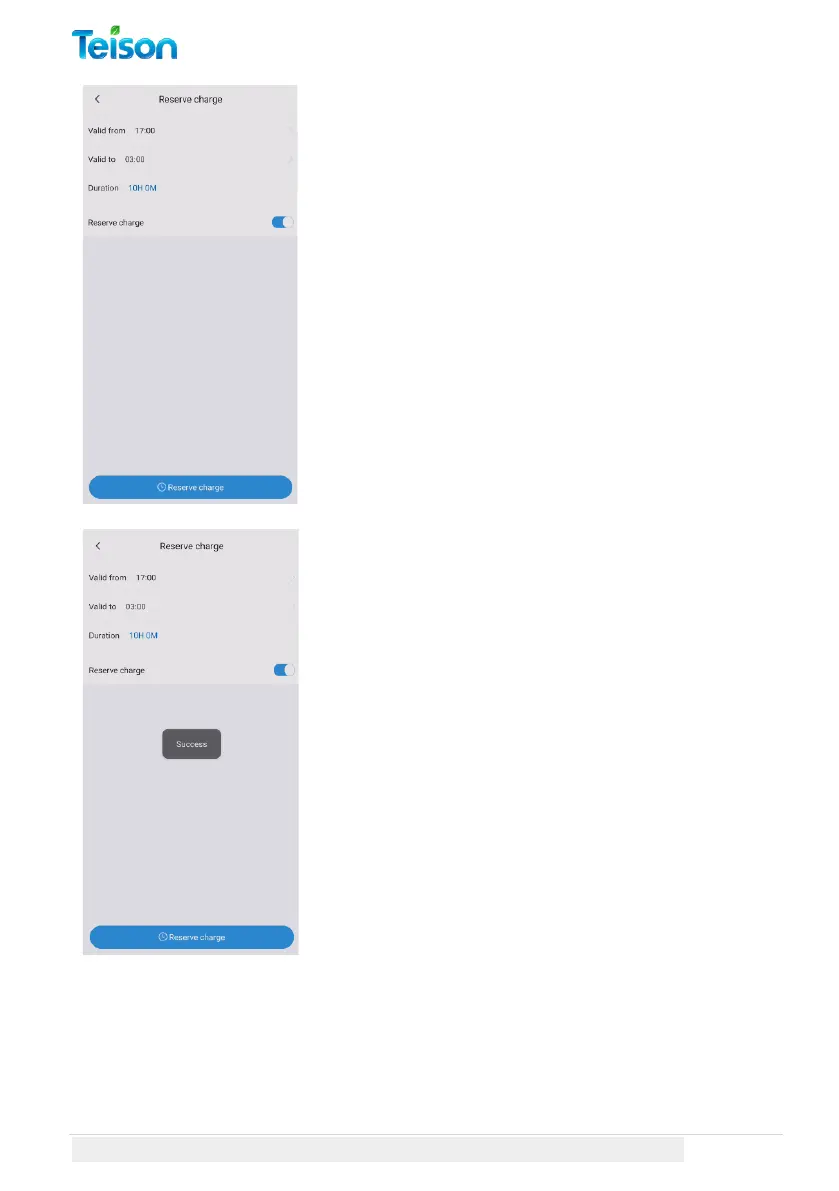
Reserve Charge:
Please select the "Valid from" and "Valid till"
times.
The total time reserved will be displayed as
"Duration".
To activate the reservation charge, toggle the
"Reserve charge" button to the right.
Finally, click on the "Reserve charge" button
located at the bottom of the page.
When the reserve is activated and saved, a
success message will be displayed.
You can return to the charger screen by
clicking on the back arrow located on the top
left corner of the page.



 To Next Page