Copyright © Teison Energy Technology Co.,Ltd. All Rights Reserved. 22 | P a g e
IC Management
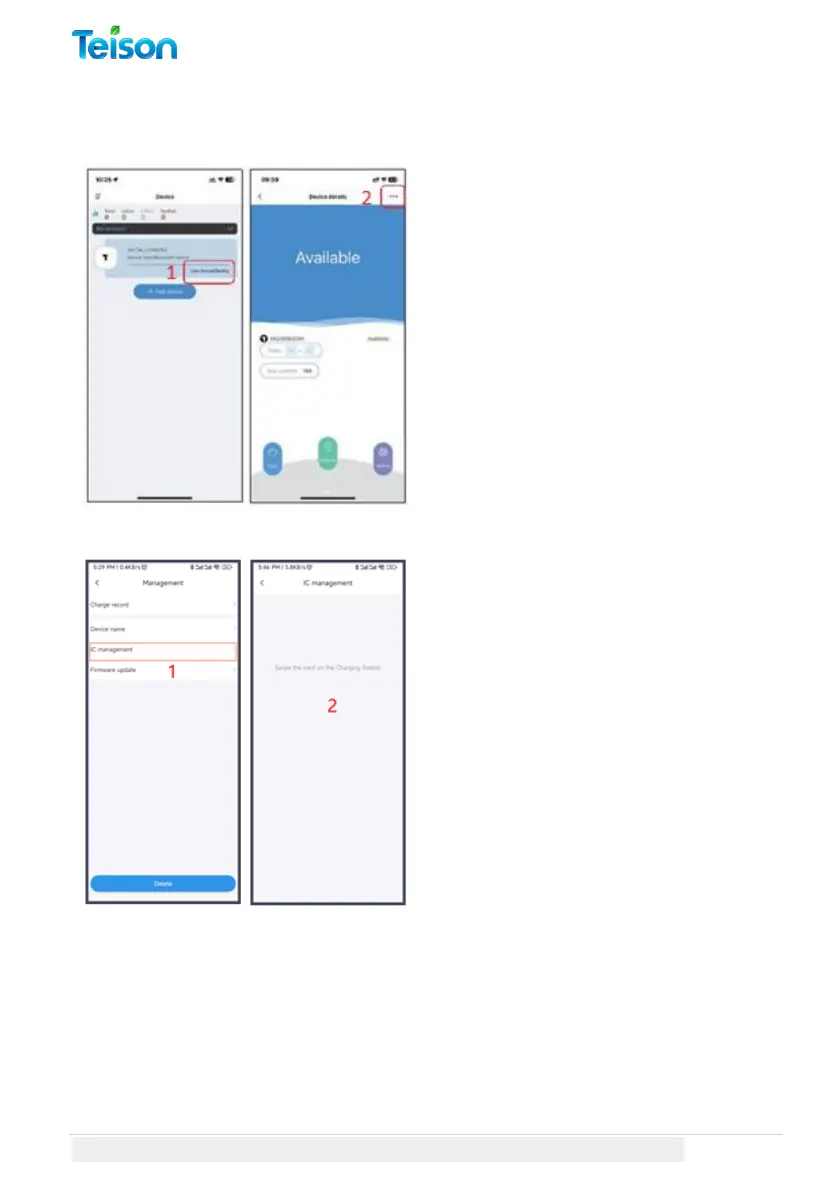
Add and activate a new card:
1. Select IC management to
manage RFID cards.
2. At this stage, no cards have been
assigned to your Charger yet. To
assign a card, simply swipe it on the
charging station, wait for the peep
sound, and the card should appear
on the list.



 To Next Page