© 2012 557_D - 08/12
16 of 48
A Watts Water Technologies Company
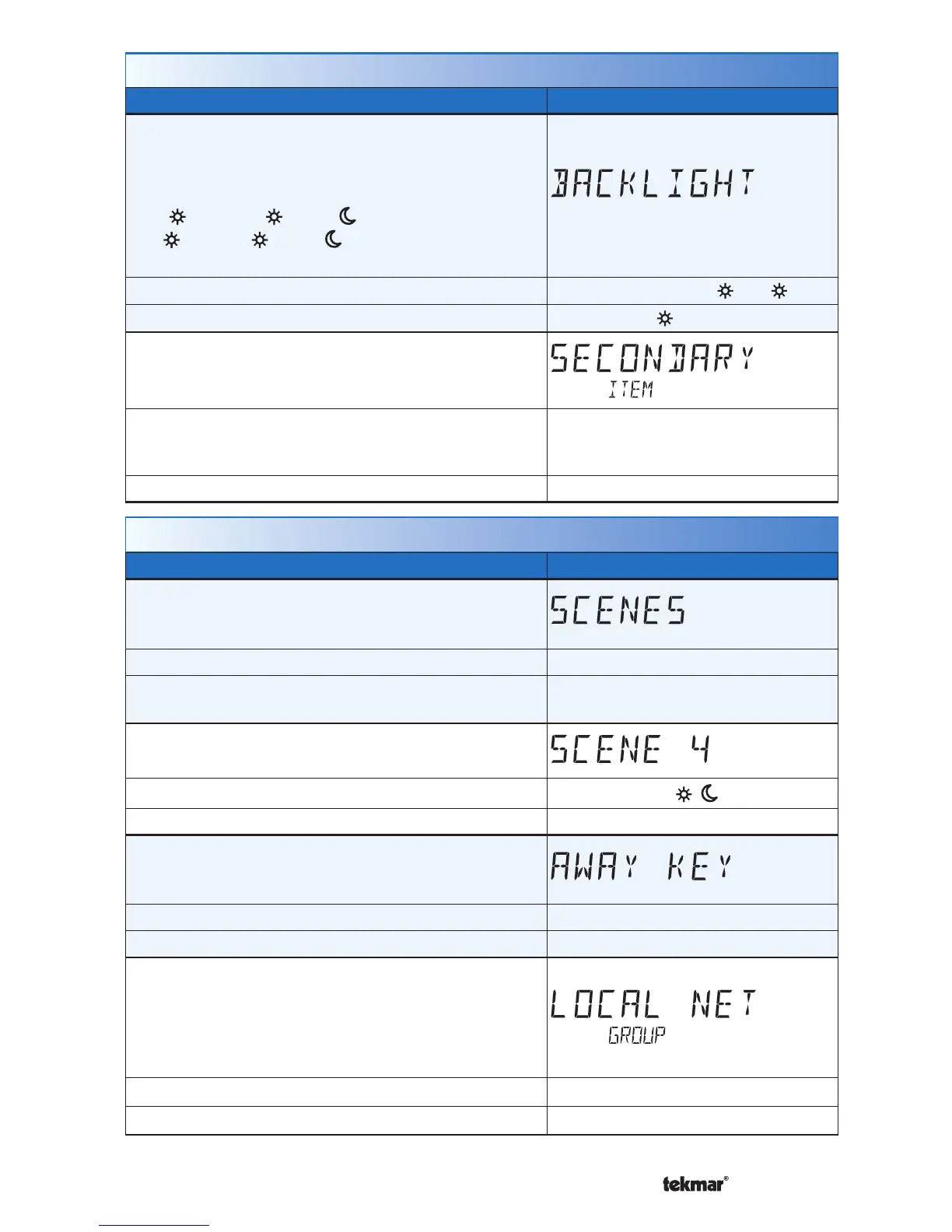
Scenes Menu (1 of 1)
Setting Display
SCENES
Enable or disable the use of scenes (building overrides)
on this thermostat.
Access Level: Installer, User
Range: NONE, AWAY, ALL, GUEST
Conditions: Settings ALL and GUEST only available
in Installer access level.
Default: NONE
SCENE 4
Select how the thermostat should respond to scene 4.
Access Level: Installer
Range: SCHD,
, , Away
Conditions: Scenes is set to All. Default: SCHD (Schedule)
AWAY KEY
Enable or disable the away touch key on the home
screen.
Access Level: Installer, User Range: OFF or ON
Conditions: Scenes is set to ALL, AWAY, or GUEST. Default: OFF
LOCAL NETWORK GROUP
Select if scenes and time clock are shared when
connected to a tekmarNet
®
system.
OFF = Send and receive messages.
ON = Receive messages only.
Access Level: Installer Range: OFF or ON
Conditions: Always available. Default: OFF
Display Menu (2 of 2)
Setting Display
BACKLIGHT
Select how the display backlight operates.
ON = Always full brightness.
DIM = Dim when inactive, on when touched.
DIM
= Dim in , off in . On when touched.
ON
= On in , off in . On when touched.
OFF = Off when inactive, on when touched.
Access Level: Installer, User
Range: DIM, ON, DIM , ON , OFF
Conditions: Always available.
Default: DIM
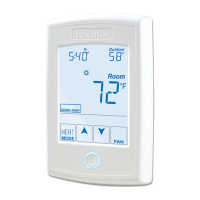
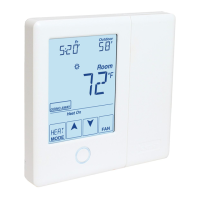
SECONDARY ITEM
Determine the default item in the upper right hand
corner of the Home screen.
Access Level: Installer, User
Range: NONE, OUT (outdoor),
FLOR (floor), HUM (Humidity),
TEMP (Heat and Cool Temperature)
Conditions: Always available. Default: OUT (outdoor)


 To Next Page