© 2012 557_D - 08/12
25 of 48
A Watts Water Technologies Company
Setting Display
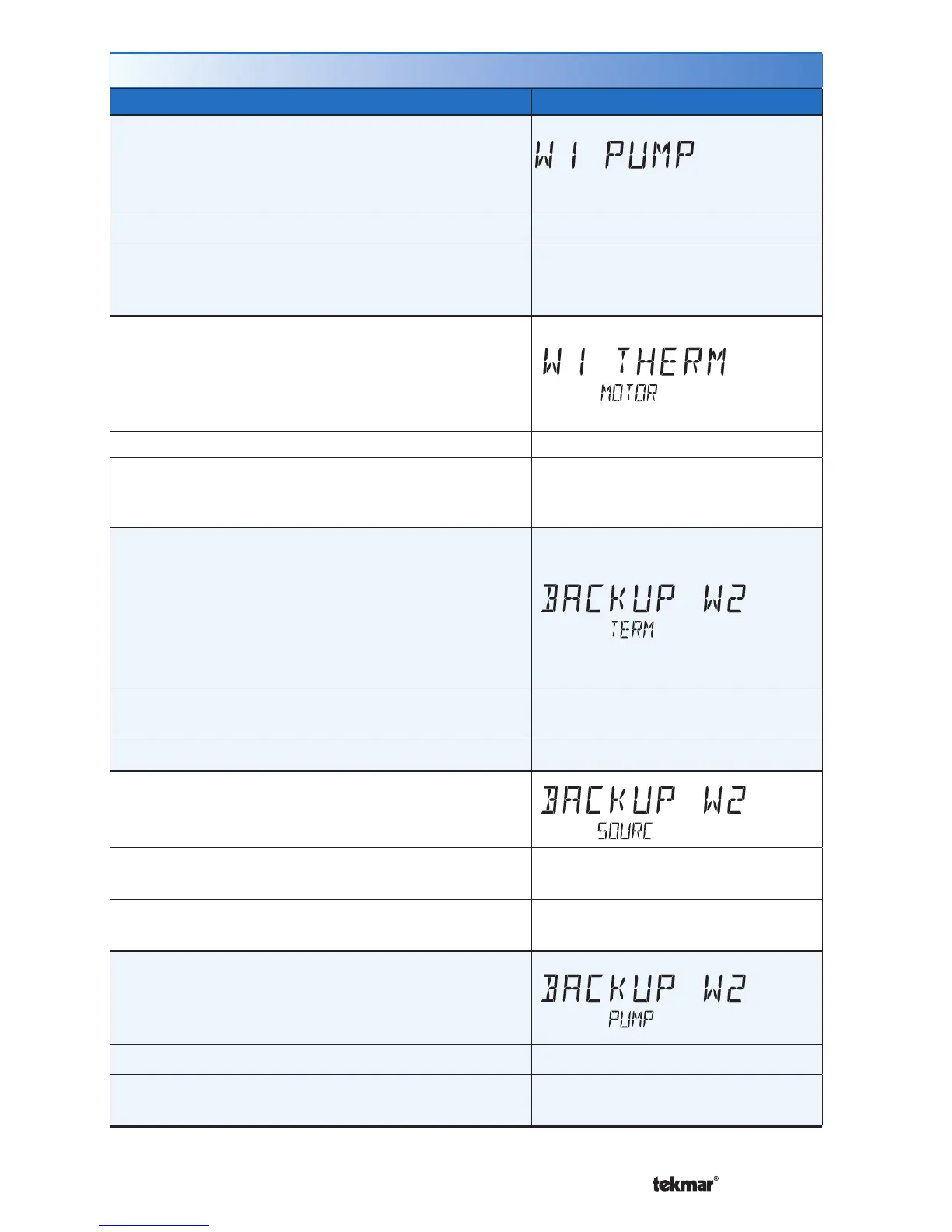
W1 PUMP
Select whether the primary or mix system pump on
a tekmarNet
®
system control should operate while
the first stage of heat W1 is operating.
Access Level: Installer Range: OFF or ON
Conditions: Only available when a tekmarNet
®
system
control is connected and the Setup menu setting W1
TERM is set to HRF1, HRF2.
Default: ON
W1 THERMAL MOTOR
Select whether the first stage of heat W1 operates a
thermally actuated zone valve (wax actuator). When
set to ON, there is a 3 minute delay before operating
the pump and any heat sources.
Access Level: Installer Range: OFF or ON
Conditions: Only available when a tekmarNet
®
system control is connected and the Setup menu
setting W1 TERM is set to HRF1, HRF2.
Default: OFF
BACKUP W2 TERMINAL
Select the type of backup heating.
CONV = baseboard convectors
COIL = hydronic fan coil
FURN = forced air furnace
OTHR = non-hydronic heating that does not require
the fan to operate
Access Level: Installer
Range: NONE, CONV, COIL,
FURN, OTHR
Conditions: Always available. Default: NONE
BACKUP W2 SOURCE
Select the water temperature of the hydronic backup
heating.
Access Level: Installer
Range: BOIL, TNK1, MIX1, MIX2,
MIX3
Conditions: BACKUP W2 TERMINAL is set to CONV
or COIL.
Default: BOIL
BACKUP W2 PUMP
Select whether the primary or mix system pump on
a tekmarNet
®
system control should operate while
the backup stage of heat W2 is operating.
Access Level: Installer Range: OFF or ON
Conditions: BACKUP W2 TERMINAL is set to CONV
or COIL.
Default: ON
Setup Menu (2 of 7)



 To Next Page