SYNAPSE30 30W FM Exciter User manual
FREQUENCY SETTING
Rotate arrows keys to find slide to program frequency. Push arrows keys as indicated.
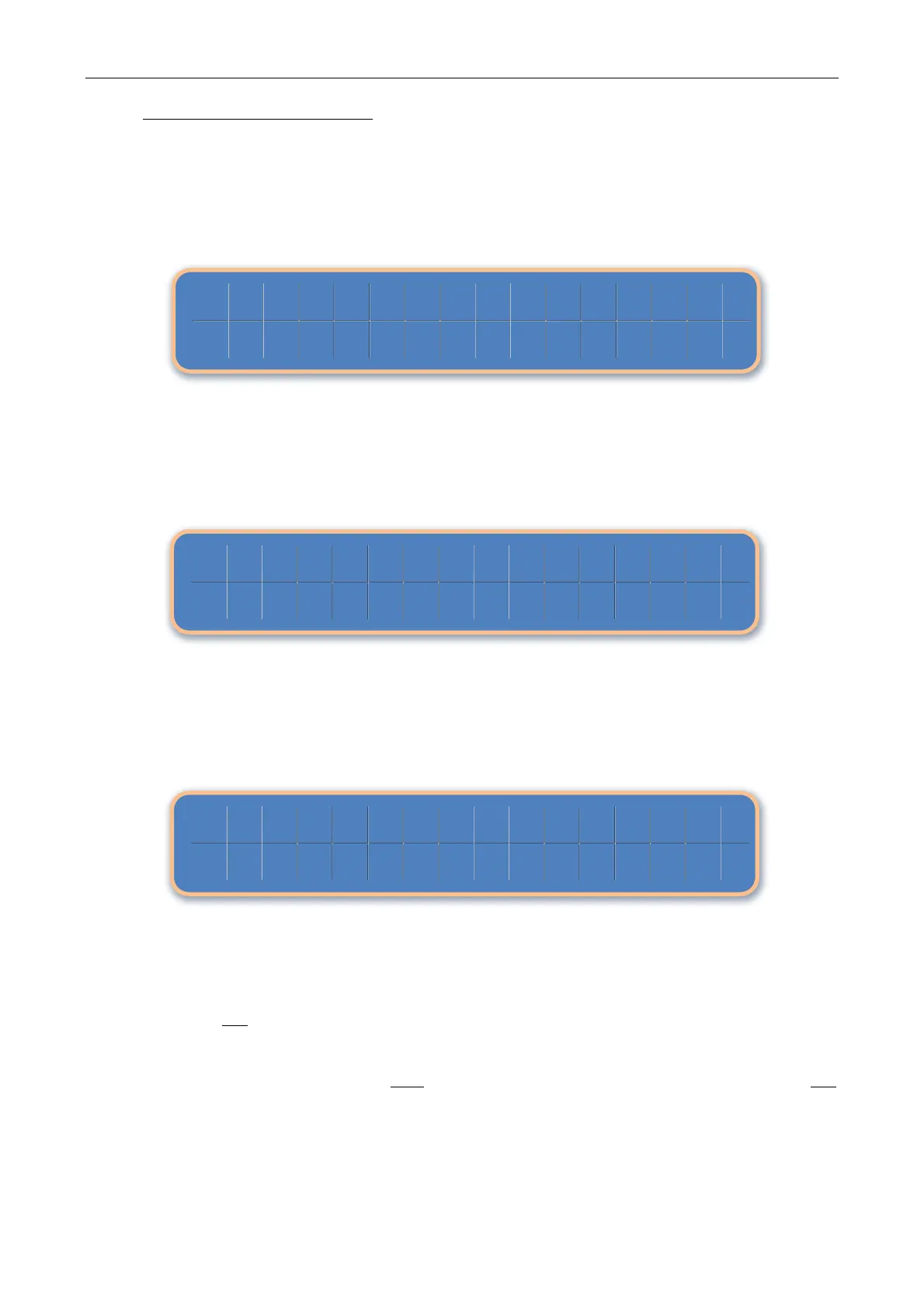
Slide below shows current frequency at 105.00 Mhz. Value can be modified when cursor is moved
under the relevant character. Turn arrows keys right or left to increase or decrease value.
The range limits are: 87.50 MHz to 108 MHz. The default step is 10 kHz, but upon request, it is
possible to choose different step values (i.e. 25 or 50 kHz). Confirm new value and exit routine by
pushing the arrows keys.
Cursor highlights NO selection by default. This is to inadvertently prevent pushing the arrows keys
and consequently enter a mistaken value.
To validate your change move cursor to YES selection and press arrows keys or move cursor to NO
selection to reject setting.


 To Next Page