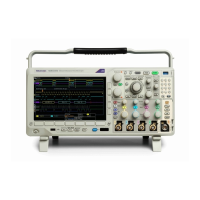
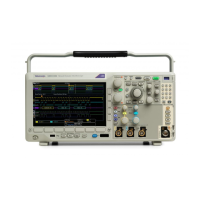
Use the 3-SEC option to enable the I/O ports
If your instrument has the 3-SEC option installed, use the following procedure to
turn on all of the I/O ports.
1. Tap Utility > Security > Advanced.
2. Tap Enter Password.
3. Use the keyboard to enter the password.
4. Tap I/O Ports (USB, LAN) to toggle the ports On.
5. Tap outside the menu to close the menu.
6. Power off the oscilloscope, and then power it back on to complete the
process.
Enable the LAN port and set the LAN Ethernet settings
To Enable the LAN port and set the LAN Ethernet settings, such as IP addresses,
complete the steps in this procedure.
1. Install a network cable to the LAN port on the rear of the instrument.
2. Push the front-panel Default Setup button.
3. Tap Utility > Security > Advanced.
4. Tap Enter Password.
5. Use the keyboard to enter the password.
6. Tap I/O Ports (USB, LAN) to toggle the ports On.
7. Tap outside the menu to close the menu.
8. Power off the oscilloscope, and then power it back on to complete the
process.
9. Tap Utility > I/O.
10. Ensure that the LAN panel is selected.
11. Tap the Network Address Manual button. Wait for this operation to
complete.
12. Double-tap the Instrument IP Address field and enter the address.
13. Double-tap the Gateway IP Address field and enter the address.
14. Double-tap the Subnet Mask field and enter the mask.
15. Double-tap theDNS IP Address field and enter the address.
16. Tap the Apply Changes button.
17. Double-tap the Host Name field and enter the name.
18. Double-tap the Domain Name field and enter the name.
19. Double-tap Service Name field and enter the name.
Clear and sanitize procedures
3 Series MDO Declassification and Security Instructions 9


 To Next Page
 Loading...