Installation
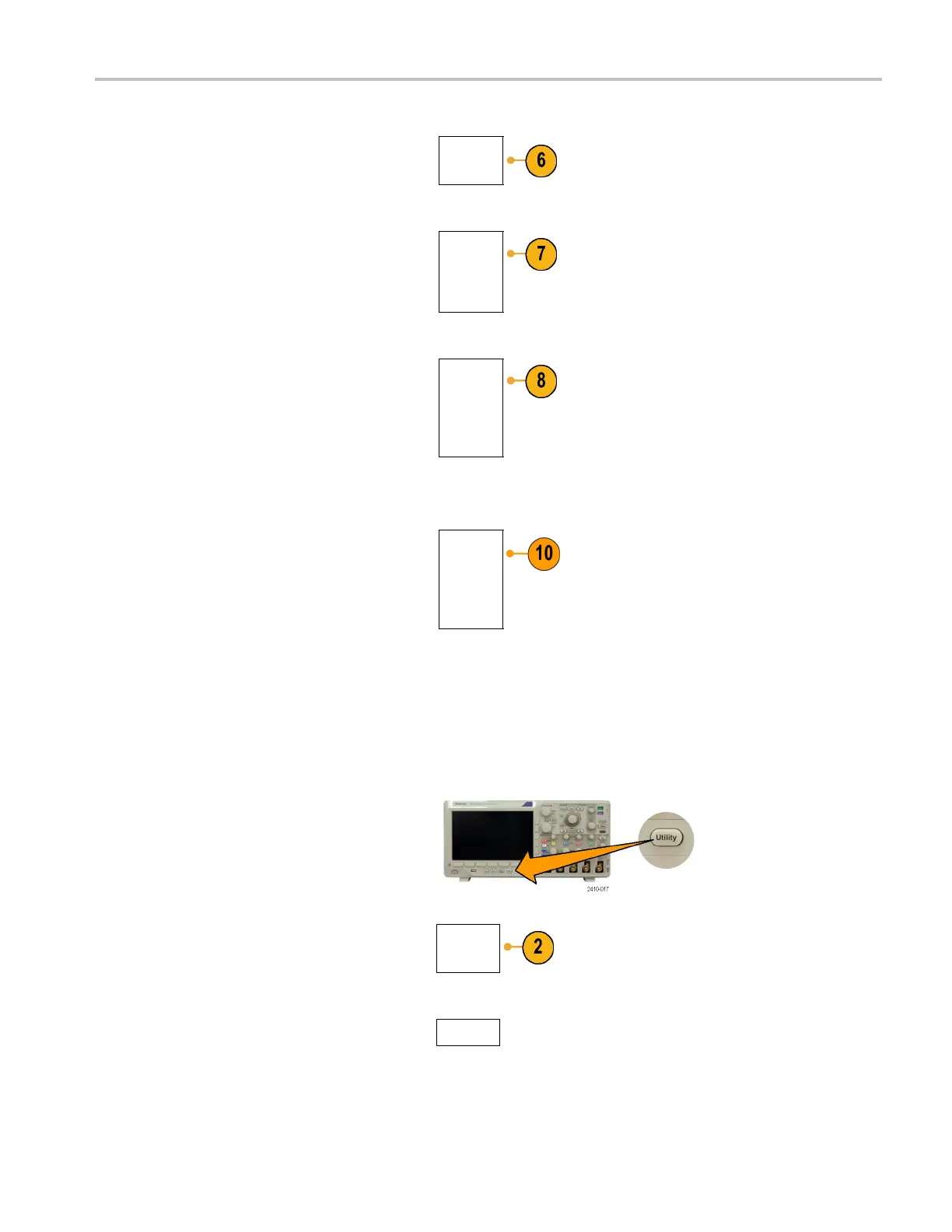
6. Push Install Option.
Install
Option
7. Enter the Option Key number using
multipurpose knob a and push Enter
Character on
the lower menu. Alternatively,
you may use a USB keyboard.
Enter
Character
8. Push OK Acc
ept on the side menu.
Following a successful installation of the
option key, a message will be displayed
indicati
ng that you must power cycle the
oscilloscope to enable the new features.
OK
Accept
9. Power cycle the oscilloscope.
10. To verify that the bandwidth has been
upgraded, push Utility, and then push
About o
n the lower menu. The bandwidth
information should be towards the top of this
screen.
About
Changing the User Interface Language
To change the language of the oscilloscope user interface, and to change the front-panel button labels through the use
of an overlay:
1. Push Utility.
2. Push Utility Page.
Utility
Page
3. Turn multipurpose knob a and select Config.
Config
MSO3000 and DPO 3000 Series Oscilloscopes User Manual 15



 To Next Page