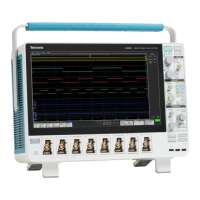
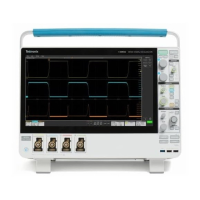
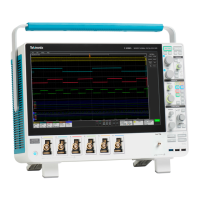
Troubleshooting flow chart
Follow the troubleshooting flow chart to determine the action for a fault condition.
Figure 2: Primary troubleshooting tree
Status LEDs. A set of six bi-color LEDs report the power management status of the instrument. These LEDs are located under the cover
on the bottom of the instrument.
Maintenance
5 Series B Mixed Signal Oscilloscope Service Manual MSO54B, MSO56B, MSO58B 31



 To Next Page
 Loading...