Performance Tests
TDS 500B, 600B and TDS 700A Service Manual
4–69
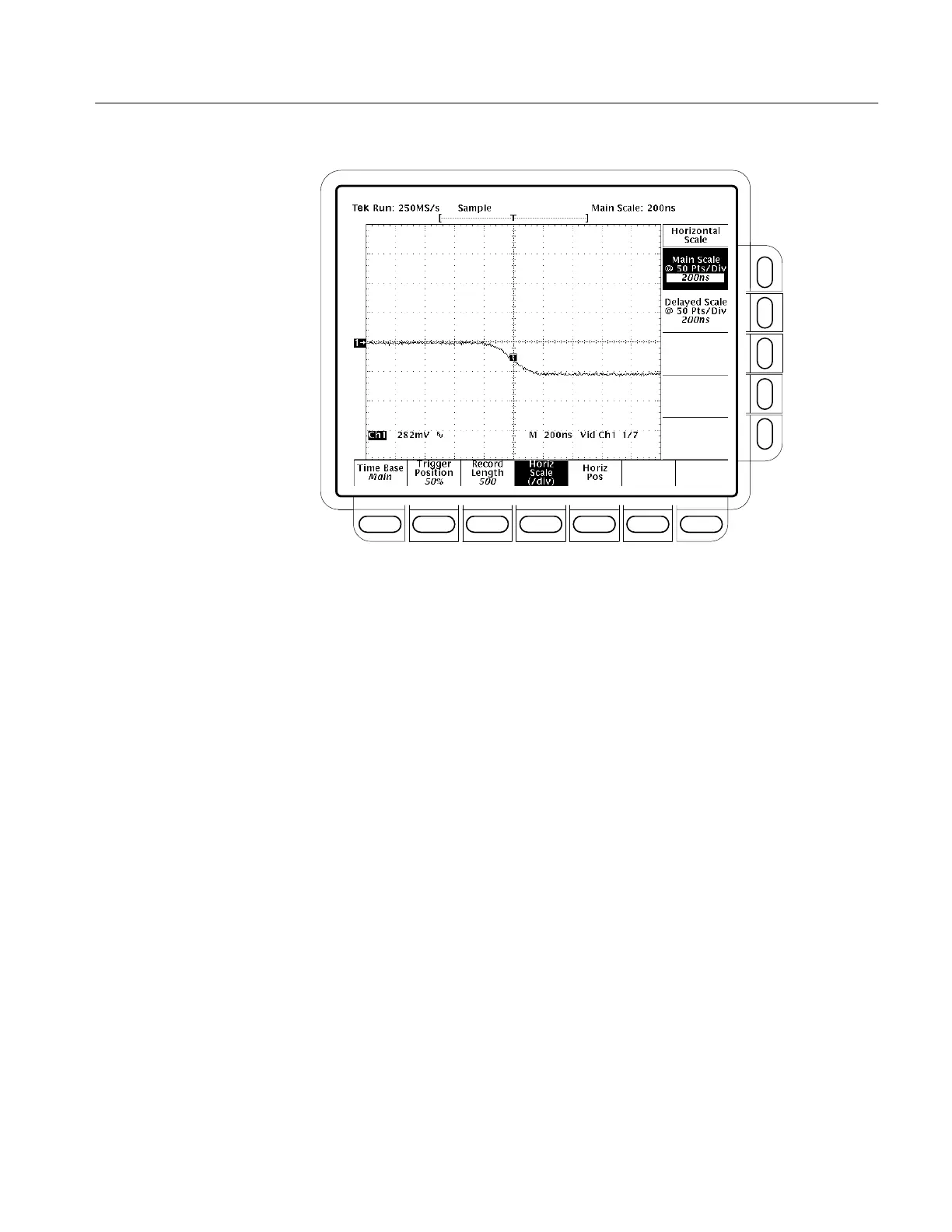
Figure 4–27: Jitter Test Displayed Waveform – TDS 684B Shown
c. Press SHIFT; then press ACQUIRE MENU.
d. Press the main-menu Mode.
e. Select the side-menu Average. It should be already set to 16.
f. Press the main-menu Create Limit Test Template.
g. Press the side-menu V Limit.
h. Use the keypad to set V Limit to 180 mdiv (press 180, SHIFT, m, then
ENTER)
i. Press the side-menu OK Store Template.
j. Press MORE.
k. Press the main-menu Ref1.
l. Press CH1.
m. Press SHIFT; then press ACQUIRE MENU.
n. Press the main-menu Limit Test Setup.
o. Toggle the side-menu Limit Test to ON.
p. Toggle the side-menu Ring Bell if Condition Met to ON.



 To Next Page
 Loading...