Problem Solution
First conguration procedure:
Blue and Red LEDs ashes alternately for long time
Wait until the LEDs stop ashing even if appear the
message “Connection between board and phone
failed”.
If the LEDs continue to ash, check that the router
does not have lters blocks set.
First conguration procedure:
Blue Led ashes slowly - Connection failed
Check that the data are correct and repeat the rst
installation procedure.
First conguration procedure:
GPS connection problem
Verify that the GPS function is enabled and set to
high precision mode
Normal operating mode:
Disconnection from the WiFi network: Blue and Red LEDs
ashes alternately
Verify that the router is powered and connected to
internet.
Normal operating mode:
No internet connection - Blue LED ashes each 0.3s.
Check the router’s internet connection
Normal operating mode:
Emergency mode - Blue LED ashes each 0.1s
.
Available only direct commands.
Check the router’s internet connection
17.0 Troubleshooting (what to do IF…)
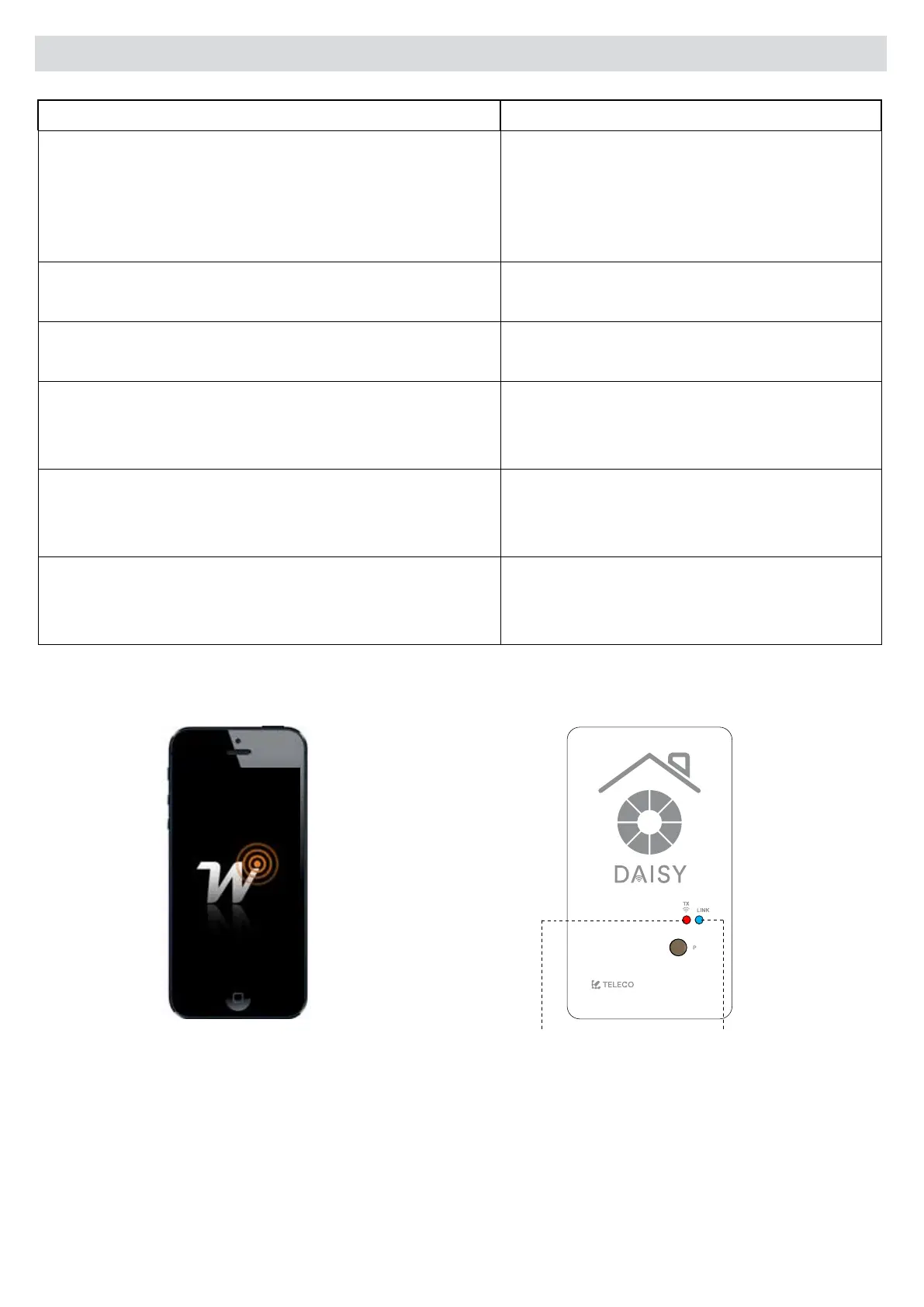
BLUE LED
RED LED
DAISY BOX
WISE APP
Via dell'Artigianato, 5 - 31014 Colle Umberto (TV) ITALY
Tel. +39.0438.388511 Fax +39.0438.388536
Web site: www.telecoautomation.com
DATE: 01/06/18
REV: 2.0
G304BK-CO-SER1
colore come G304BK-CO-SER


 To Next Page