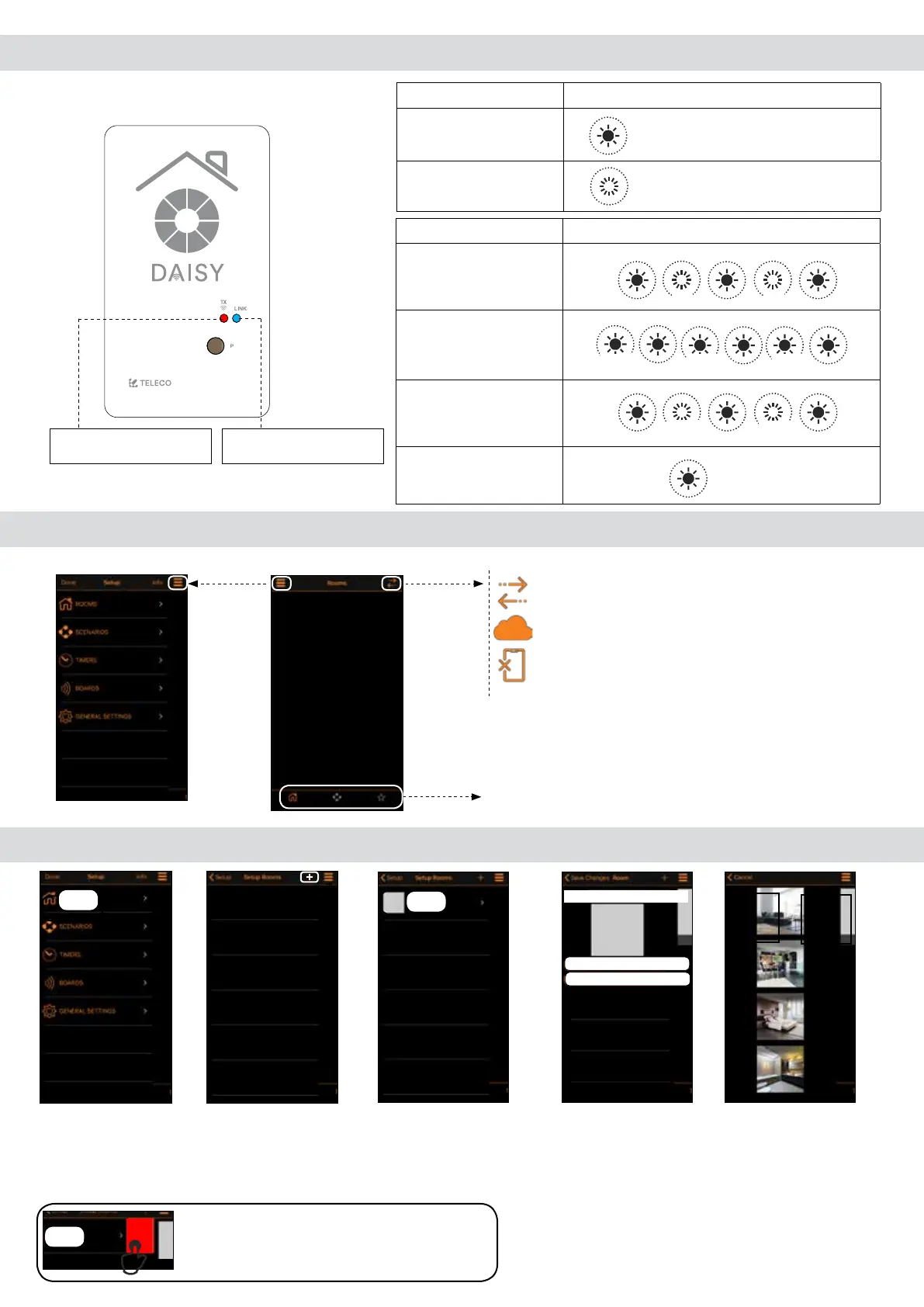
Transmission
Active
Not Active
Status Wi-Fi connection
Waiting for
connection
Connecting
Connecting
Connected
5.0 Led indications
BLUE LED: Wi-Fi Network.
RED LED: Radio commands
Transmission.
LINK: Wi-Fi Network
...
1 s
...
1 s
...
0.5 s
...
0.5 s
ON
TX (RED LED): Radio commands
ON
OFF
...
0.5 s
...
Blue Blue Blue
Blue
Red
Blue
Red
Blue
Red
0.5 s 0.5 s
6.0 Main menu
Direct connection through WiFi router
Cloud connection
No connection (Board not reachable)
Tabbar: Home - Scenarios - Favorities
6.1 Setup rooms
1. Create new
rooms accessing
the menu “Rooms”
in Setup.
Note: swipe a listed room left to delete it.
2. Tap (+) to add a
room.
3. Tap (Room) to
enter in the next
menu.
4. Set the name and assign a picture
amongst the 6 provided (Select your
room) or select a picture of your device
gallery.
Blue Blue Blue
Blue
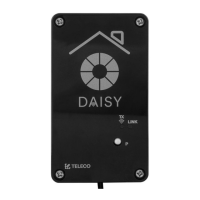
DAISY BOX
Via dell'Artigianato, 5 - 31014 Colle Umberto (TV) ITALY
Tel. +39.0438.388511 Fax +39.0438.388536
Web site: www.telecoautomation.com
DATE: 01/06/18
REV: 2.0
G304BK-CO-SER1
colore come G304BK-CO-SER
ROOMS
ROOM
ROOMName:
Select your room
Load your room
ROOMS
Delete


 To Next Page