EasyManua.ls Logo

Telefunken P5 - User Manual

Telefunken P5
29 pages
Print Icon
To Next Page IconTo Next Page
Loading...
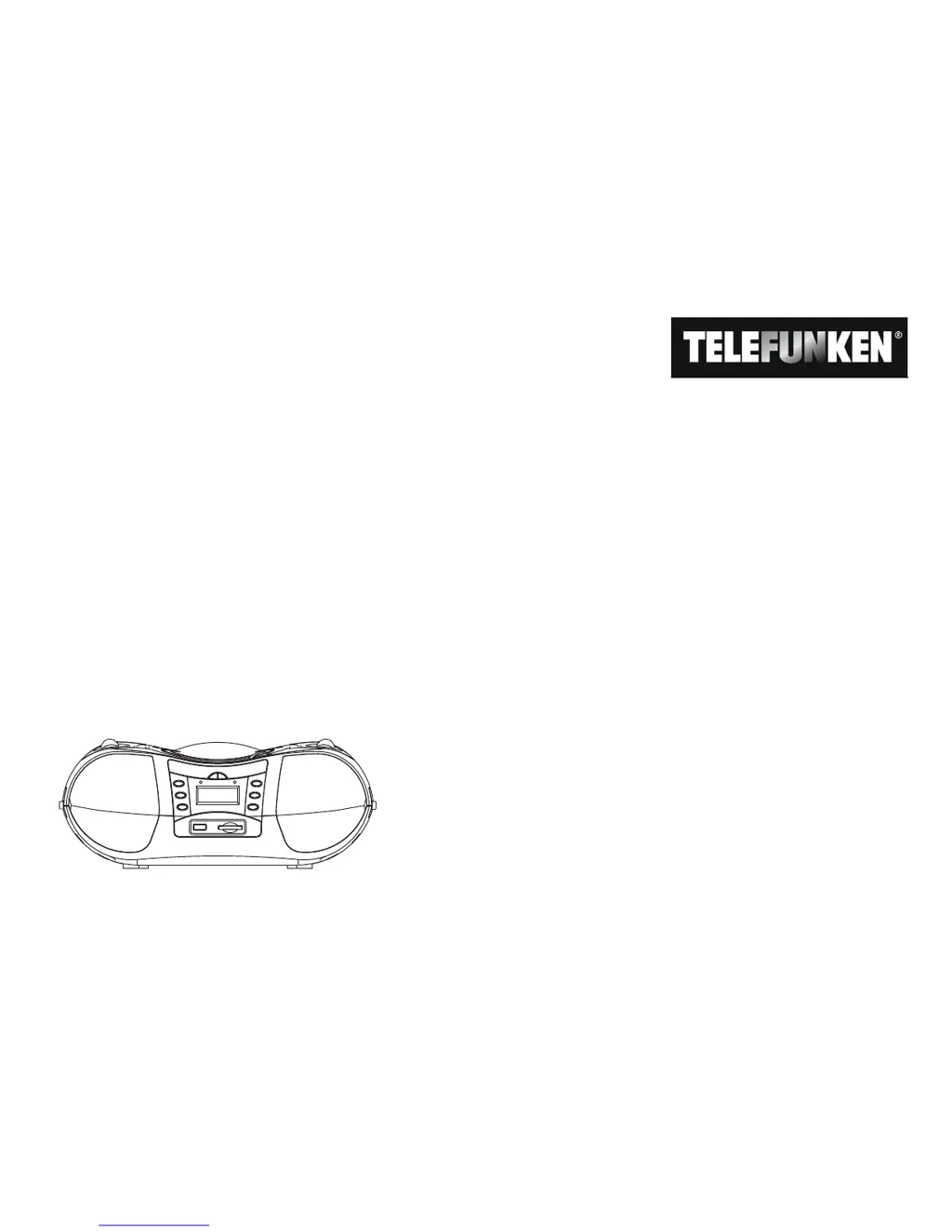
P5
Portable radio
with MP3/WMA CD player,
USB and SD/MMC card slot
Operating manual

Questions and Answers

  • P
    pattersonarthurAug 16, 2025
    Why is there no sound coming from my Telefunken Portable Radio?
    • A
      alambAug 16, 2025
      If there is no sound from your Telefunken Portable Radio, try increasing the volume. Also, ensure that the headphone plug is removed from the unit if you want the sound to be produced through the speakers. Check that the correct source has been selected.
  • M
    Mary WatsonAug 18, 2025
    What to do if my Telefunken Portable Radio won't turn on?
    • G
      Gregory BrownAug 18, 2025
      If your Telefunken Portable Radio doesn't turn on, it might not be receiving power. Ensure the mains cable is correctly connected to the socket or insert new batteries.
  • B
    Bryan JohnsonAug 21, 2025
    How to fix interrupted sound on my Telefunken Portable Radio?
    • E
      Erica BennettAug 21, 2025
      If the sound on your Telefunken Portable Radio is interrupted, try turning the volume down. The CD might be damaged or dirty, so clean or replace it. Make sure the unit is set up in a vibration-free location.
  • M
    Maurice DominguezAug 25, 2025
    How to improve weak or poor sound quality on Telefunken Portable Radio?
    • G
      George ShawAug 26, 2025
      If the sound quality of your Telefunken Portable Radio is weak or poor, other devices like a television might be interfering with reception, so move the radio further away from these devices. Also, the batteries may be depleted, so replace them with new ones. Ensure the aerial is extended and rotate the aerial or the unit to improve reception quality.
  • C
    Christopher StokesAug 27, 2025
    Why does my Telefunken Portable Radio have background noise?
    • A
      Amanda DavisAug 27, 2025
      If you hear background noise on your Telefunken Portable Radio, a mobile phone or other device near the unit might be transmitting interfering radio waves. Remove the mobile phone or device from the vicinity of the unit.
  • L
    Linda OlsonAug 31, 2025
    What to do if my Telefunken Portable Radio CD won't play or jumps?
    • J
      Joseph JohnsonAug 31, 2025
      If the CD won't play or jumps during playback on your Telefunken Portable Radio, ensure the CD compartment is closed and that the CD is inserted with the label side facing upwards, positioned in the centre of the CD compartment. Clean the CD or use a different CD if it is dirty or defective. If moisture has condensed in the CD compartment, remove the CD and leave the compartment open for about 1 hour to dry.
  • B
    Brian SanchezSep 3, 2025
    Why won't my Telefunken Portable Radio play USB/SD/MMC?
    • A
      Amanda VaughanSep 3, 2025
      If your Telefunken Portable Radio won't play USB/SD/MMC, ensure the unit is set to the USB/SD/MMC mode. Connect the medium, set the FUNCTION to USB/CARD, then select the medium with the USB/SD button. Also, make sure the medium is inserted correctly and populated with music data.
  • B
    Brenda BarreraSep 6, 2025
    How to fix operating errors, loud noises or a faulty display on Telefunken Portable Radio?
    • B
      Brandon CooperSep 6, 2025
      If you are experiencing operating errors, loud noises, or a faulty display on your Telefunken Portable Radio, electronic components in the unit may be defective. Remove the mains plug and disconnect the unit from the power source for approximately 10 seconds, then reconnect the unit or reinsert the batteries.
  • J
    Jesse SpencerSep 9, 2025
    What to do if the display does not turn on Telefunken Portable Radio?
    • M
      Mrs. Connie MasonSep 9, 2025
      To solve the issue of the display not turning on your Telefunken Portable Radio, switch on the unit. Remove the plug, reinsert the plug, switch on the unit.
  • M
    Mary BrownSep 12, 2025
    How do I get stations on my Telefunken Portable Radio?
    • M
      Michael AnthonySep 12, 2025
      To receive stations on your Telefunken Portable Radio, set the “FUNCTION” switch to RADIO.

Summary

Preface and Manual Overview

Target Audience and Manual Layout

Details the intended users and the structural elements of the operating manual.

System Overview

Operating Information and Safety

Safety Instructions

Essential safety warnings and cautions for operating the unit.

Handling Batteries

Guidelines for safe battery insertion, replacement, and storage.

Important Disposal Information

Information on the environmentally responsible disposal of batteries.

Setting Up the Unit

Instructions for placing the unit in a suitable environment for optimal operation.

Unit Description and Preparation

Scope of Delivery

Lists all accessory parts that should be included with the unit.

Special Features of the Unit

Highlights the core capabilities of the radio, CD, USB, and SD/MMC functions.

Improving Station Reception

Tips and methods to enhance the quality of radio signal reception.

Inserting Batteries

Step-by-step guide for installing batteries for portable power.

Battery Disposal

Information on the correct disposal of used batteries due to toxic substances.

Connecting Power and Headphones

Instructions for connecting the mains cable and using headphones, including safety advice.

Connecting External Audio Source

How to connect and play audio from external devices like TVs or MP3 players.

General Functions on the Unit

Powering On;Off and Source Selection

Guides for powering the unit on/off and selecting audio sources like RADIO, USB, CD, or AUX.

Sound Effects and Volume Control

Details on applying equalizer settings and adjusting the overall volume level.

CD Player Operation

CD and MP3;WMA Disc Information

Information on compatible CD formats, MP3/WMA file structure, and burning guidelines.

Compatible Discs and Insertion

Details on compatible media types and instructions for inserting discs into the player.

Removing and Playing Discs

Steps for safely removing CDs and initiating playback, including error indications.

Track Navigation and Selection

How to skip to the next/previous track and select tracks in increments of 10.

MP3;WMA Album and Track Selection

Instructions for navigating and selecting albums and tracks on MP3/WMA CDs.

Fast-Forward and Rewind

How to scan forward or backward within a track during playback.

Repeat Function Modes

Details on repeating a single track, all tracks on a CD, or an album.

Ending Repeat Function

Procedure to deactivate the repeat playback function.

Random and Intro Playback

How to play tracks in random order or sample the beginning of each track.

Programming Playback Sequence

Steps to program a custom sequence of tracks for playback from a CD.

USB and SD;MMC Media Operations

USB Media Handling: Insertion and Removal

Instructions for connecting and disconnecting USB devices for media playback.

USB Playback Functions

Details playback functions and important notes for USB media.

SD;MMC Card Handling: Insertion and Removal

Steps for inserting and removing SD/MMC cards, including priority and media switching.

SD;MMC Playback Functions

Details playback functions and important notes for SD/MMC media.

Radio Operation

Station Tuning and Reception

How to manually tune radio stations and improve reception using aerial and unit positioning.

Switching Off the Radio

Procedure for turning off the radio function and the unit.

Cleaning the Unit

Unit Cleaning and Safety Precautions

Guidelines for safely cleaning the unit's housing, avoiding electric shock and damage.

CD Care and Handling

Best practices for handling, cleaning, and protecting CDs for optimal performance.

Troubleshooting

Unit Power and Sound Issues

Solutions for issues such as the unit not turning on or experiencing no sound.

Display and Noise Problems

Troubleshooting steps for display errors, background noise, and other operational faults.

CD Player Playback Problems

Resolves issues like CDs not playing, skipping, or being unreadable.

USB;SD;MMC Playback Issues

Solutions for situations where USB or SD/MMC media playback is not possible.

Radio Reception Problems

Addresses issues such as no stations received or weak/poor quality sound.

Technical Specifications

Disposal Instructions

Packaging Disposal

Guidelines for environmentally responsible disposal of the product's packaging materials.

Unit Disposal and Recycling

Information on proper disposal and recycling of the unit according to WEEE directive.

Telefunken P5 Specifications

General IconGeneral
EqualizerYes
Frequency range100 - 16000 Hz
Equalizer bands quantity8
Speakers2 x 1.2W
Antenna typeFM, MW
AM band range540 - 1600 kHz
FM band range88 - 108 MHz
Supported radio bandsAM, FM
Media types supportedCD, CD-R, MP3 CD, USB/SD/MMC
Device typePortable CD player
Cassette deckNo
Product colorBlack
Disc loading typeTop
Compatible memory cardsMMC, SD
Display typeLCD
Volume controlRotary
Headphone connectivity3.5 mm
USB 2.0 ports quantity1
Battery typeLR14/C
Battery voltage1.5 V
Power requirements230 V/50 Hz AC, 12 V DC
Power consumption (typical)13 W
Operating temperature (T-T)5 - 35 °C
Dimensions (WxDxH)355 x 236 x 145 mm
Weight and Dimensions IconWeight and Dimensions
Weight1850 g

Related product manuals