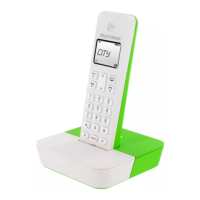
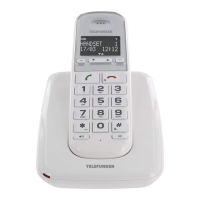
TX Bluetooth 52
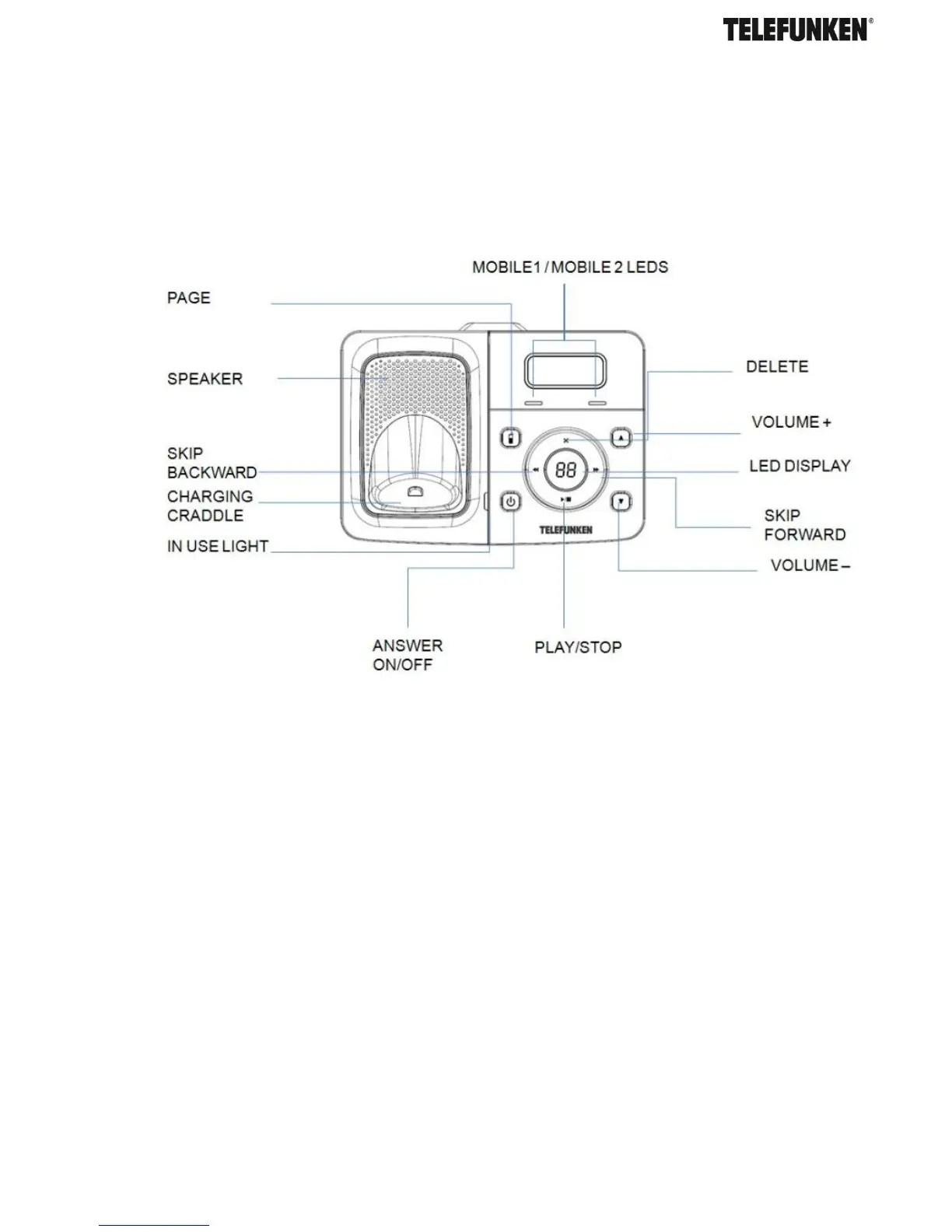
D. Answering system
F. Navigating the menus
1. Press MENU/OK to open the main menu.
2. Press UP/DOWN to move through the available options.
3. Press MENU/OK to select a menu option or TALKOFF/CLEAR to return to the previous
screen, or press and hold TALKOFF/CLEAR to return to standby mode.
3 BLUETOOTH®
A. Introducing Bluetooth®
Your new TELEFUNKEN TX 1** telephone system with Bluetooth
®
wireless technology has the
following features:
- Pair up to four Bluetooth
®
enabled devices (mobile phones or headsets) with the telephone
base.
- Connect a maximum of two mobile phones to make and receive mobile calls. Only one mobile


 To Next Page