10 LCD62 Keypad User Manual
Display
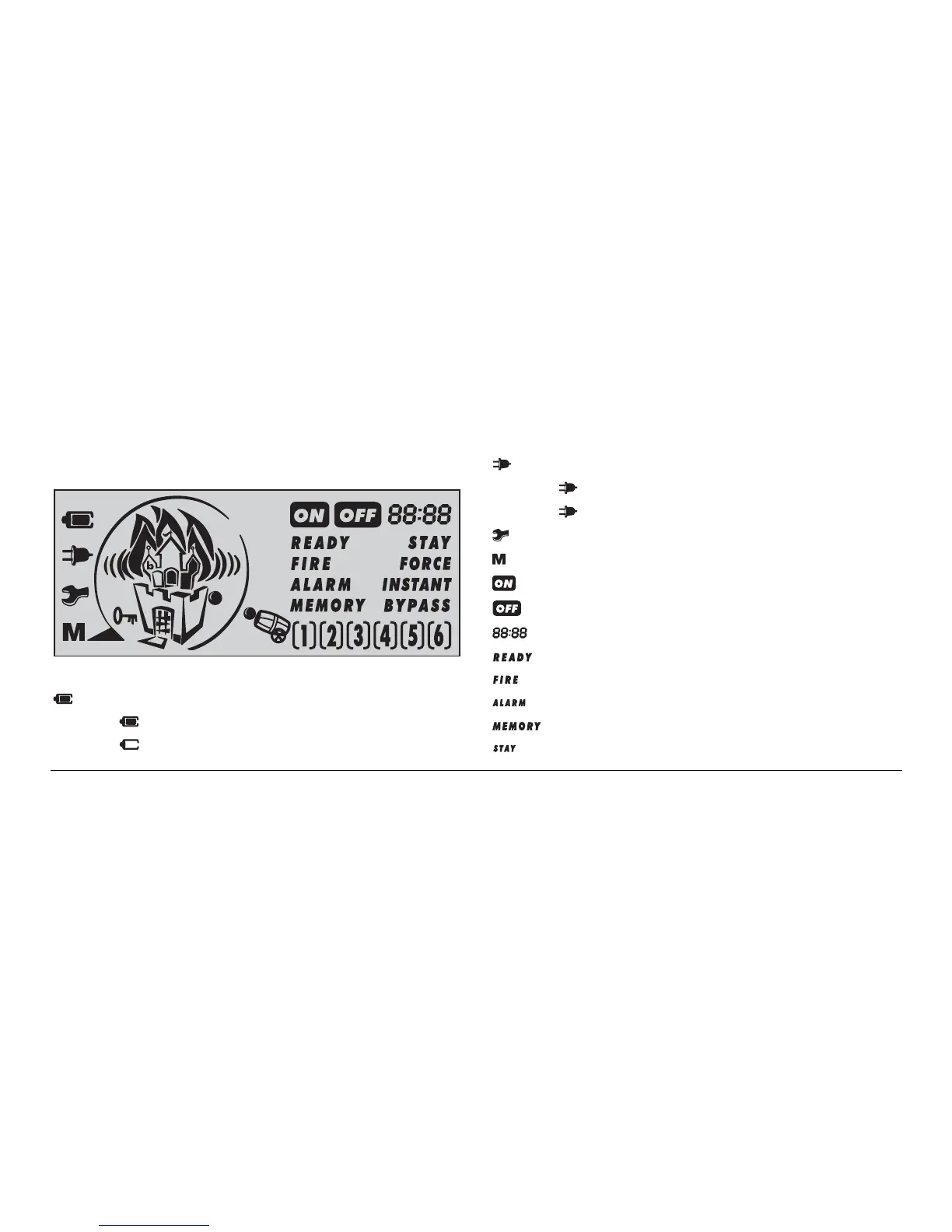
Figure 1. LCD Display
– indicates battery condition:
(static) – battery OK
(blinking) – battery low or missing
– indicates power supply status:
(static) – power supply OK
(blinking) – power supply loss
– indicates system trouble (blinking)
– indicates events memory record
– indicates the system is armed
– indicates the system is not armed
– displays various information (time, date, codes, etc.)
– indicates the system is ready to be operated
– indicates fire alarm
– indicates alarm
– indicates events memory record (See page 19)
– indicates the system is stay armed (See page 13)



 To Next Page