LCD62 Keypad User Manual 23
Manager Level Programming
Blinking symbol indicates the system is in
programming mode.
Changing the Manager Code
Manager is required to enter his/her personal code first
before changing it.
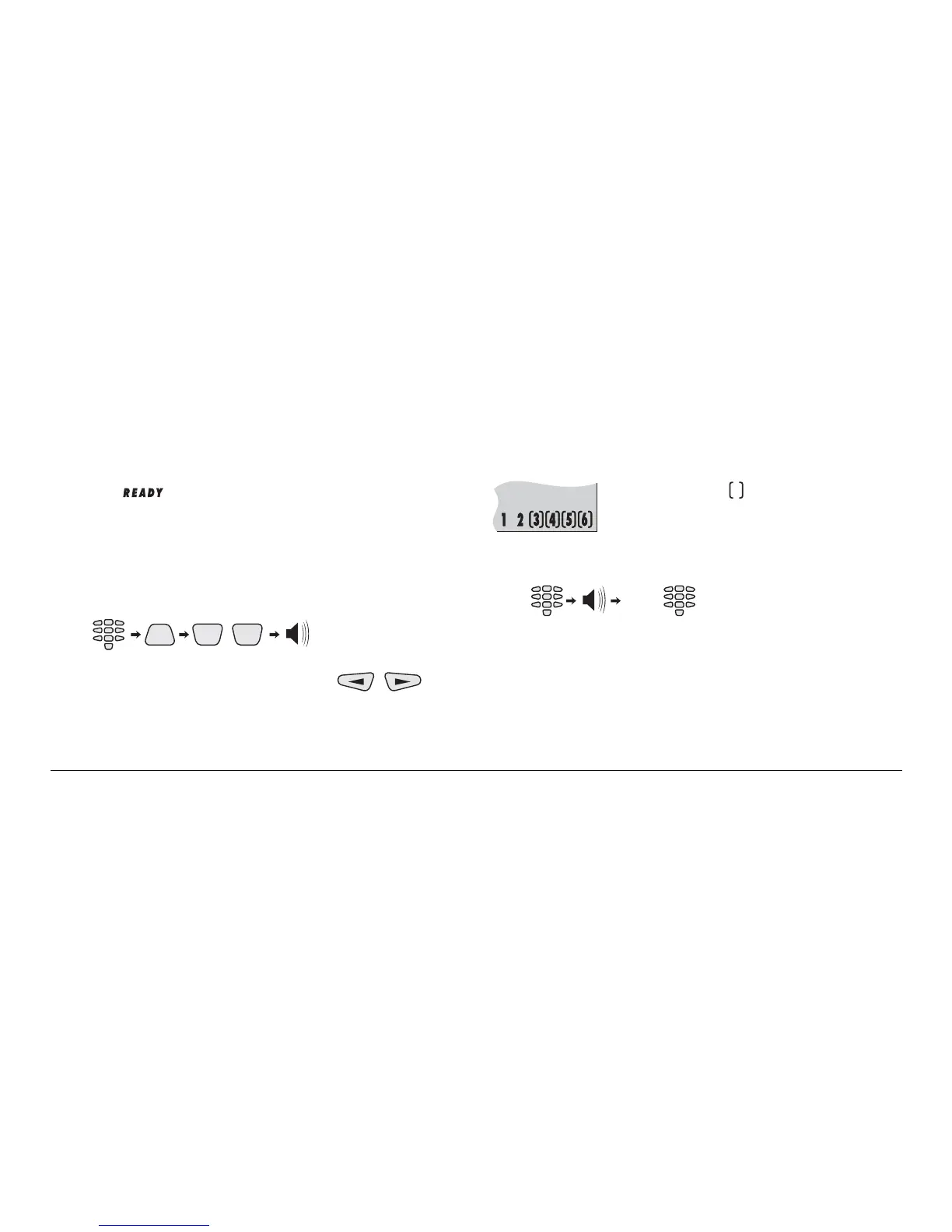
Manager code changing key sequence:
CODE
PRG
,
(2 beeps)
00
Now the manager can switch using the
keys
between code changing mode and remote permissions
mode.
Initially the system is in code changing mode.
LCD displays:
The number of the symbols surrounding
the figures indicate the number of the code
digits left to enter
The manager is expected to enter a new code.
Entering a new manager code key sequence:
NEW
CODE
(2 beeps)(4 digits) (once again)
NEW
CODE
The new code is accepted and the system automatically goes
into the remote permissions mode.



 To Next Page